
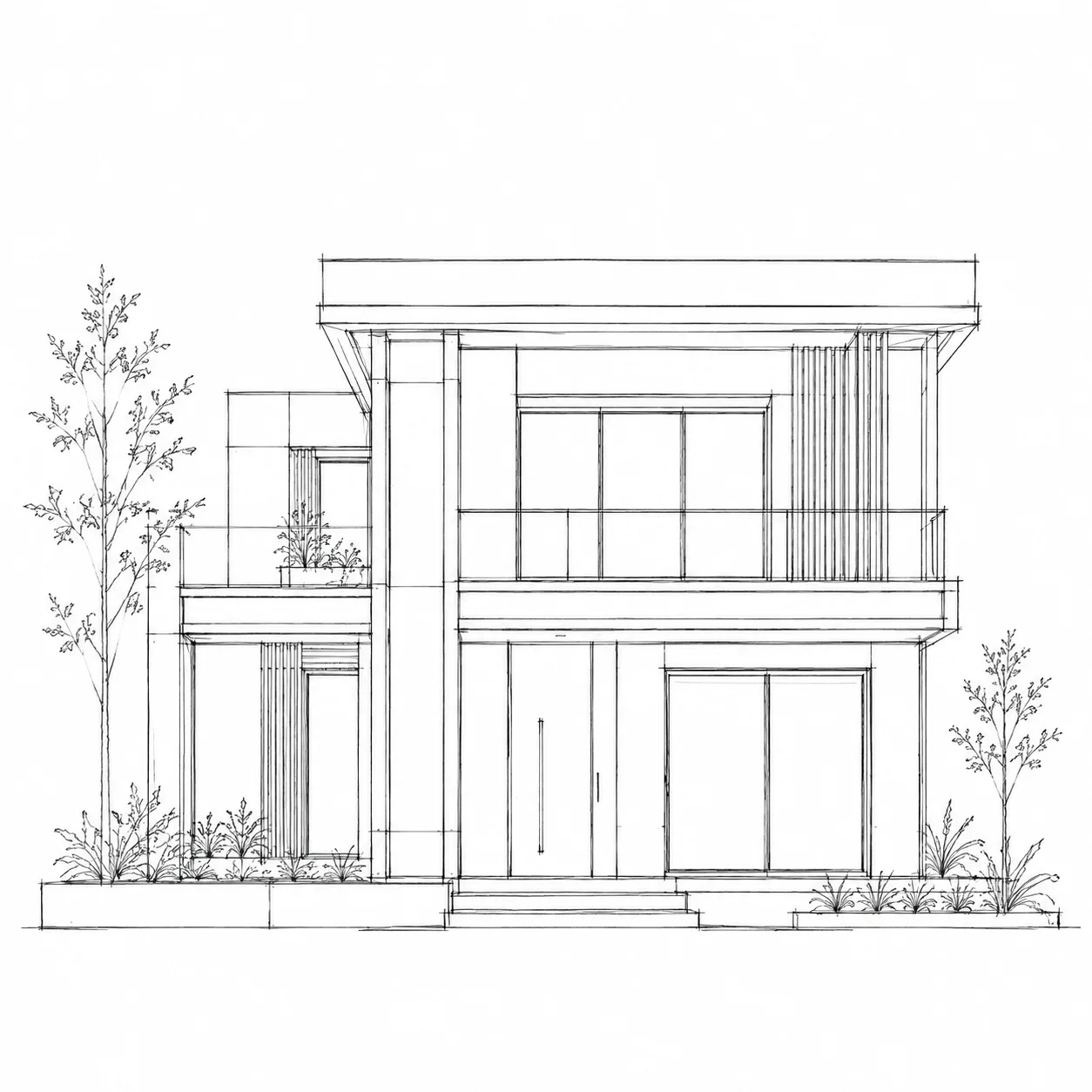
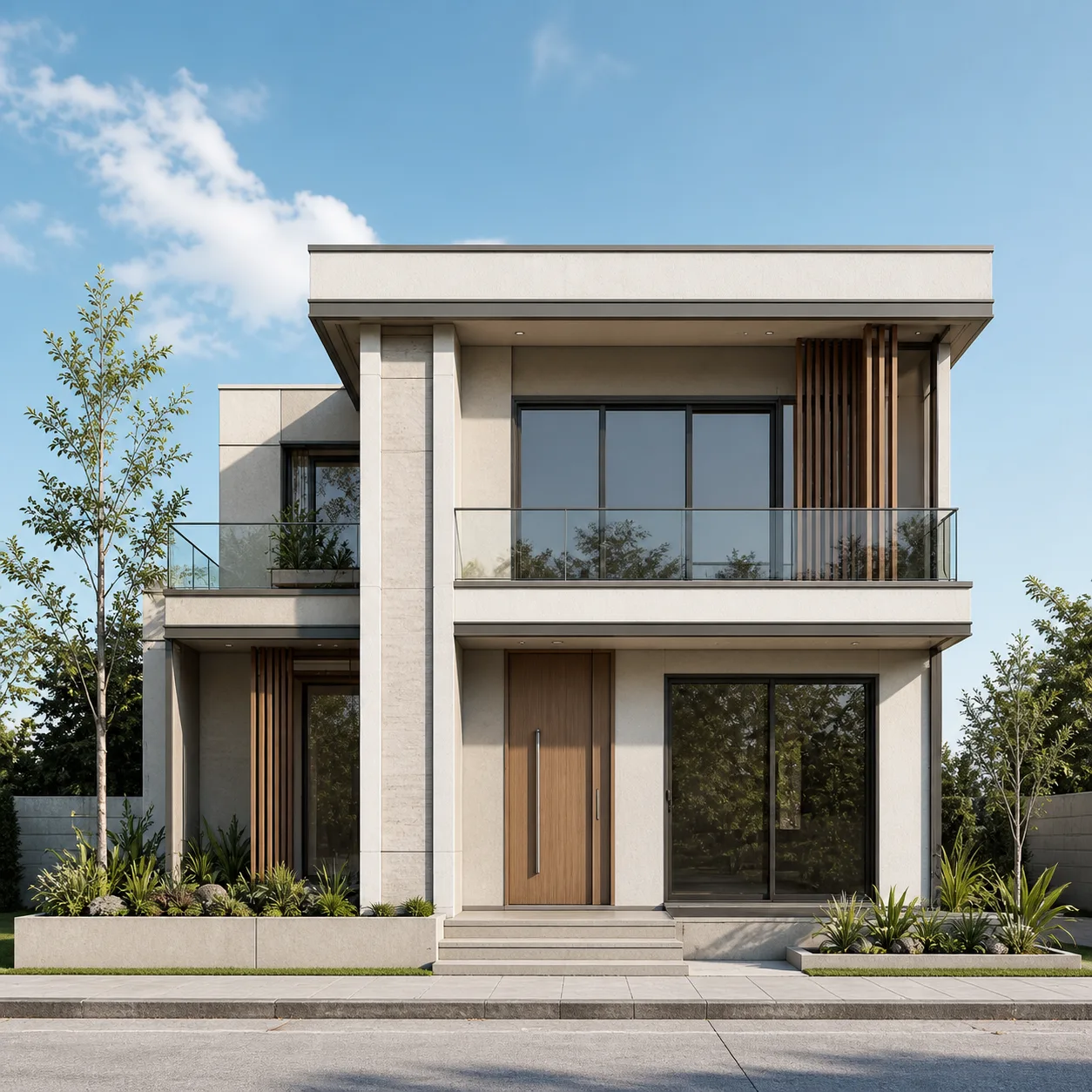
See the AI Render Video Generator in Action
A single floor plan render animated into a smooth drone-style fly-through — no camera rig, no separate video software.
Drone mode: one still render, animated into a cinematic camera move.
How to Use the AI Render Video Generator
From a still render to a finished video in three steps — pick your images, choose a motion, and let the AI render video generator do the rest.
Upload Your Renders
Add a before/after pair for a Transition video, or a single floor plan, interior, or exterior render for a Drone fly-through.
Choose a Template or Write a Custom Prompt
Pick from ready-made transition and camera-motion templates, or describe your own pacing, lighting, and camera movement in plain English.
Generate and Download
Render at 16:9 or 9:16, 4–8 seconds, then download an MP4 ready for a listing, a pitch deck, or social media.
Everything You Need to Animate a Render
Built for floor plans, interior renders, and exterior renders alike — pick your images and let the AI render video generator handle the rest.
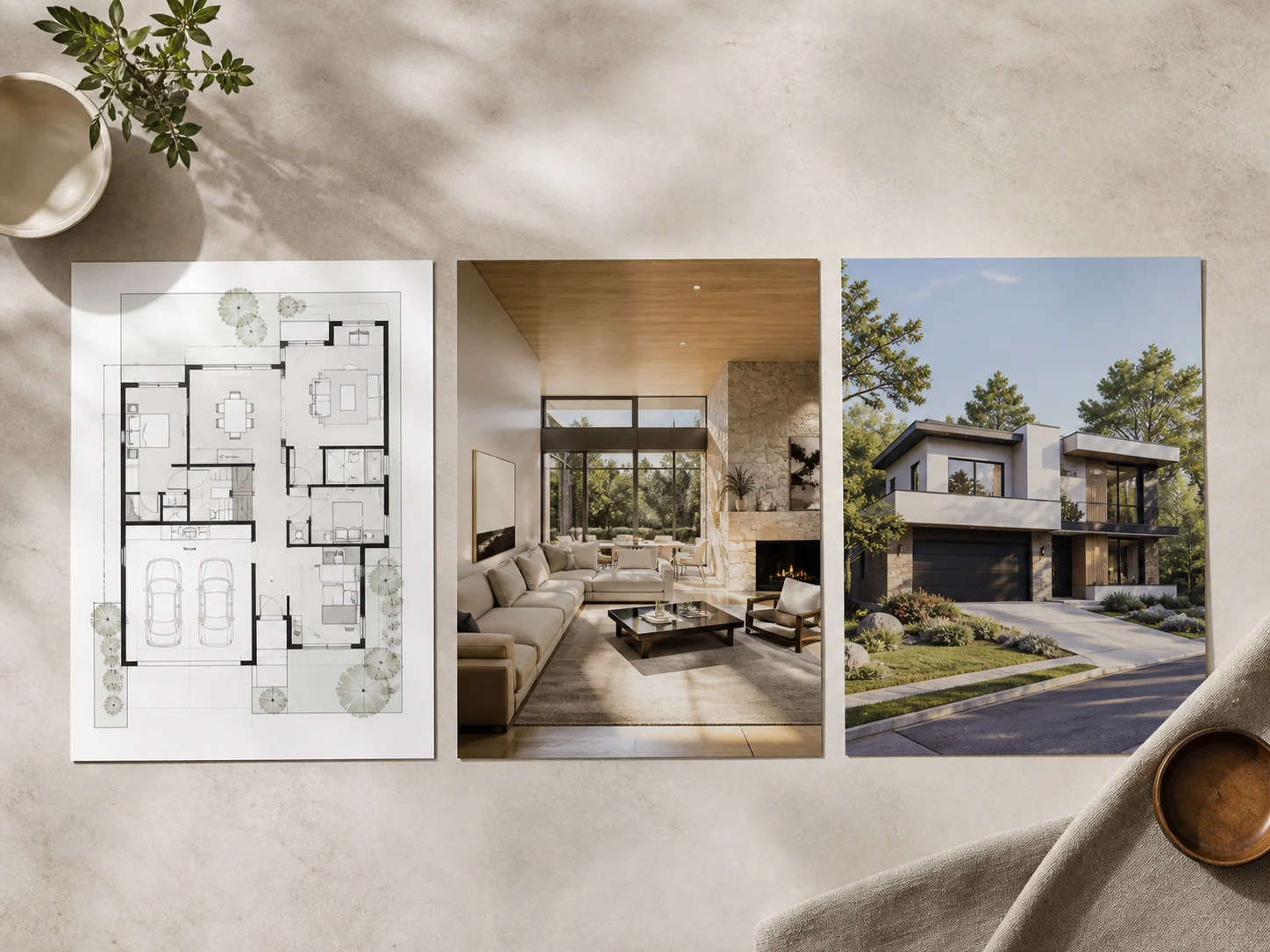
Works With Every Render Type
Floor plan, interior, or exterior — the AI render video generator doesn't care which kind of render you upload. Use the same tool for a whole project instead of hunting for a separate app per render type.
Animate a Render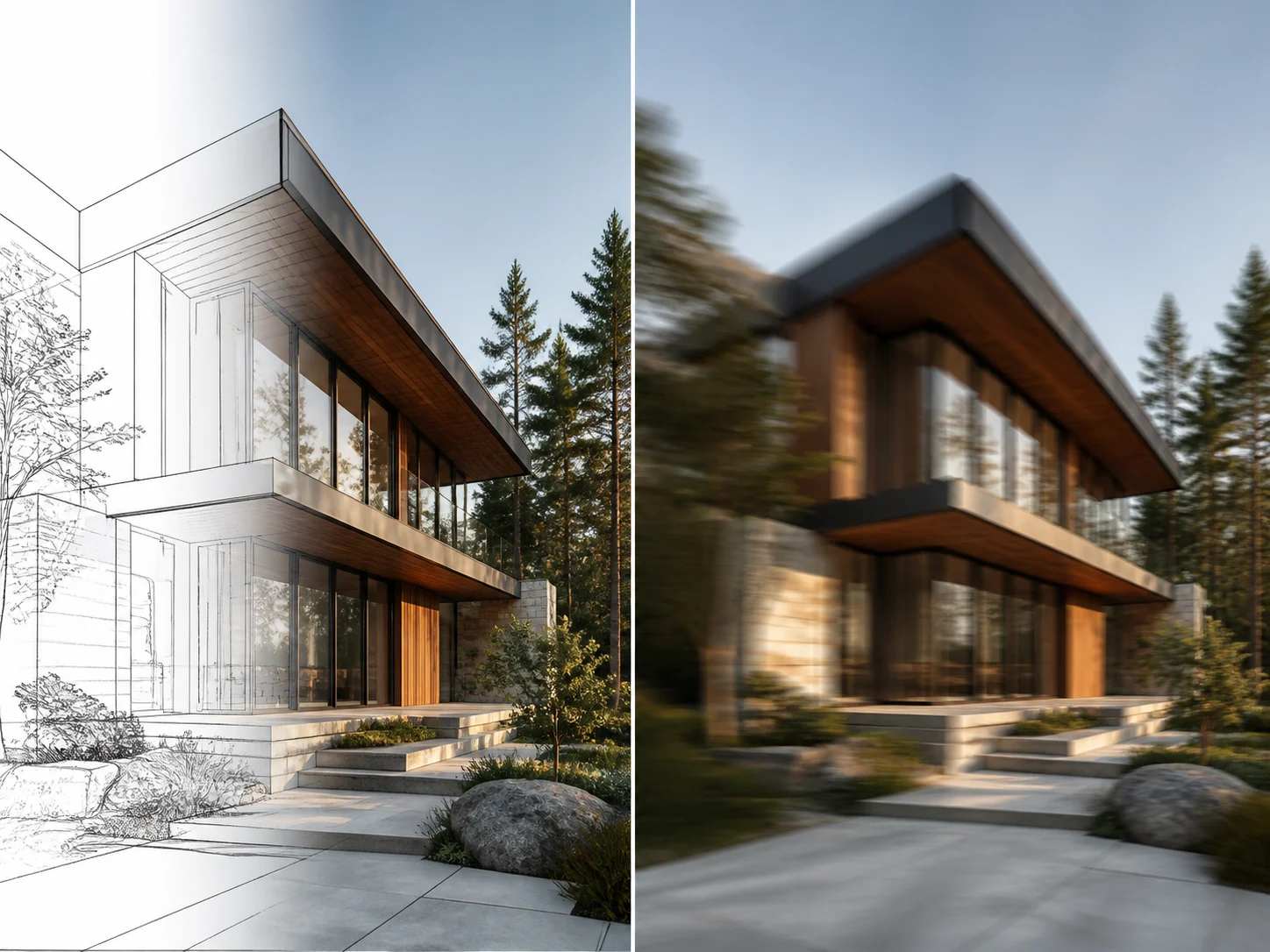
Transition or Drone, Your Choice
Blend a before and after render into one reveal video with Transition mode, or bring a single render to life with a Drone-style camera move — zoom, pan, or crab shot.
Pick a Mode
Template Presets or a Custom Prompt
Choose a ready-made transition or camera motion in one click, or switch to Custom mode and describe the exact pacing, lighting, and camera path you want in plain English.
Browse Templates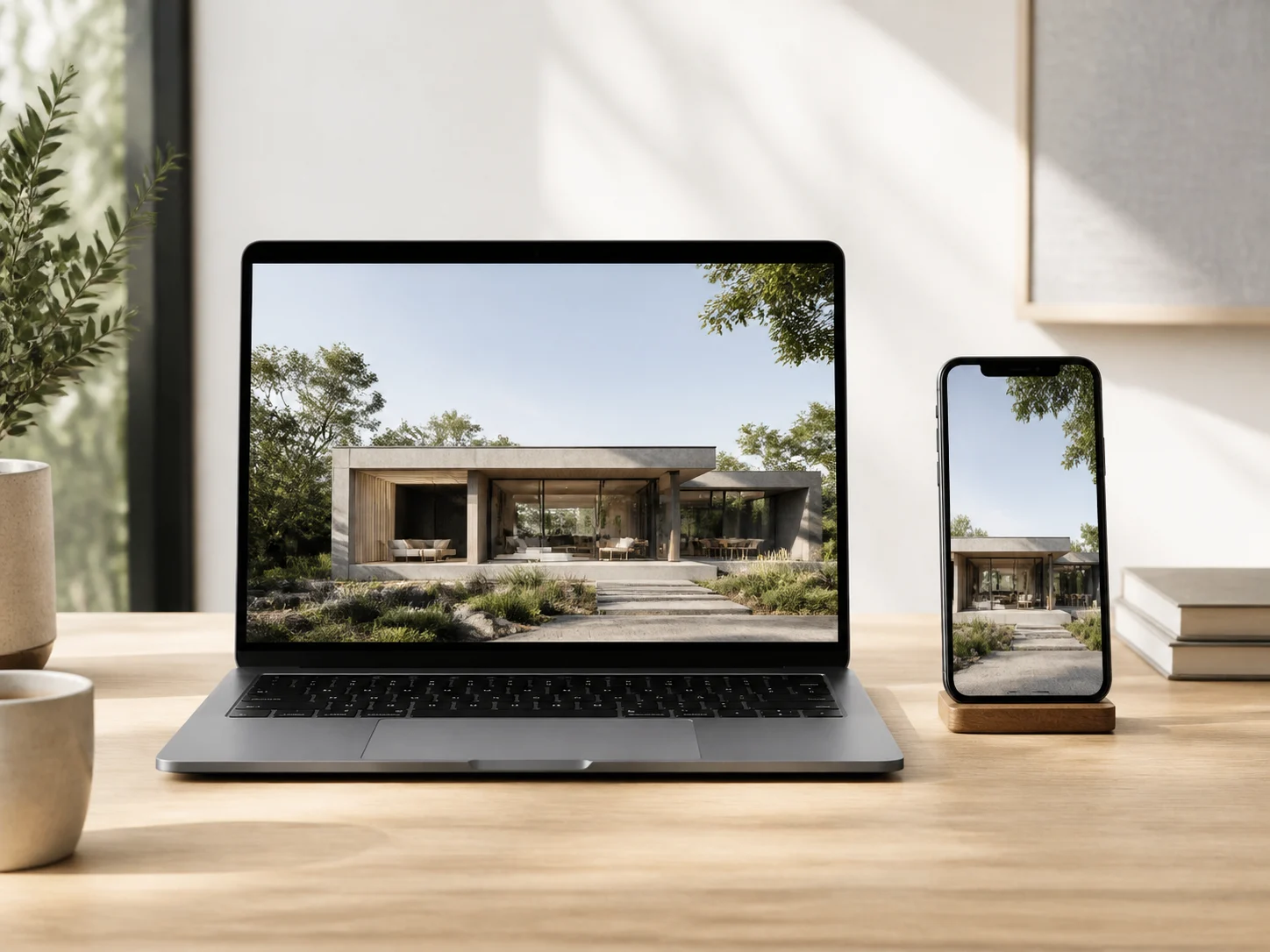
720p Export, Ready to Share
Every render video renders in 720p at 16:9 or 9:16, in 4, 6, or 8 seconds — sized for a website hero, a pitch deck, or a Reels post without any extra editing.
Choose Your Format
Priced by Length, Not by Render Type
A render video costs the same whether it is a Transition or a Drone fly-through, floor plan or exterior — pricing is based only on how many seconds you generate, starting at 16 credits.
See PricingWho Animates Renders With Archybase
One tool, every render type — here is who reaches for it most.
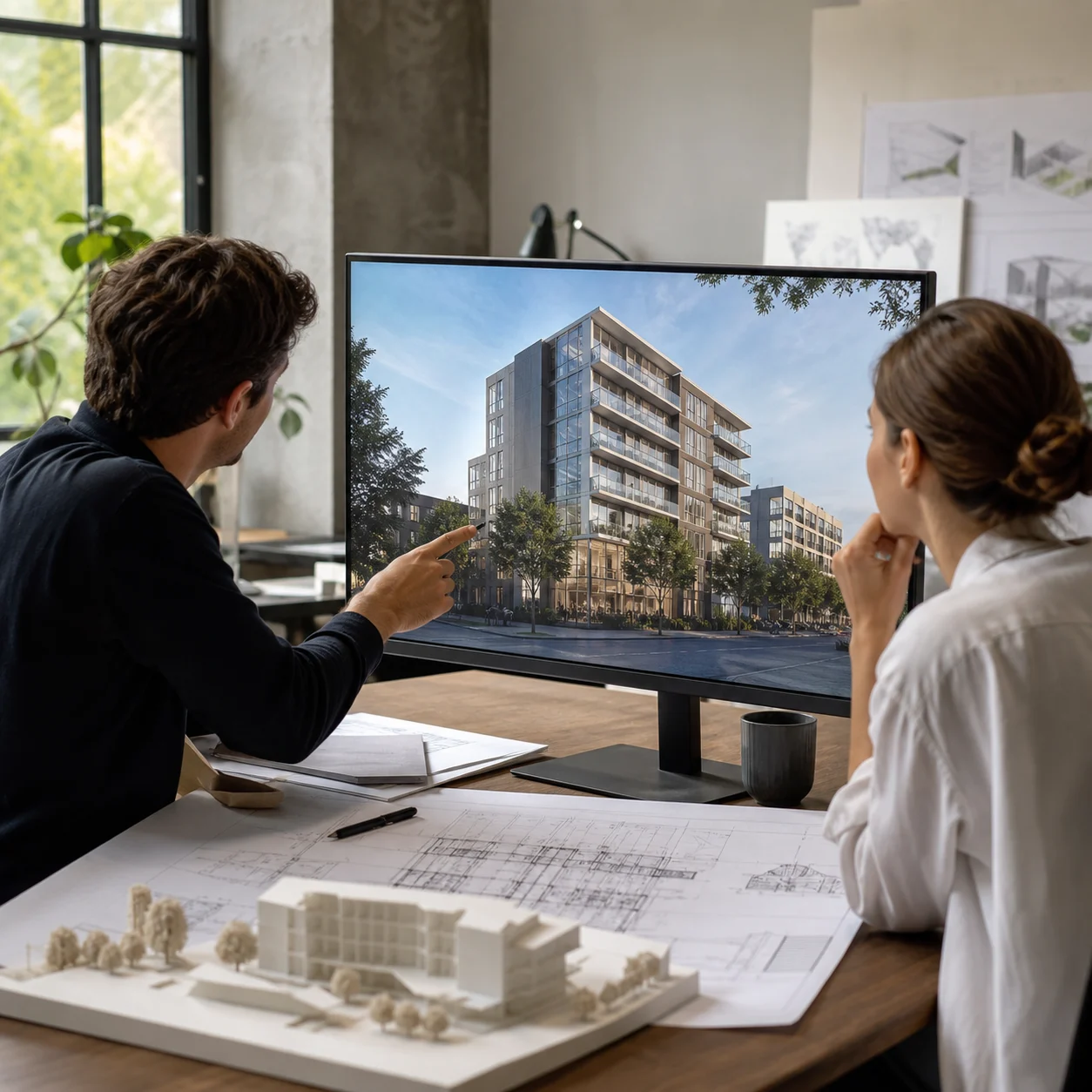
For Architecture & Design Studios
Turn a client deliverable render into a short walkthrough video for the next presentation, without booking time with a separate animator.
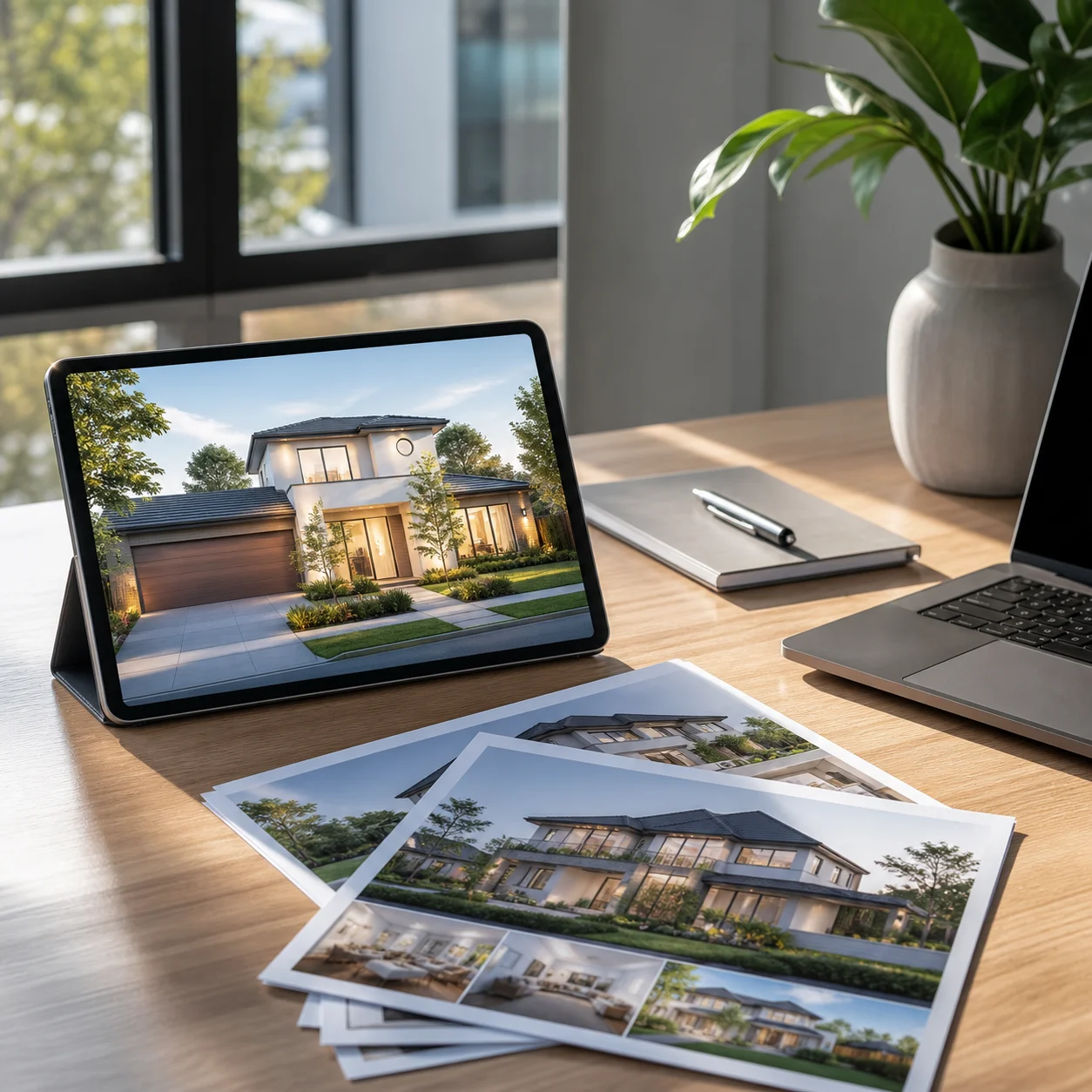
For Real Estate Marketers
Animate a floor plan or exterior render into a video that holds attention longer than a static image on a listing page or social post.
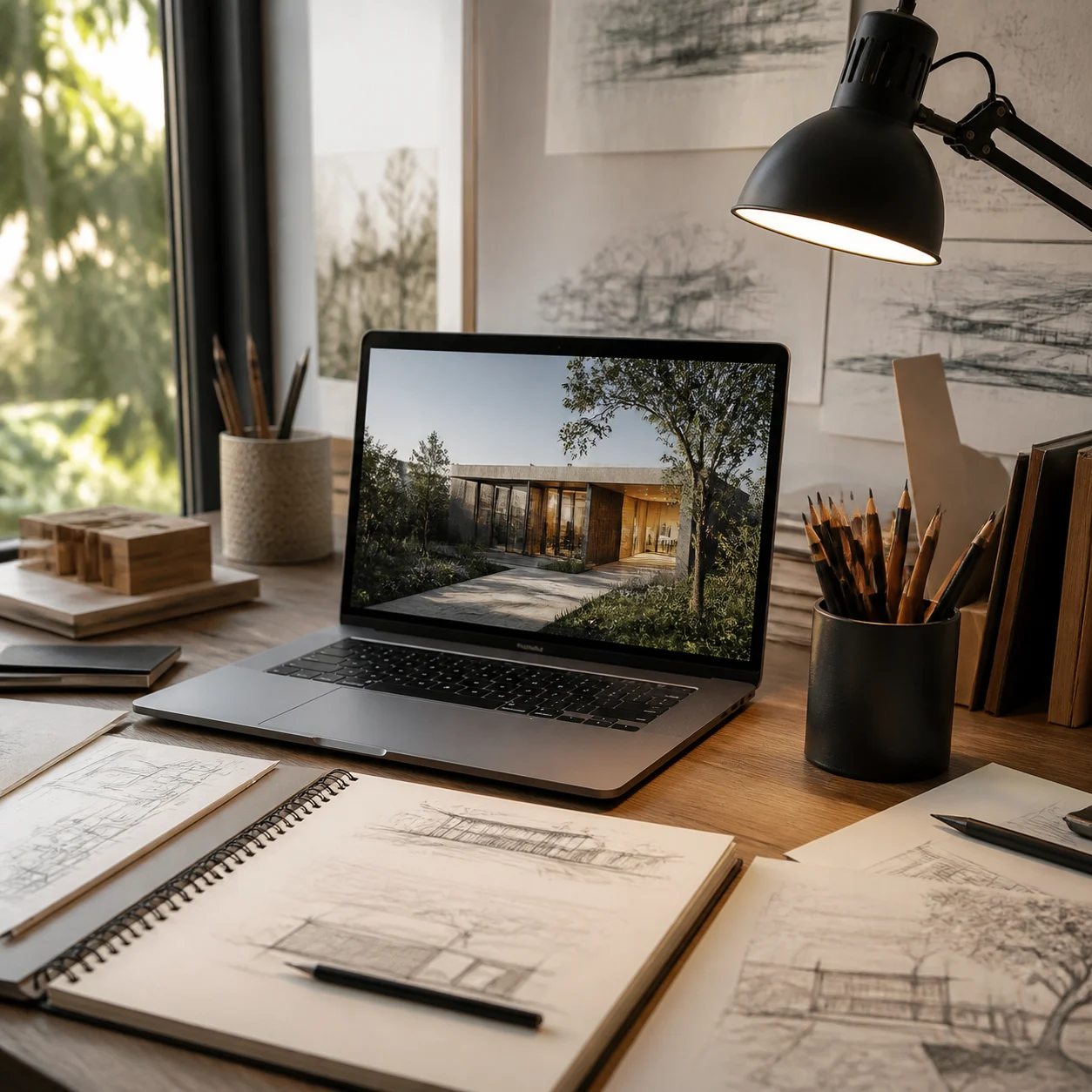
For Students & Portfolio Builders
Give a studio project or competition render some motion for a portfolio reel or a jury presentation, without learning animation software.
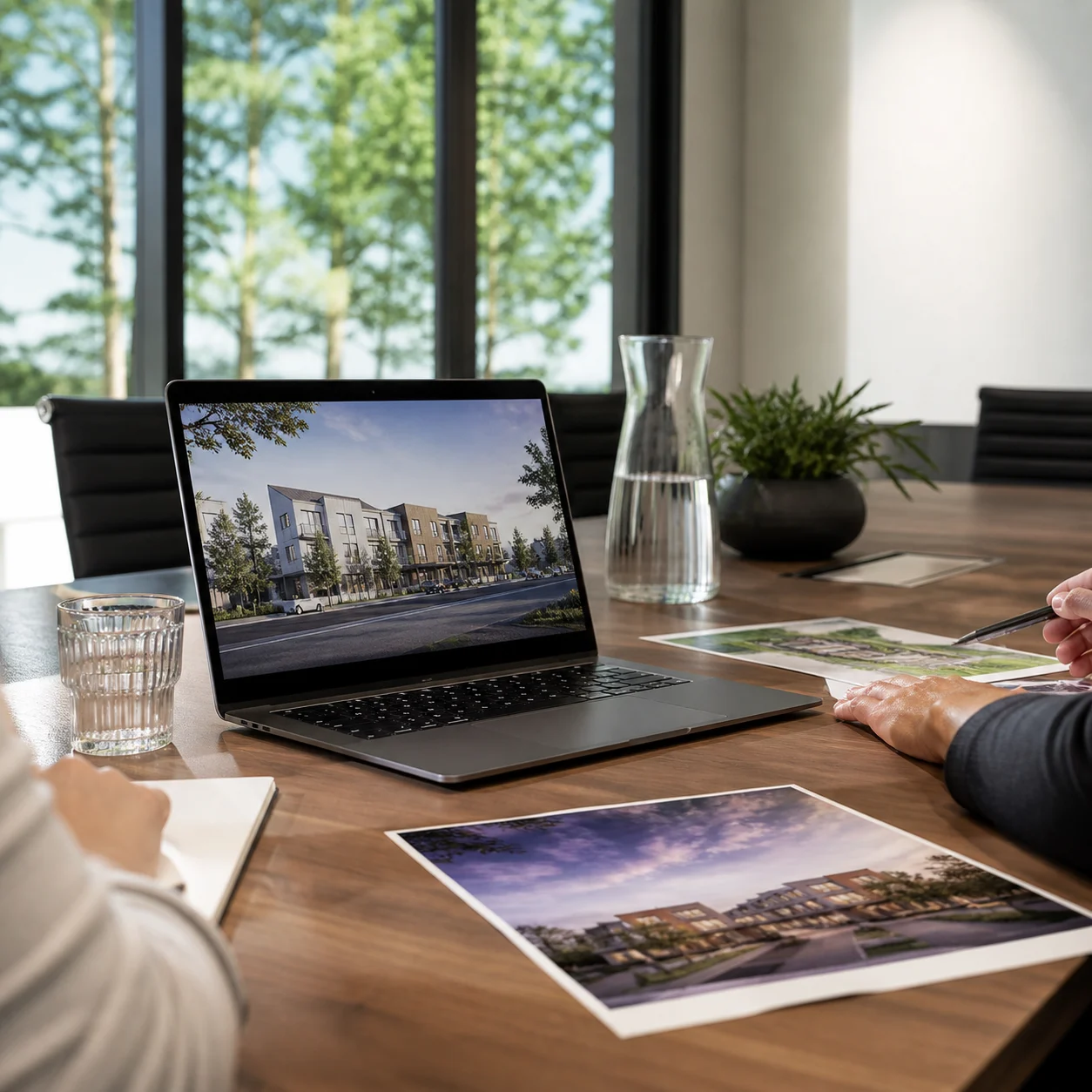
For Developers & Marketing Teams
Turn a pre-sale render into a short video for a landing page or ad campaign, ready before the next sales deadline.
AI Render Video Generator Questions

Turn Your Next Render into a Video
Upload a floor plan, interior, or exterior render and see it move in minutes with the AI render video generator.
✨ 720p export · Transition or Drone mode · From 16 credits