


AI Interior Design Examples From Real Rooms
Every example below started as an ordinary room photo. Here's what the AI interior design generator produced across six different styles.
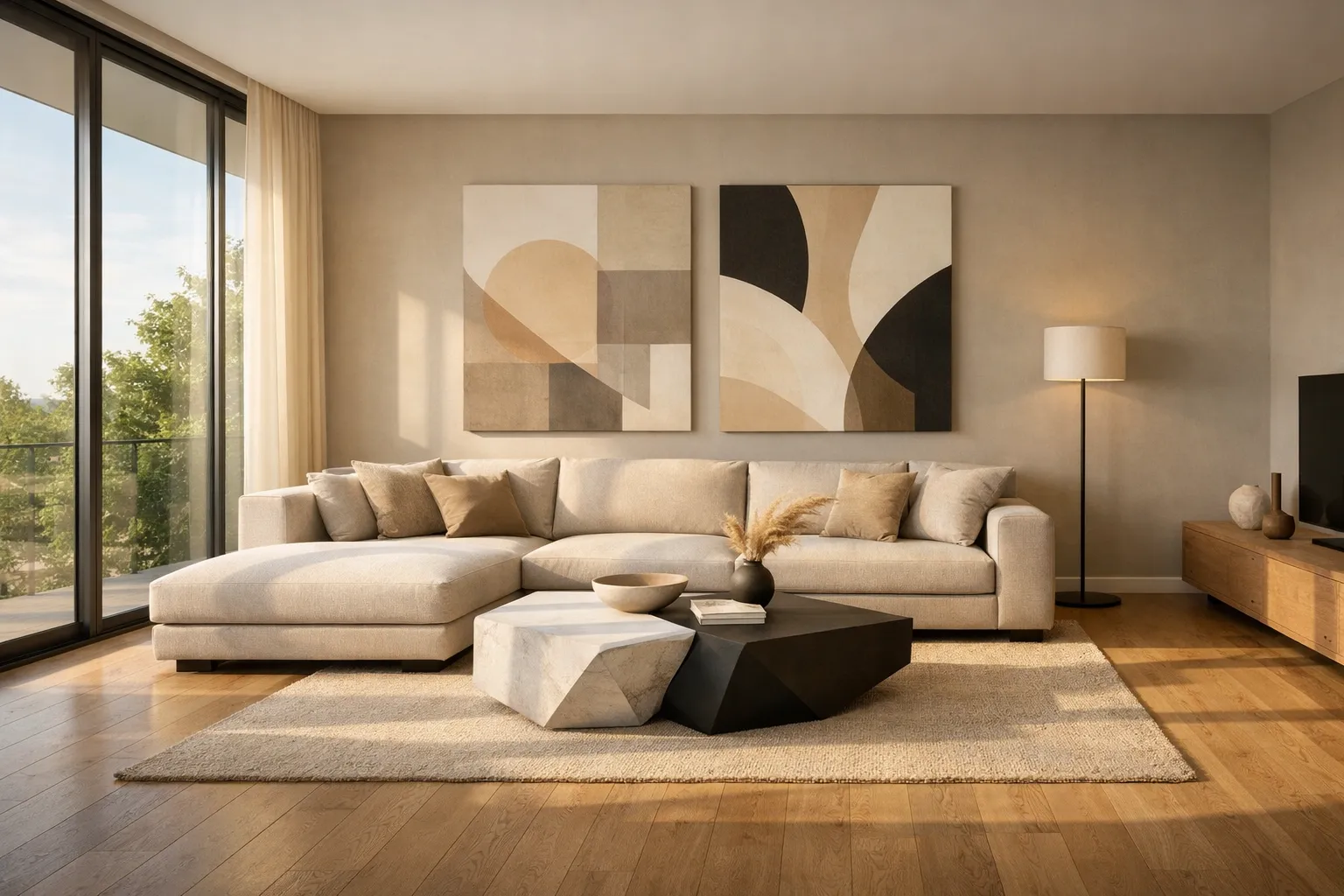
Modern Living Room Transformation
Contemporary minimalist style with neutral tones and clean furniture lines.
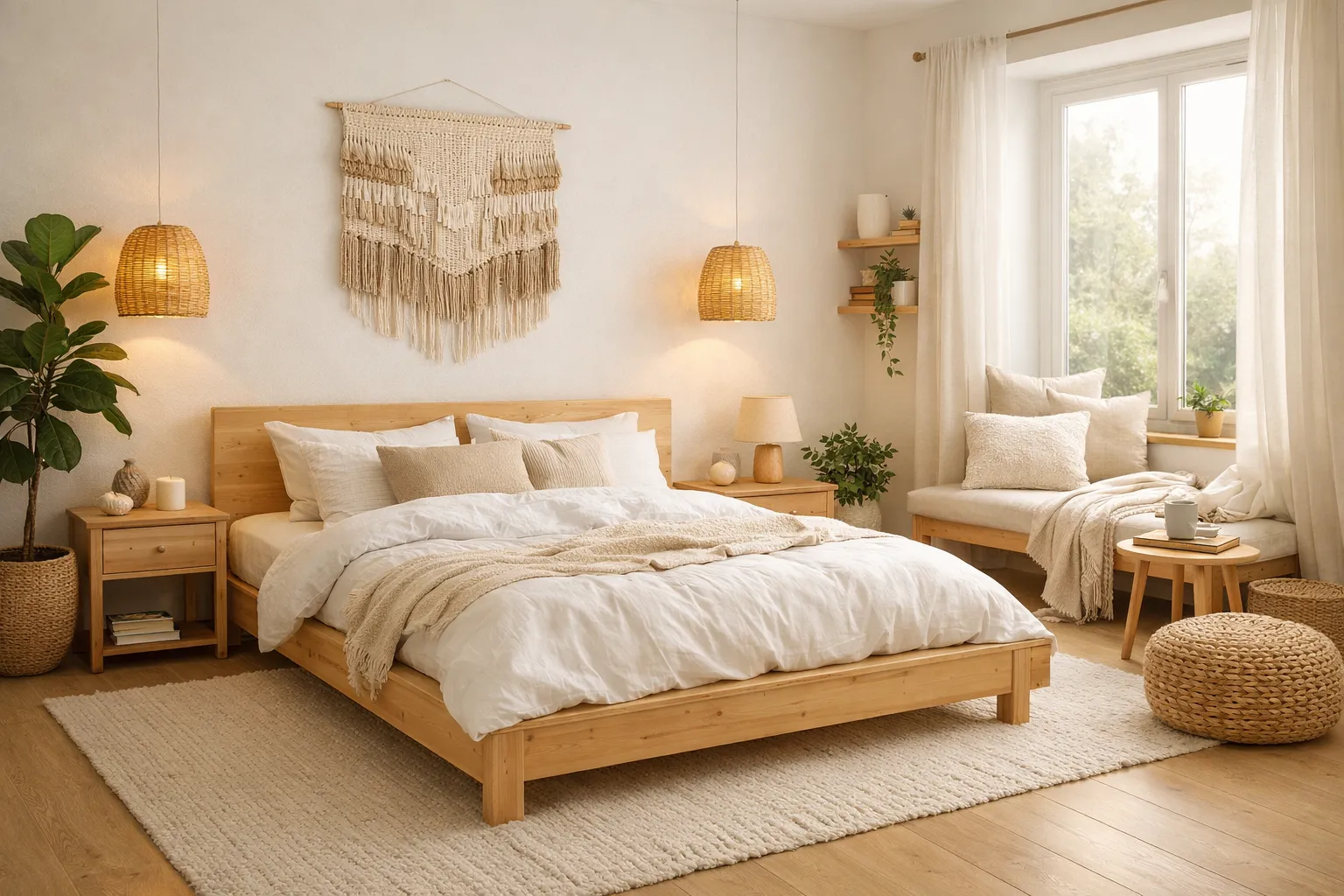
Scandinavian Bedroom Redesign
Cozy Nordic aesthetic with light wood, white walls, and natural textiles.

Industrial Kitchen Makeover
Urban loft look with exposed brick, black steel fixtures, and open shelving.
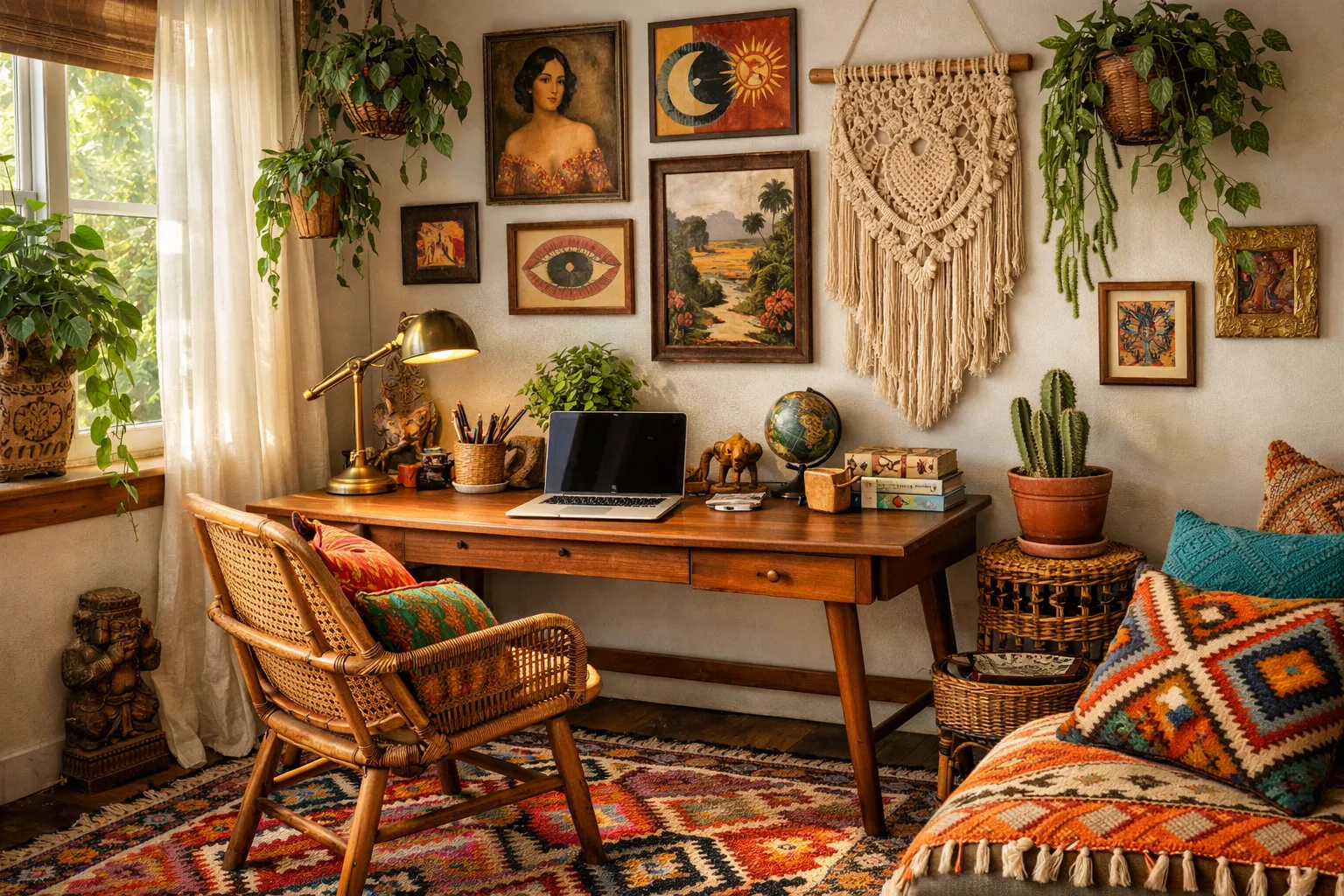
Bohemian Home Office
Eclectic workspace built from a floor plan, with layered textiles and vibrant accent colors.
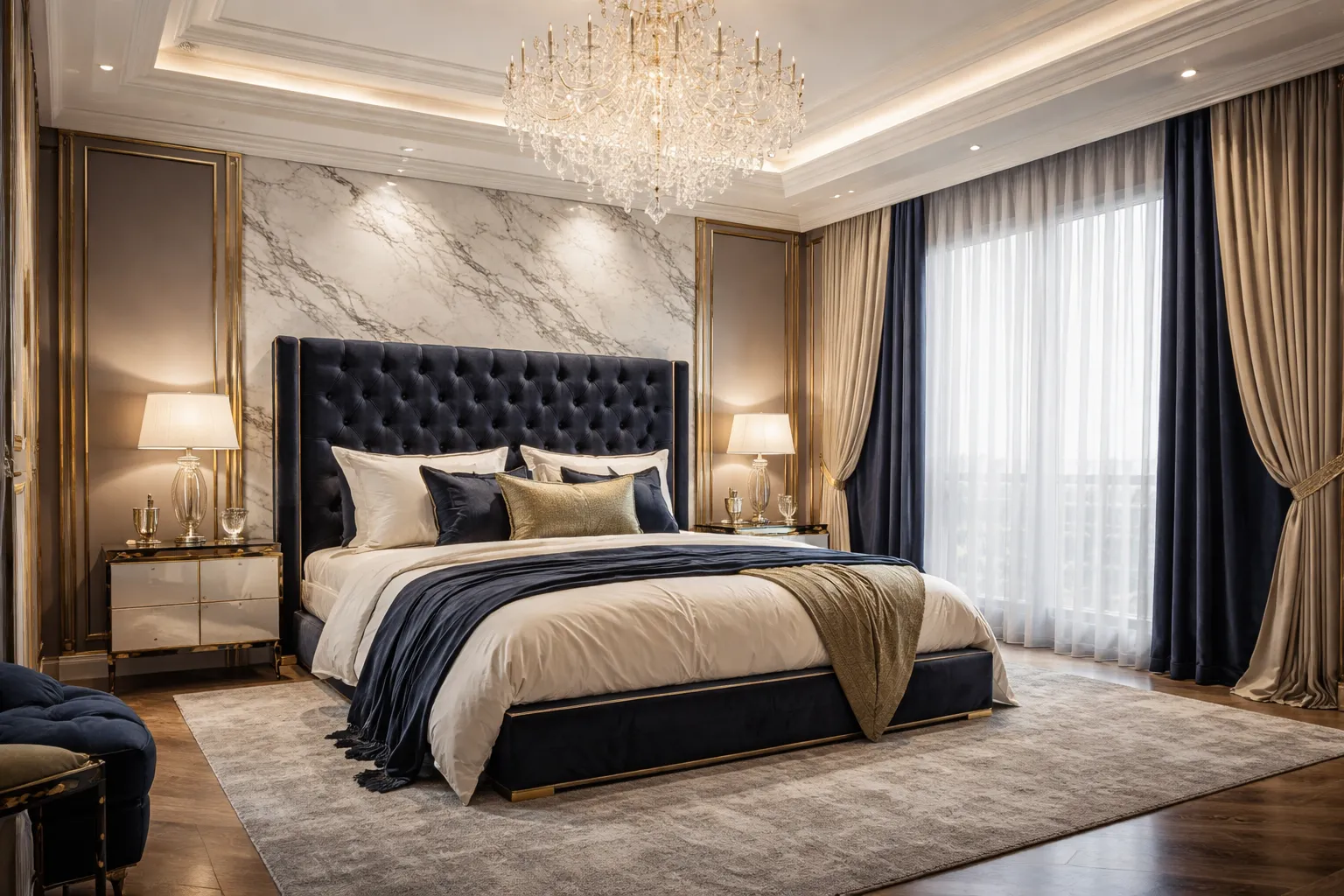
Luxury Master Suite
Hotel-inspired bedroom with a tufted headboard, warm brass accents, and soft ambient lighting.
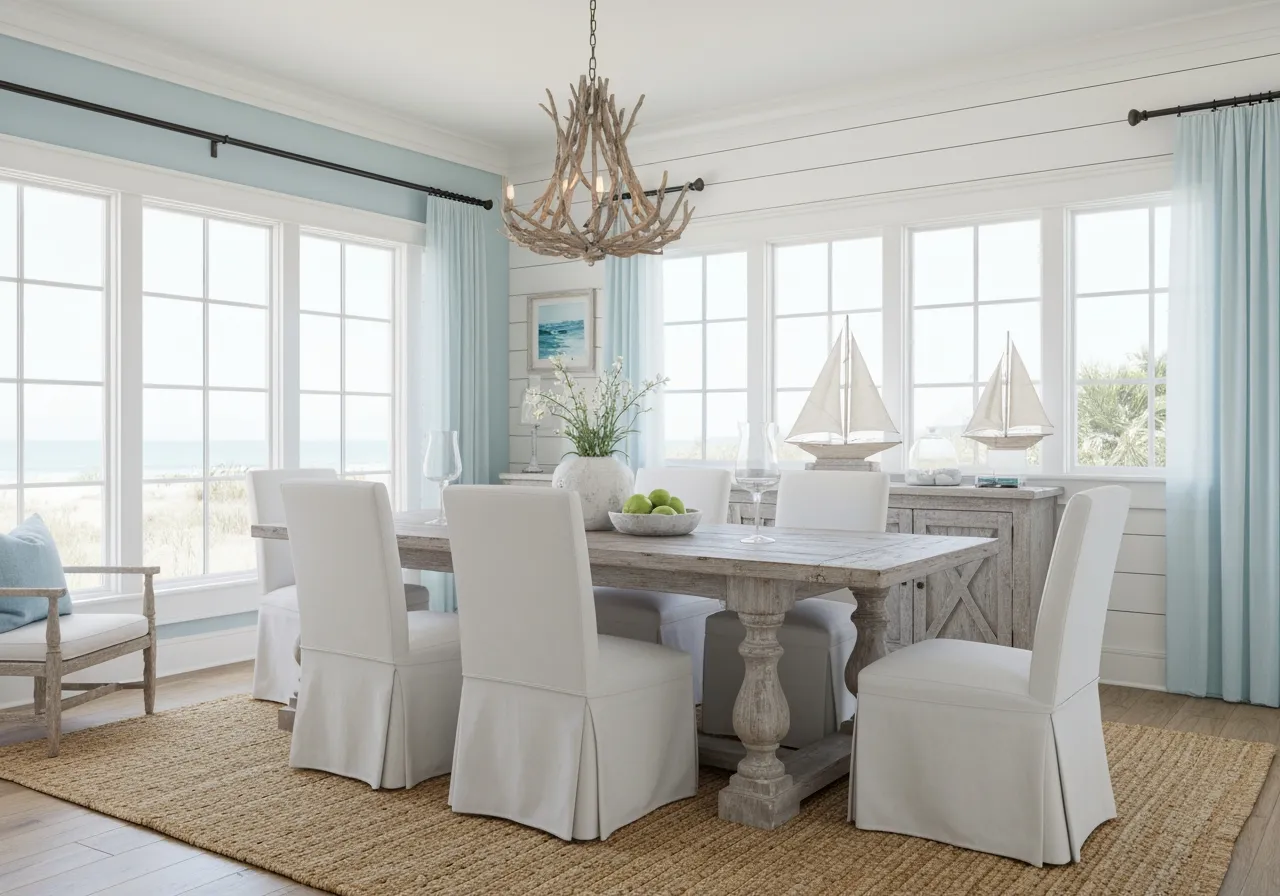
Coastal Dining Room
Beach-inspired palette with whitewashed wood, linen textures, and airy natural light.
How AI Interior Design Works
Three steps, no design experience needed: upload a photo, pick a style, and get a redesigned room in under 2 minutes.
Upload Your Room Photo
Snap a photo of your room, or upload one you already have. A floor plan works too if the room isn't furnished yet.
Choose Your Design Style
Pick from 183+ styles — modern, Scandinavian, industrial, minimalist, and more — or let the generator suggest one based on your room.
Get Your Redesigned Room
The AI interior design generator renders a photorealistic result in under 2 minutes, ready to download in full resolution.
AI Interior Design Generator — Key Features
What actually matters when you're redesigning a room, from the first upload to the final render.
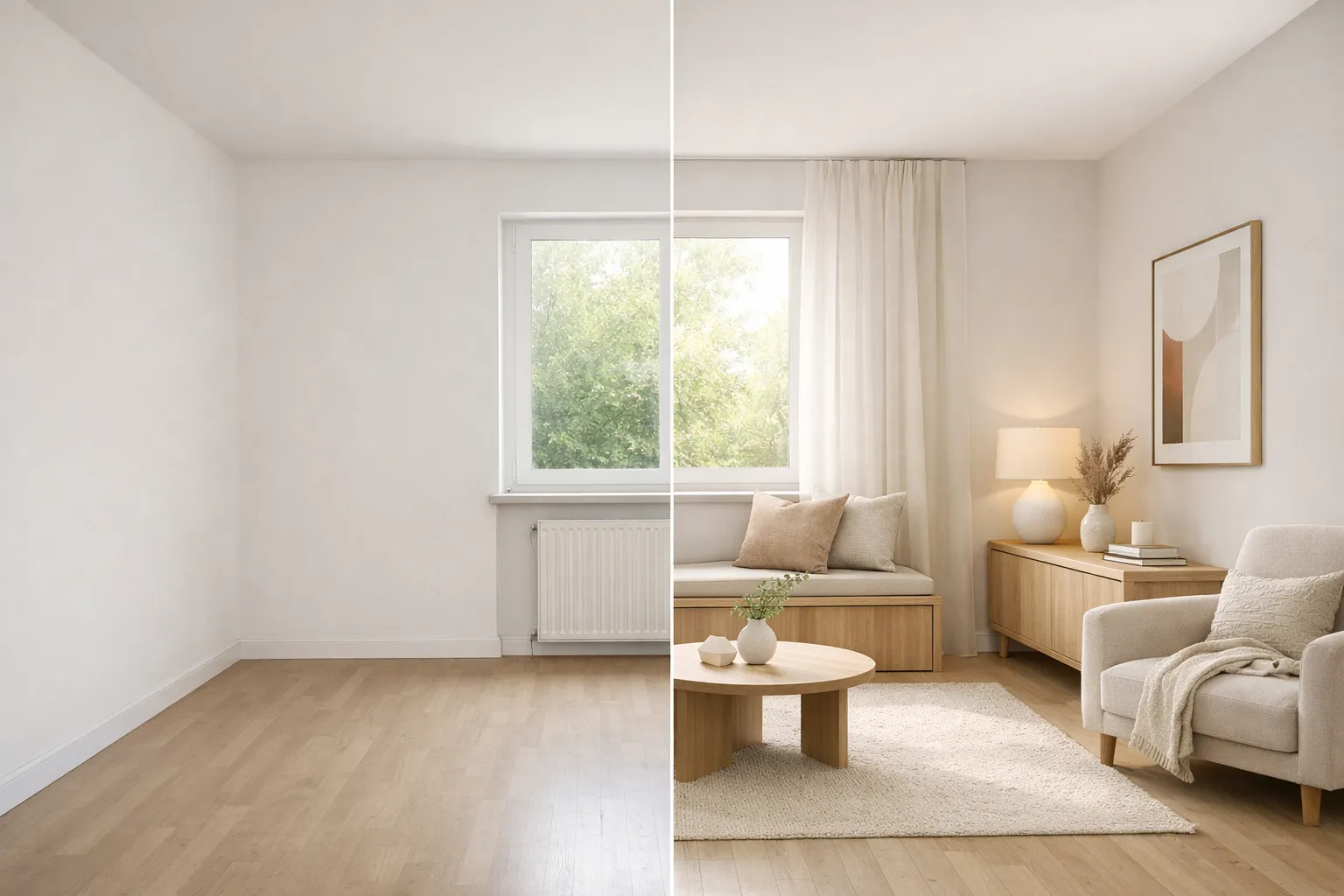
Turn a Room Photo Into a New Design
Upload a photo of any room and our AI interior design generator analyzes the layout, furniture, and lighting to produce a redesign that keeps your room's real dimensions and architecture — not a generic mockup.
Try Photo Upload
Start Designing for Free
Try your first AI interior design generation for free, no credit card required. Compare a few styles side by side before deciding which direction fits your space.
Start Free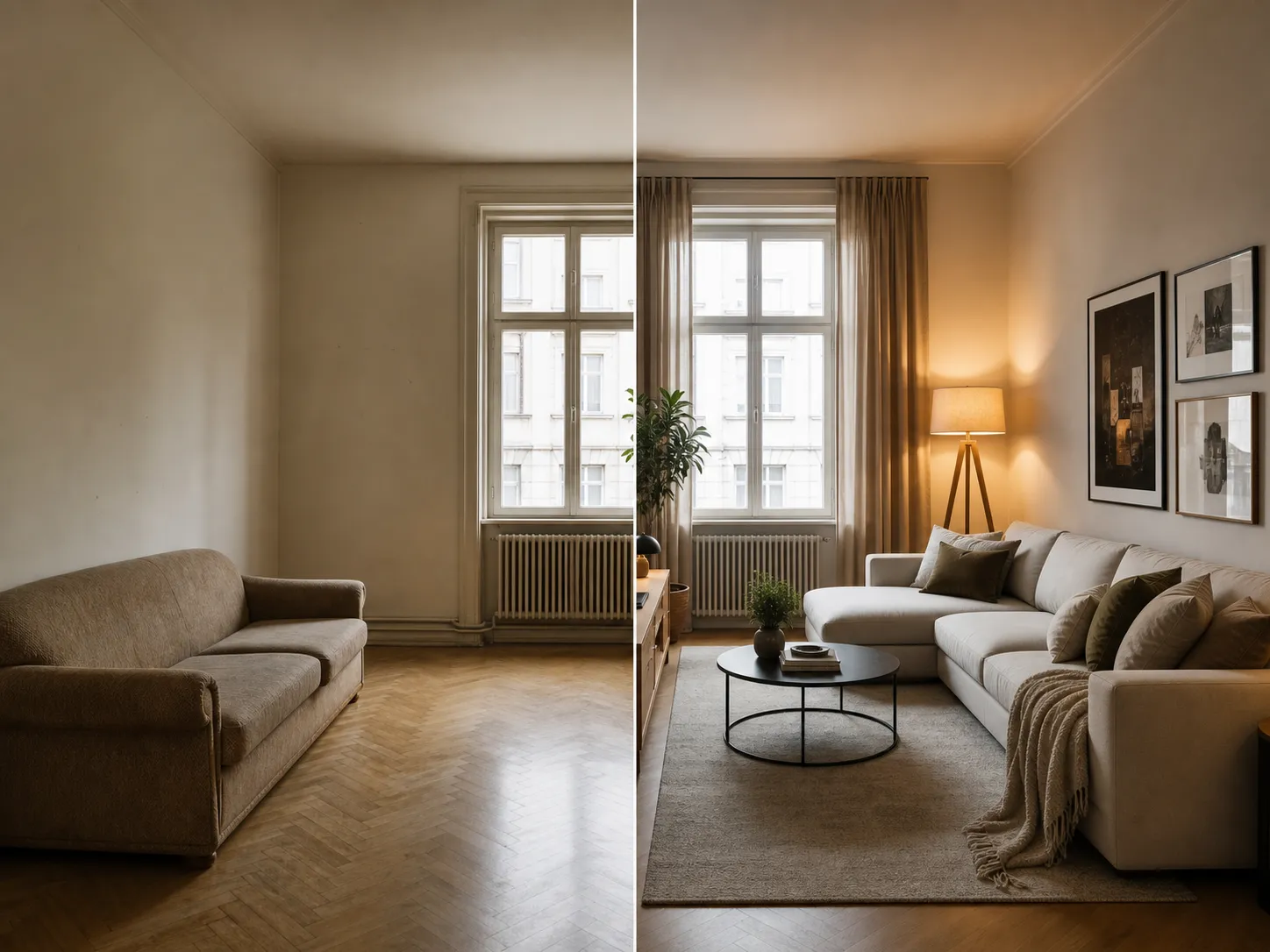
See the Redesign in Under 2 Minutes
See your AI interior design result in under 2 minutes — simple rooms often render closer to 30 seconds — so you can try several styles back to back instead of waiting on a single mockup from a designer.
Visualize Now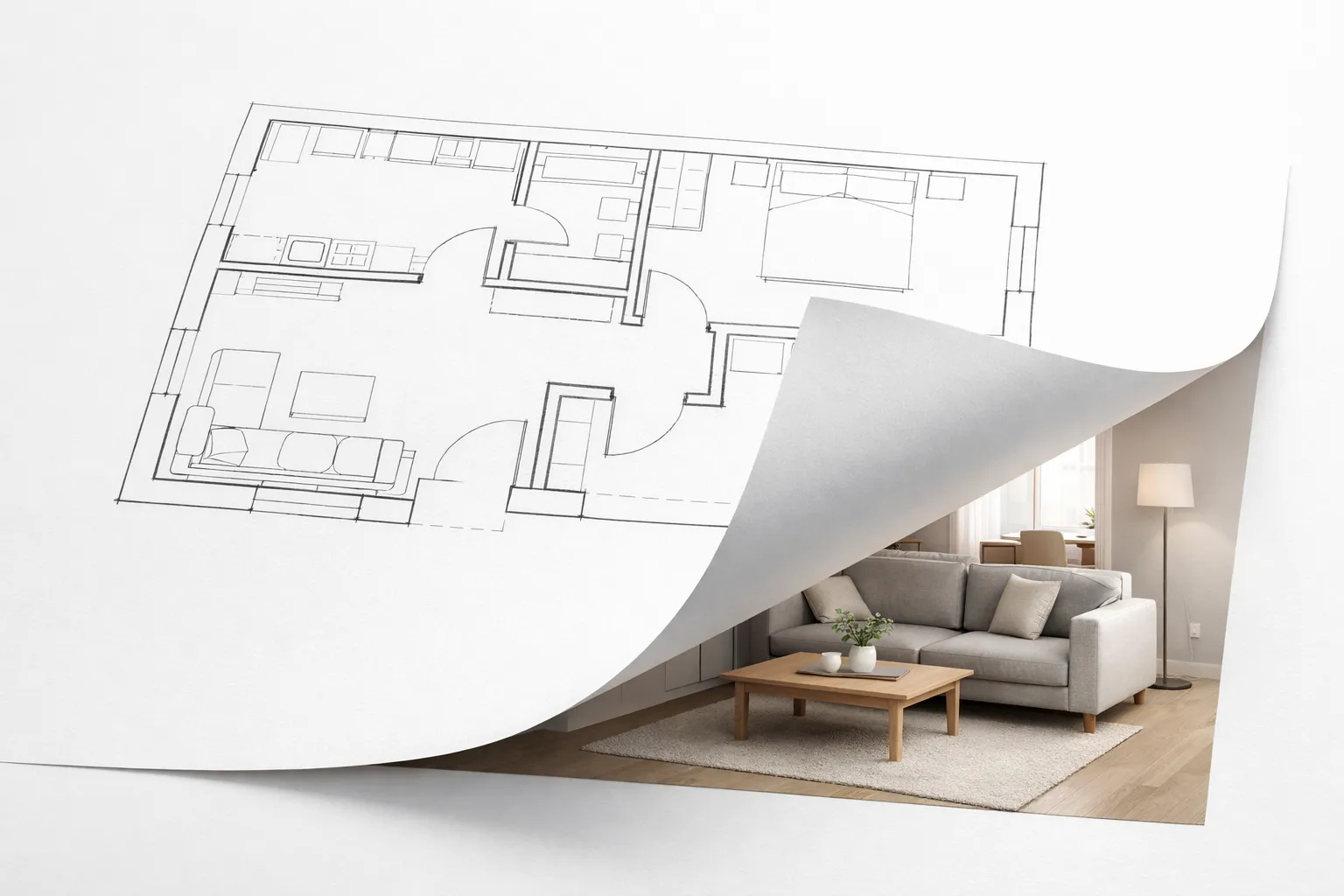
No Photo Yet? Start From a Floor Plan
If the room isn't built yet, upload a floor plan instead. Our AI interior design generator builds a full 3D visualization from the layout — useful for new builds and renovations before any furniture arrives.
Upload Floor Plan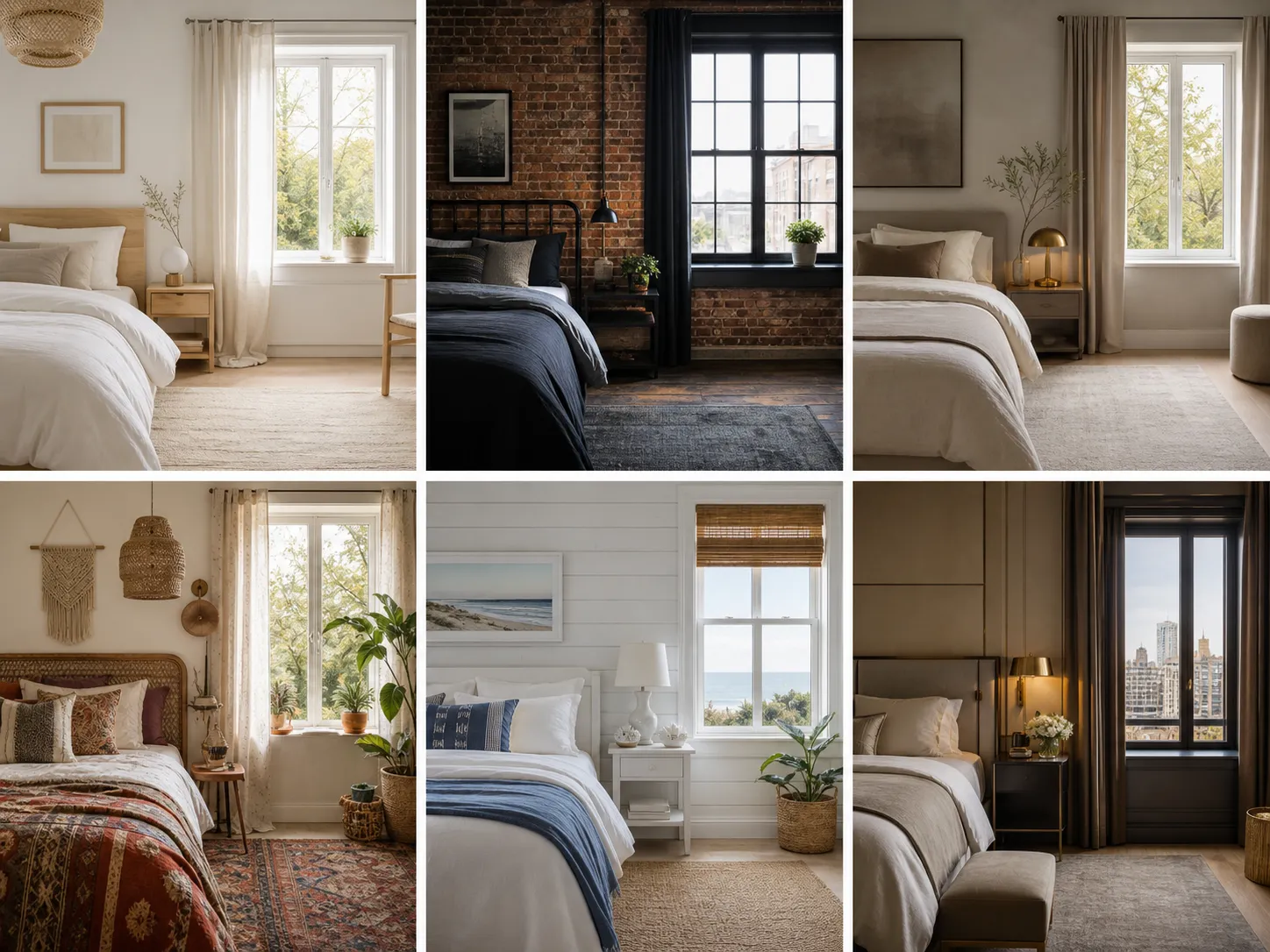
183+ Interior Styles to Compare
From Scandinavian to industrial loft, browse 183+ styles inside the AI interior design generator and mix elements like color palette and furniture until the result looks like your actual space, not a stock photo.
Explore Styles
Designing One Room in Particular?
If you're focused on a single space, our AI bedroom design, AI kitchen design, AI bathroom design, and AI living room design tools are tuned to that room's layout, fixtures, and furniture for more accurate results.
Who Uses AI Interior Design?
Four different ways people actually use the tool — not just homeowners planning a refresh.
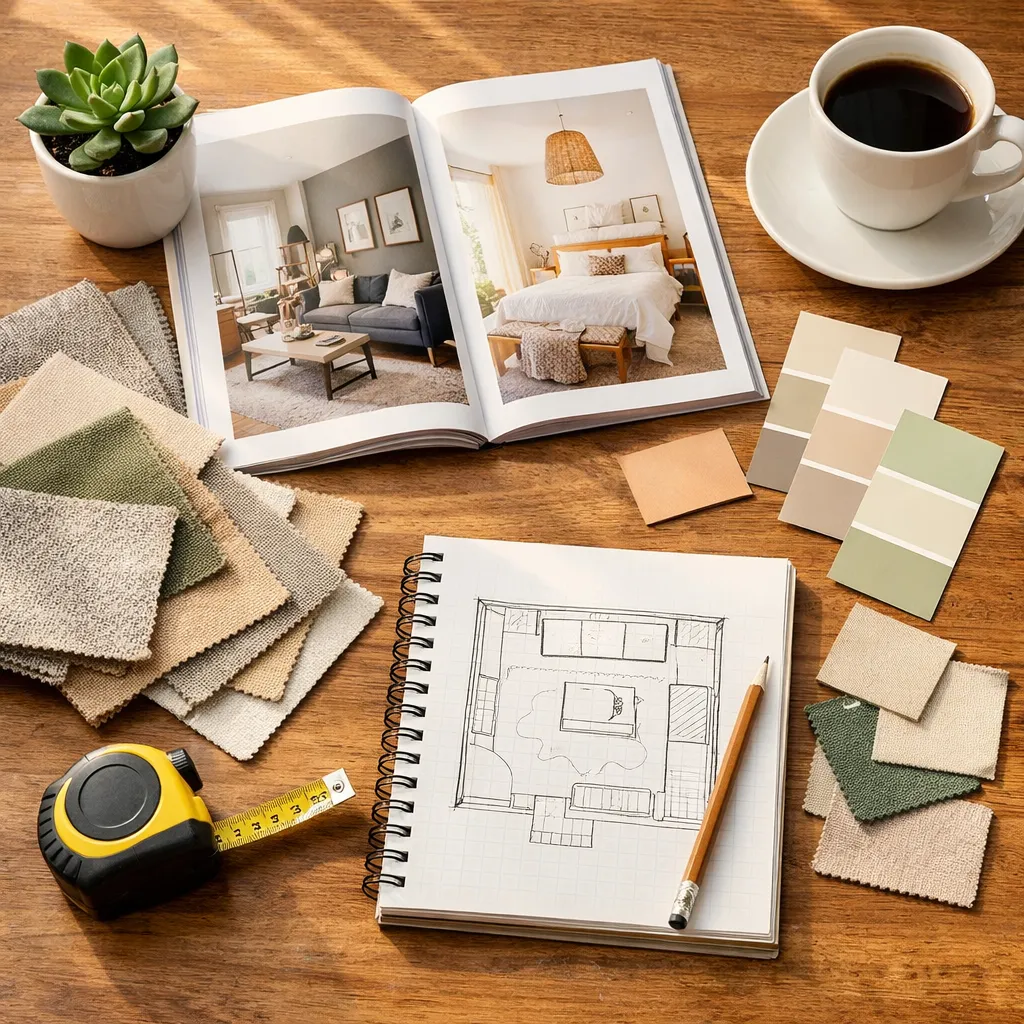
For Homeowners & DIY Designers
See a renovation before paying for it. Upload photos of your room, compare a few styles, and use the result to explain exactly what you want to a contractor or when shopping for furniture.
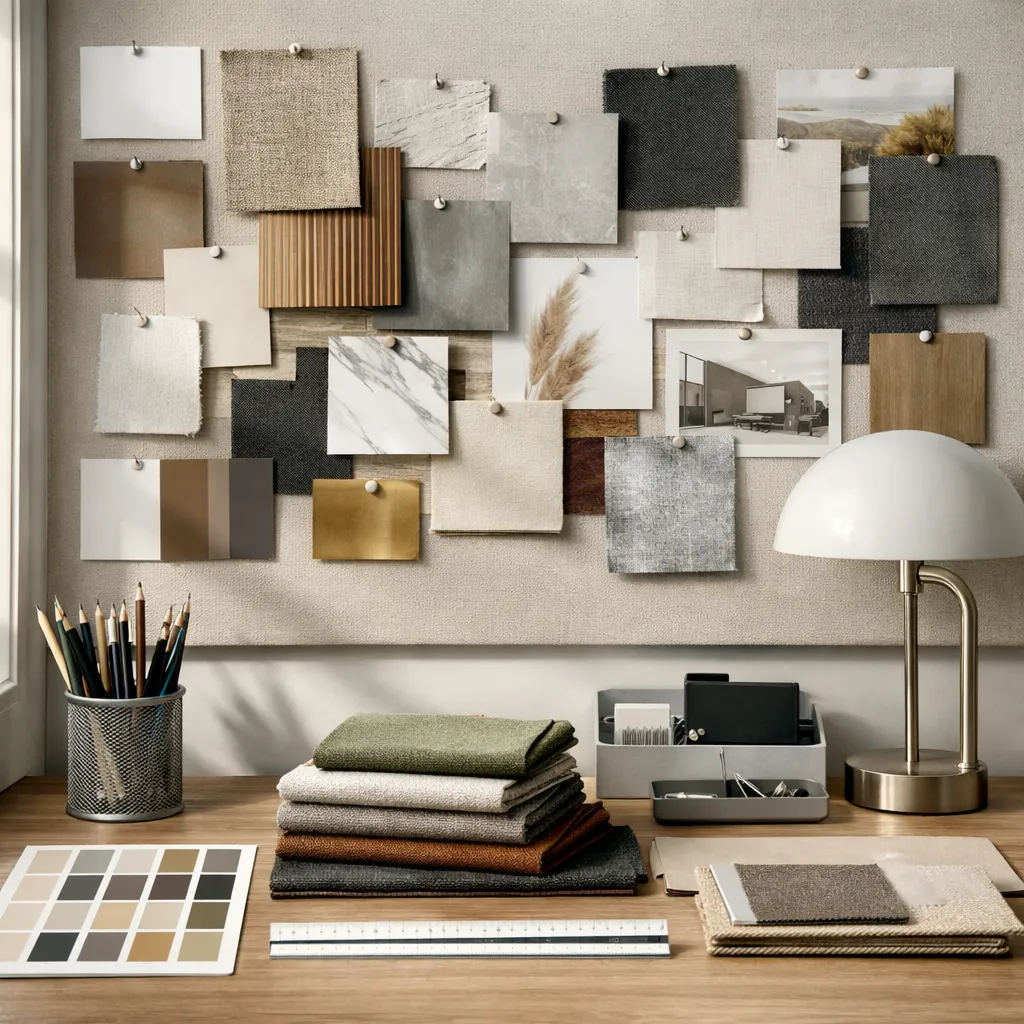
For Professional Interior Designers
Turn a client's room photo into two or three concept directions in minutes instead of hours of manual rendering — useful for first-round presentations before committing to detailed drawings.
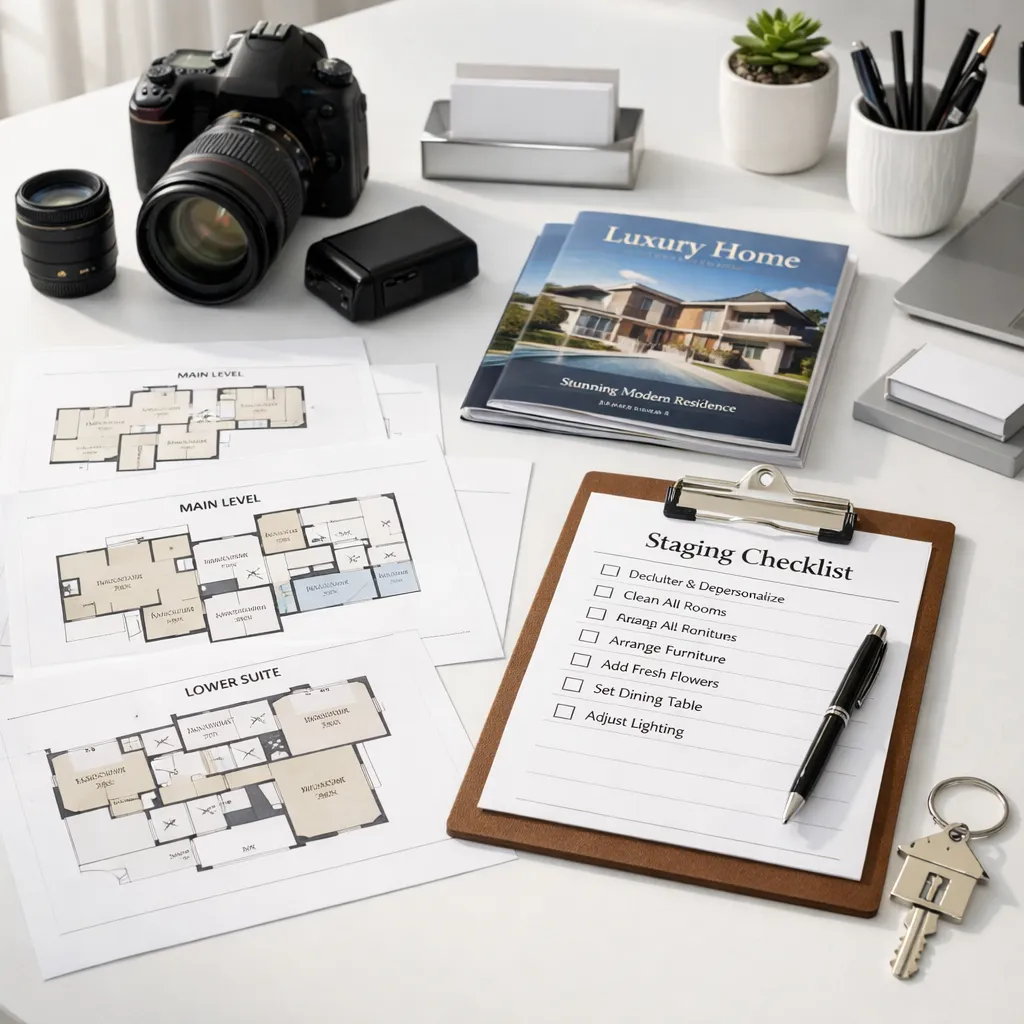
For Real Estate Agents & Stagers
Show buyers what an empty or dated listing could look like furnished and styled, without physically staging the property. Useful for online listing photos and virtual walkthroughs.
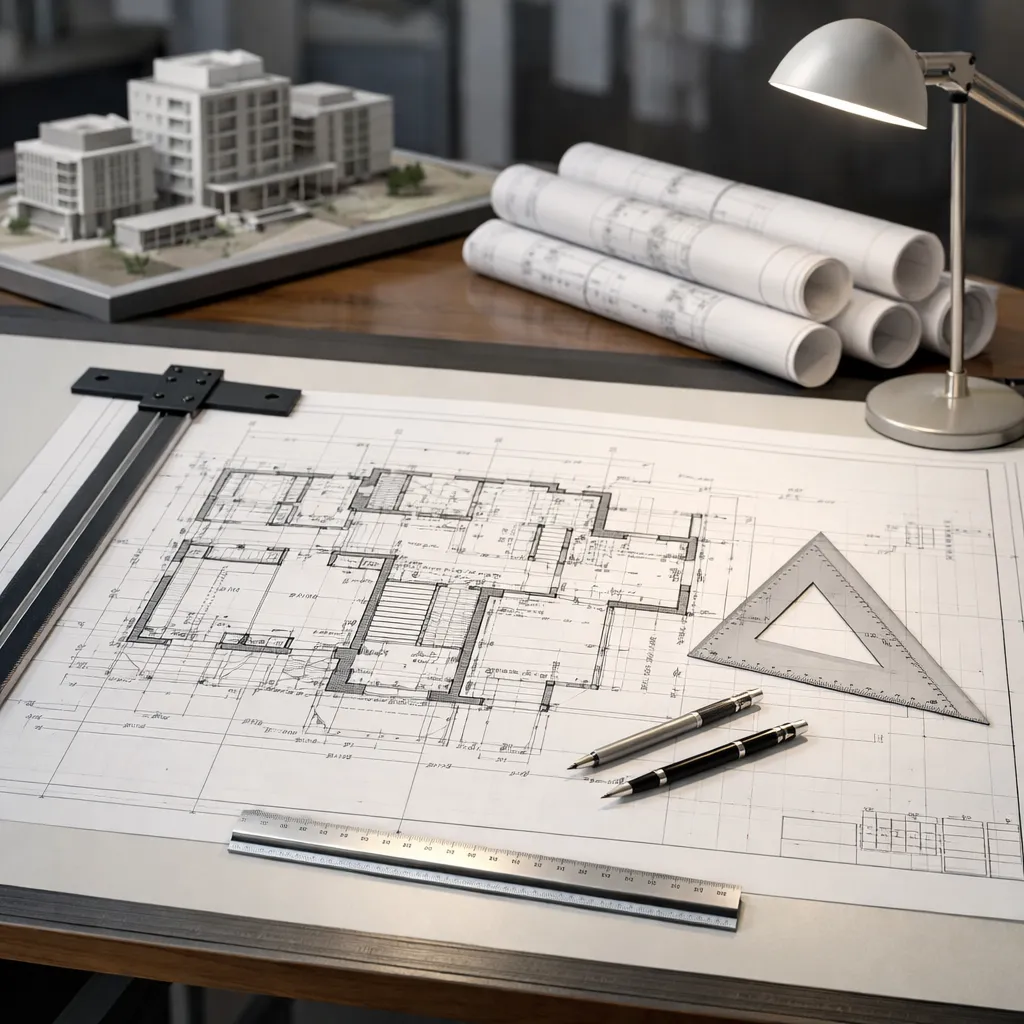
For Architects & Space Planners
Upload a floor plan and get a furnished, photorealistic view of the space before construction starts — an easier way to get client buy-in than a technical drawing alone.
Frequently Asked Questions

See Your Room Redesigned in Minutes
Upload one photo and see your room redesigned in under 2 minutes. 183+ styles to try, and the free tier doesn't require a credit card.
✨ Free tier available – Start designing today