


AI Perspective Changer – Before & After Angle Examples
See how our AI perspective changer transforms a standard room render into completely different viewpoints – bird's-eye views, corner perspectives, wide-angle shots, and more – all from a single source image.
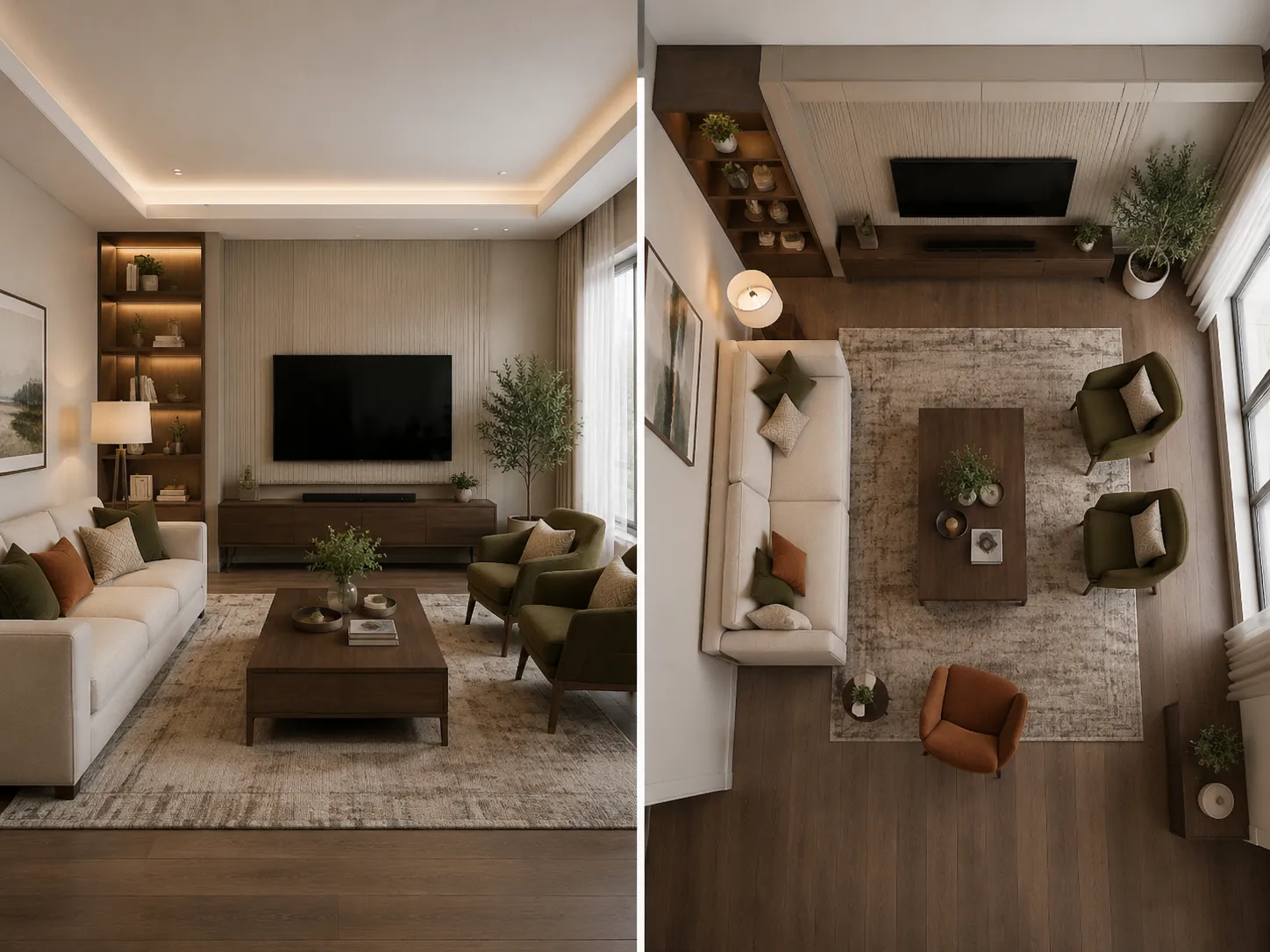
Standard View → Bird's-Eye Overview
Our AI perspective changer rotated the camera upward to produce a bird's-eye view of this living room render, revealing the full floor plan layout and furniture arrangement in a single overhead shot.
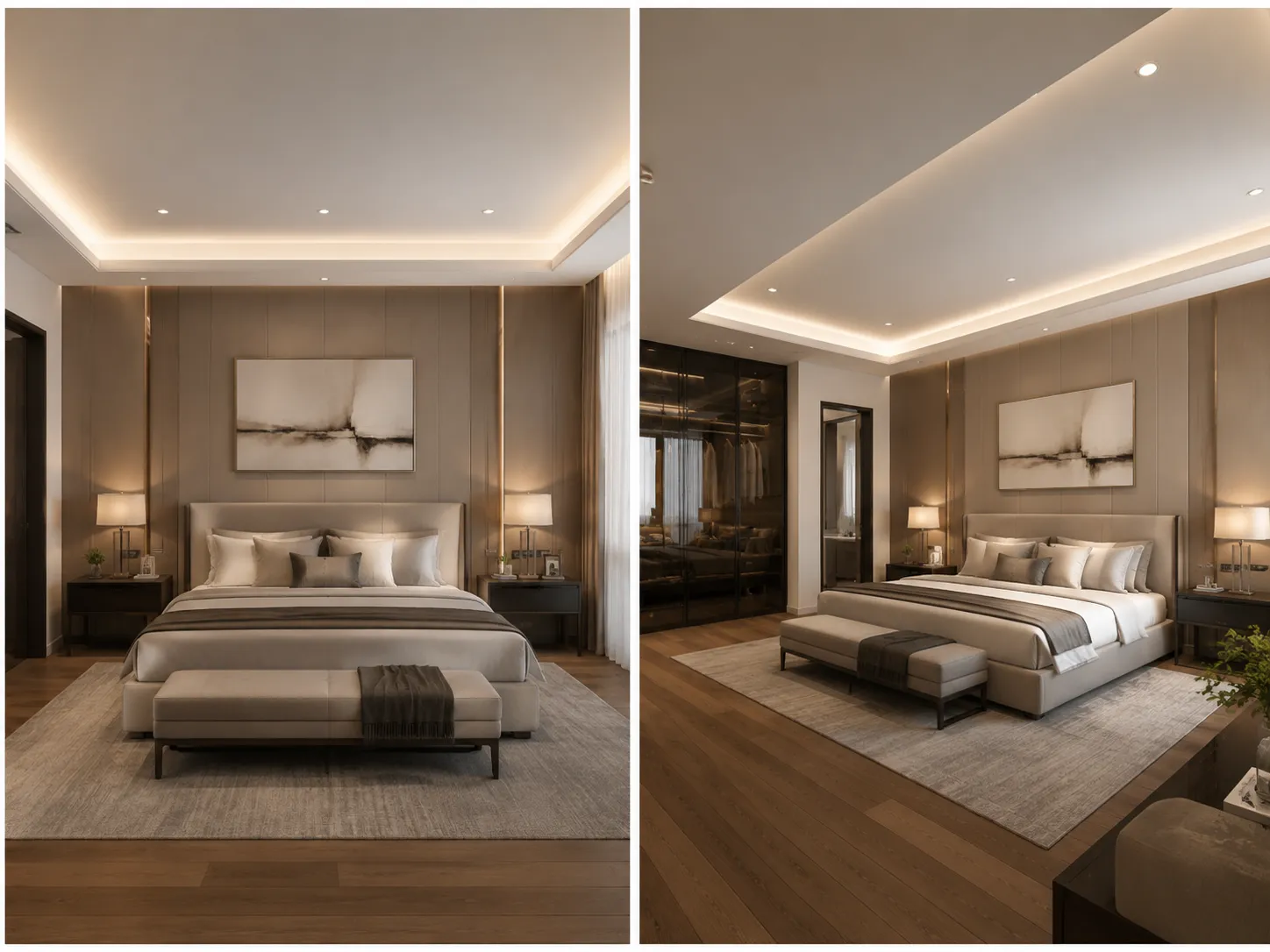
Front View → Dramatic Corner Perspective
By adjusting the horizontal camera angle, this bedroom render was transformed into a dramatic corner perspective that shows both feature walls and the room depth – ideal for architectural presentations.
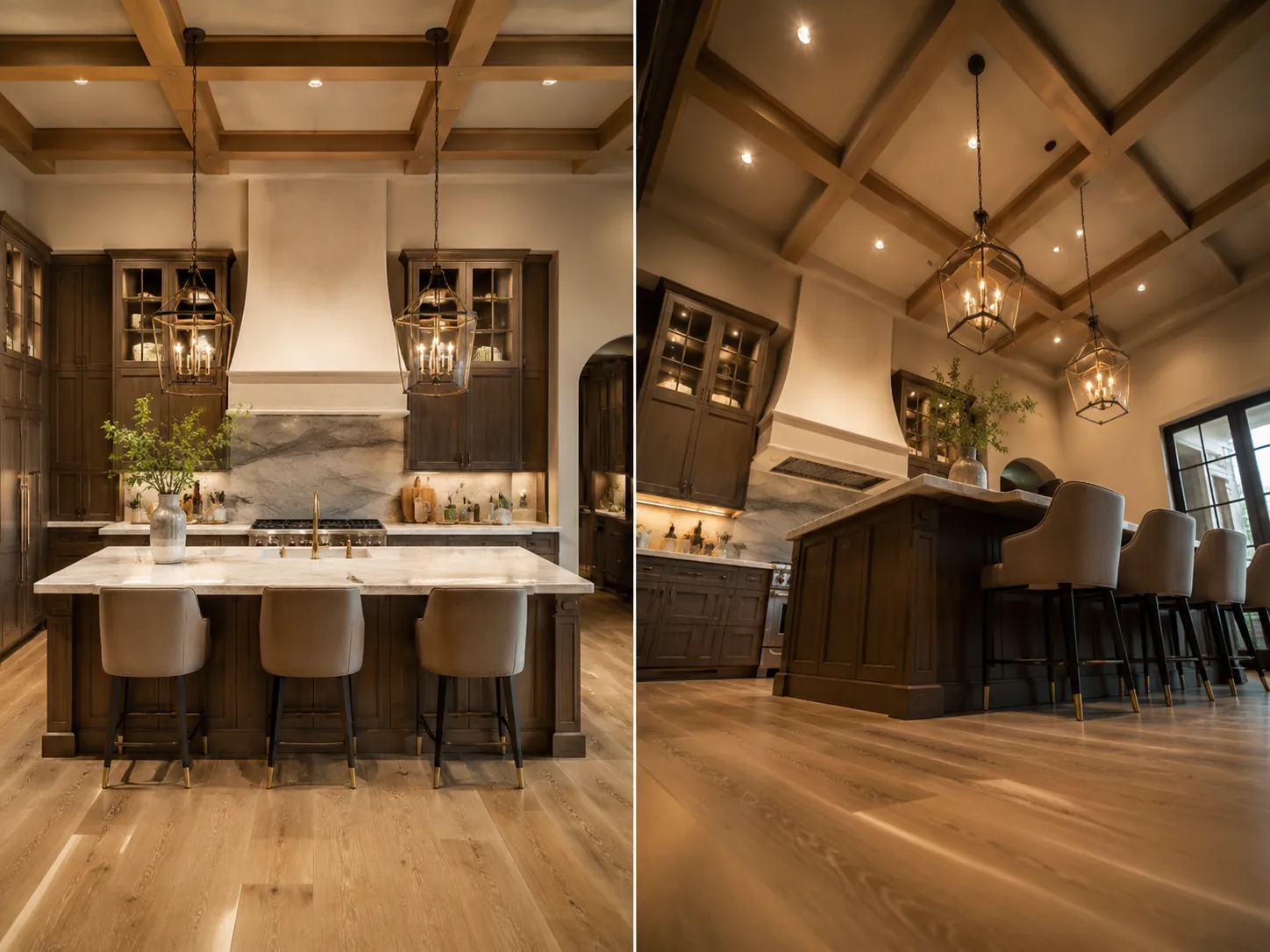
Eye-Level View → Low-Angle Floor Perspective
A low camera tilt creates an immersive, cinematic perspective of this kitchen render that emphasizes ceiling height and material details – a powerful angle for luxury property marketing.
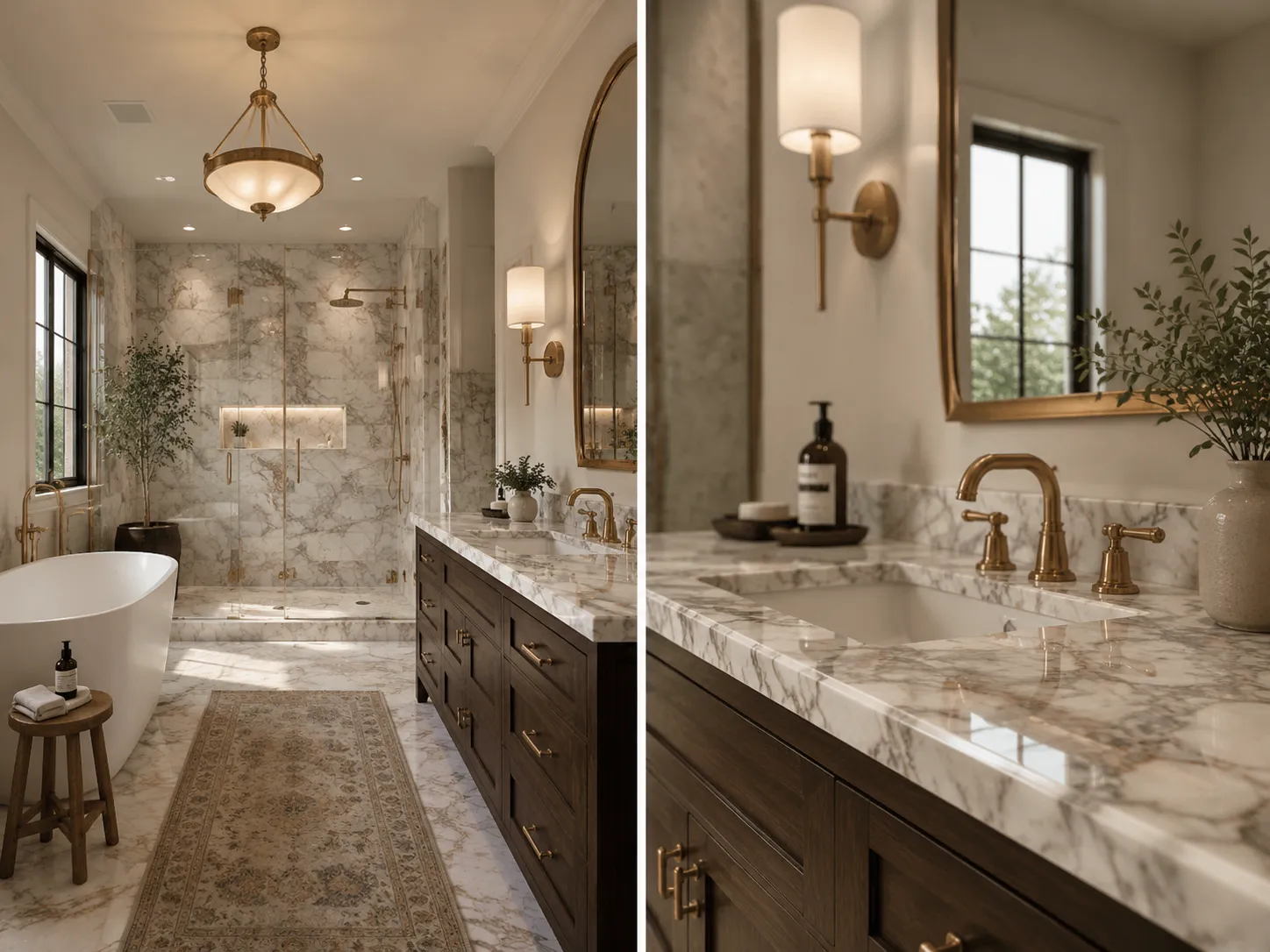
Wide View → Zoomed Feature Detail
Using the zoom control, our AI perspective changer highlighted a specific area of this bathroom render for a detailed close-up shot – perfect for showcasing premium finishes and fixtures.
How the AI Perspective Changer Works
Our AI perspective changer uses 3D spatial analysis to reinterpret any room render from a new camera angle. Create bird's-eye views, corner perspectives, or zoomed detail shots in three simple steps.
Upload Your Room Render or Design Image
Upload any AI-generated room render or architectural visualization. Our AI perspective changer works with interior renders, exterior views, floor plan visualizations, and any room type.
Adjust Camera Angle, Tilt & Zoom
Use our intuitive 3D camera control to drag, rotate, tilt, and zoom your image to the desired viewpoint. Preview the perspective change in real time before generating – no guesswork required.
Generate & Download Your New Angle
Click generate and our AI perspective changer produces a photorealistic render of your design from the new camera angle. Download the result and use it in presentations, listings, or client proposals.
Powerful Features of Our AI Perspective Changer
Our AI perspective changer gives architects, designers, and real estate professionals complete control over camera angle, tilt, and zoom – turning any single render into a full multi-angle presentation.
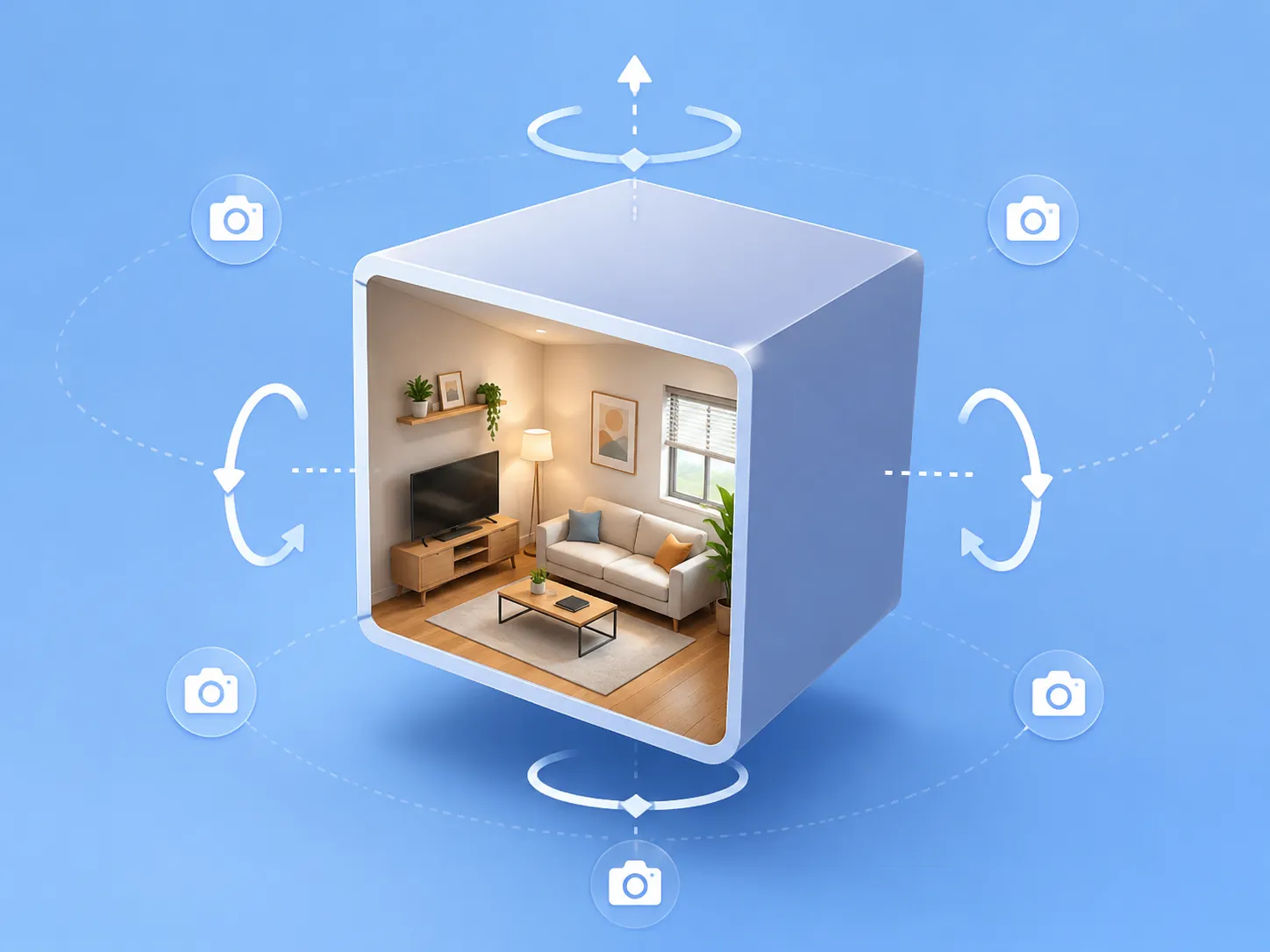
Interactive 3D Camera Control
Our AI perspective changer features an intuitive 3D camera interface that lets you drag and rotate the viewpoint in real time. Adjust horizontal rotation, vertical tilt, and zoom independently to find the exact camera angle you need. The interactive preview shows your angle choice before you commit to generation – giving you complete control over every perspective change.
Try Camera Control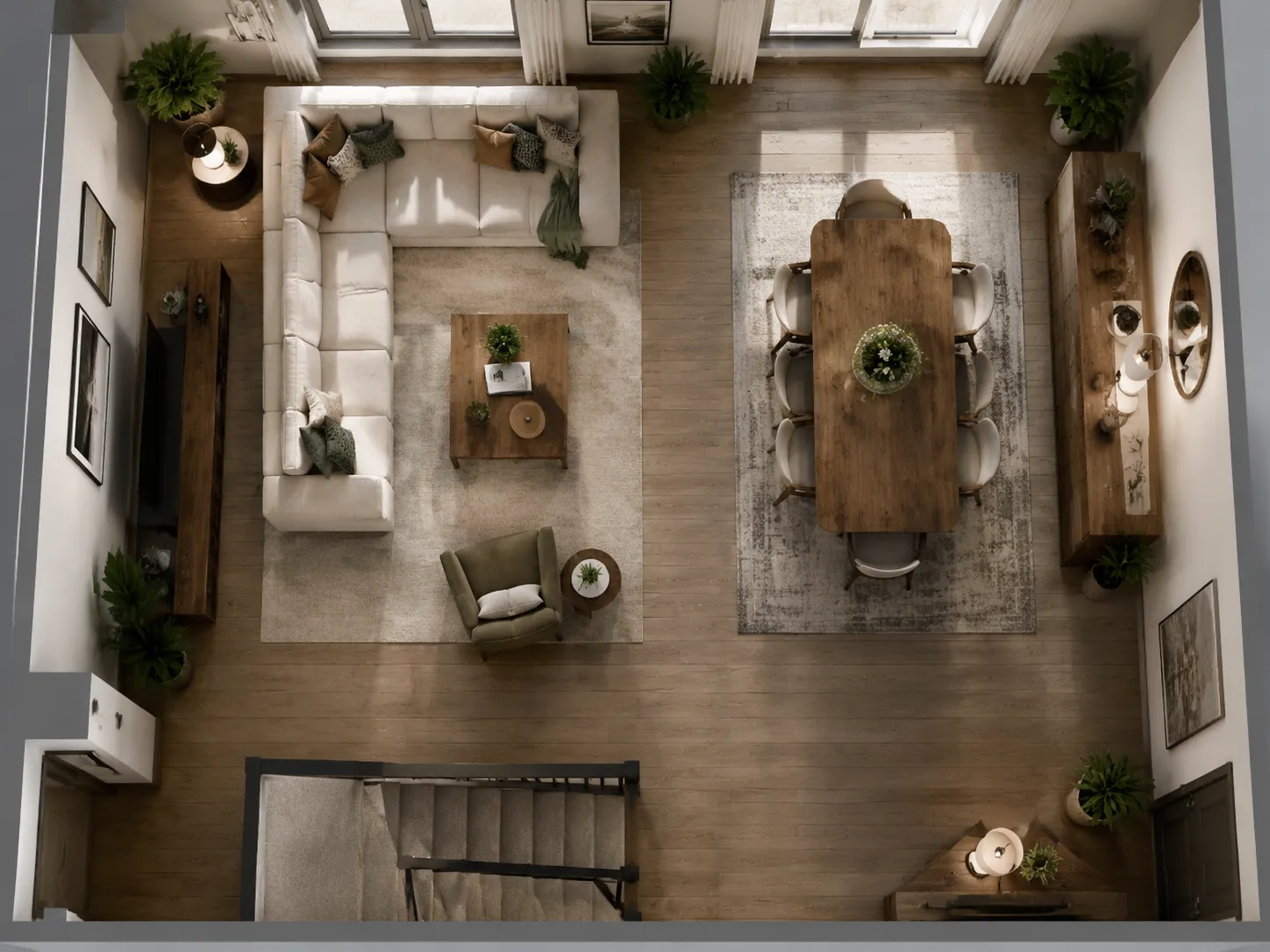
Bird's-Eye View Generator
Create stunning overhead and bird's-eye views of any room design with a single tilt adjustment. Our AI perspective changer accurately reconstructs the top-down view from any interior render, revealing full floor plan layouts, furniture arrangements, and spatial relationships that standard eye-level renders cannot show. Perfect for architectural presentations and floor plan visualizations.
Generate Bird's-Eye View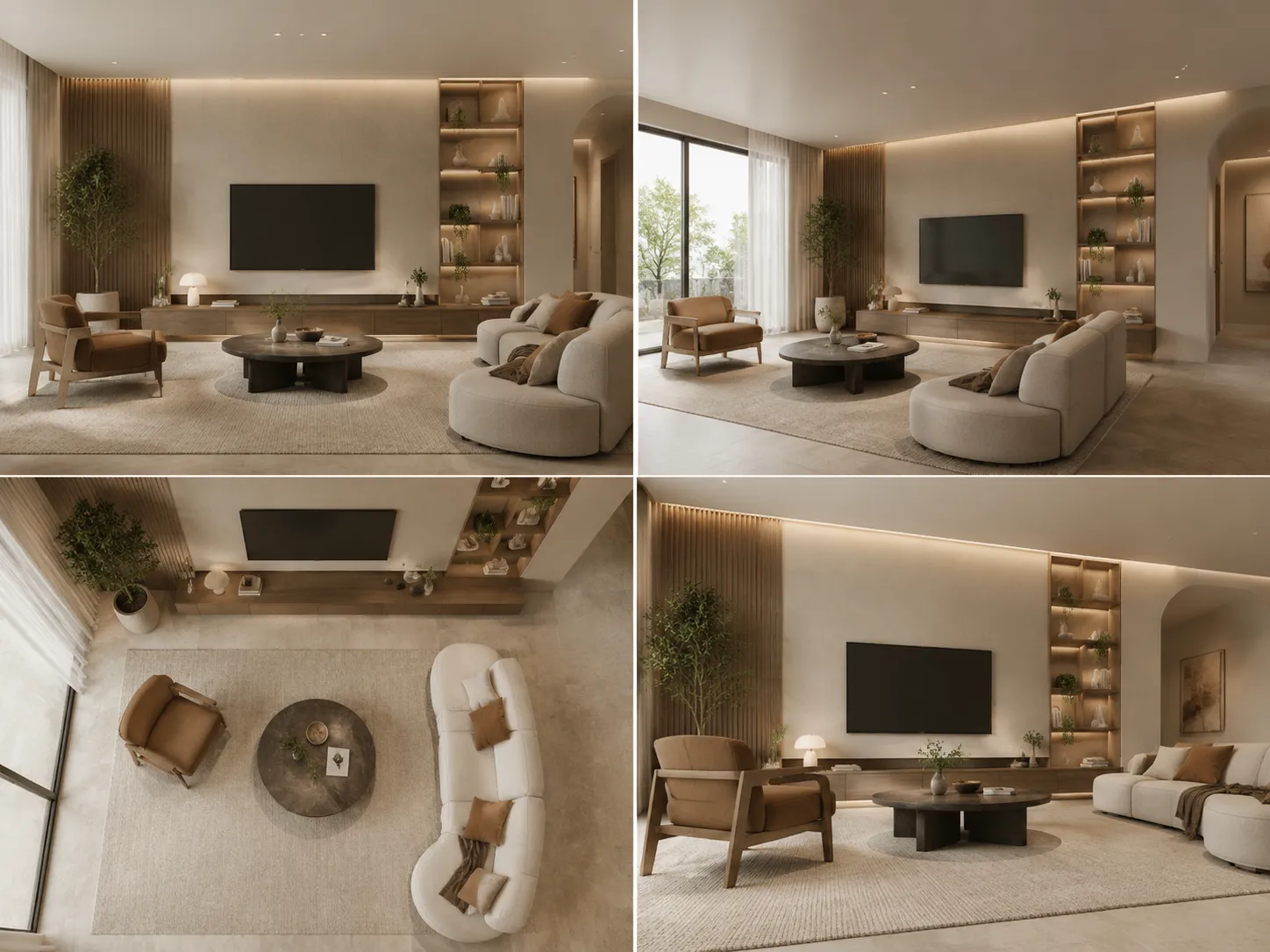
Multiple Angles for Richer Presentations
Architectural presentations and property listings perform better with multiple perspectives. Our AI perspective changer lets you generate front views, corner angles, low angles, and overhead shots from a single source render – eliminating the need to re-render the same scene multiple times. Create a complete multi-angle visual library quickly and affordably.
Generate Multiple Angles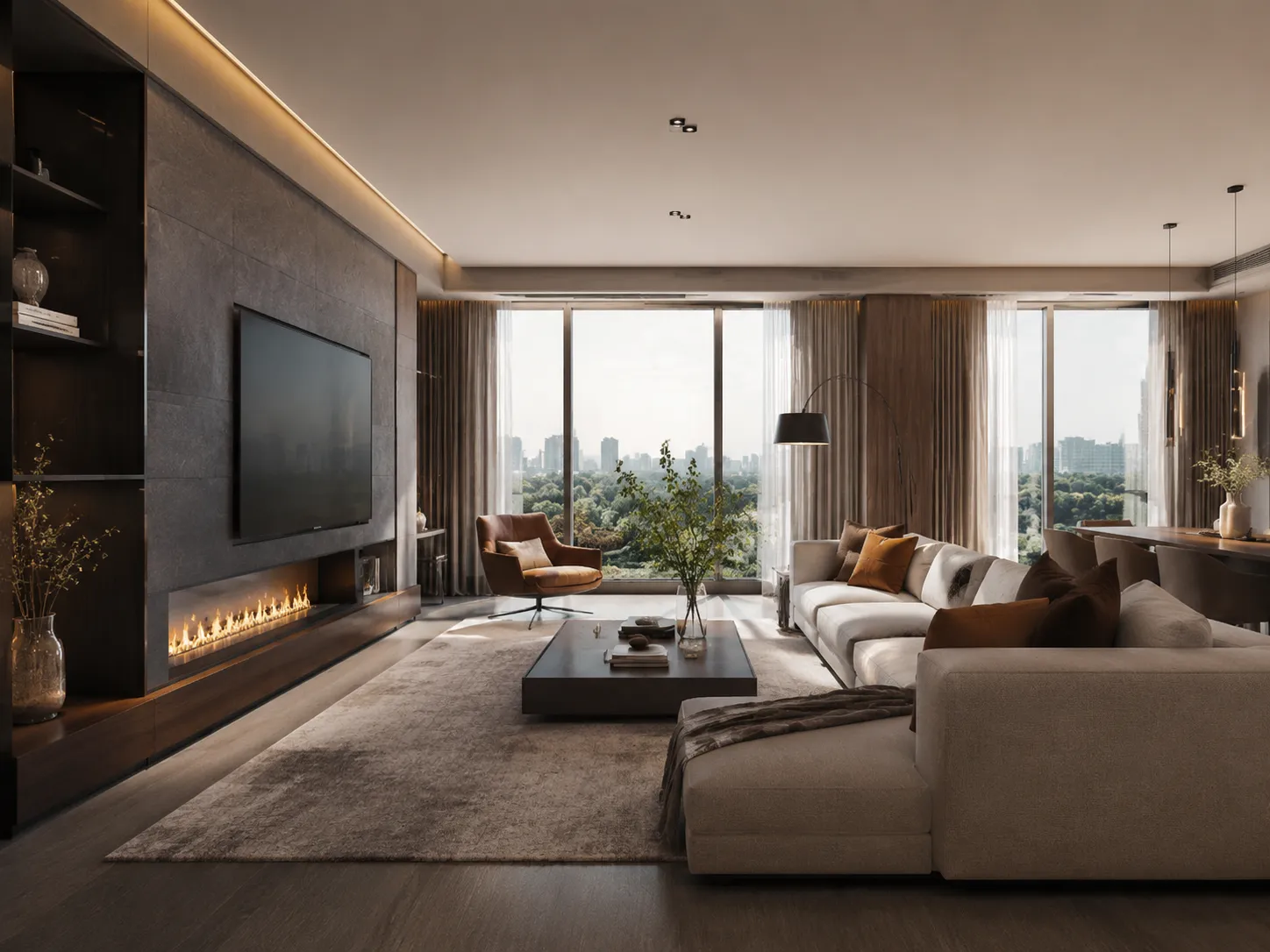
Optimized for Architectural Visualization
Built specifically for interior design renders and architectural visualization workflows, our AI perspective changer understands spatial depth, perspective geometry, and material rendering. Unlike general photo editors, it produces architecturally accurate angle changes that preserve material quality and photorealism – giving professional-grade results for any design or real estate project.
Explore Architecture FeaturesWho Uses Our AI Perspective Changer
Architects, designers, and real estate professionals rely on our AI perspective changer to create richer visual presentations without re-rendering entire scenes.
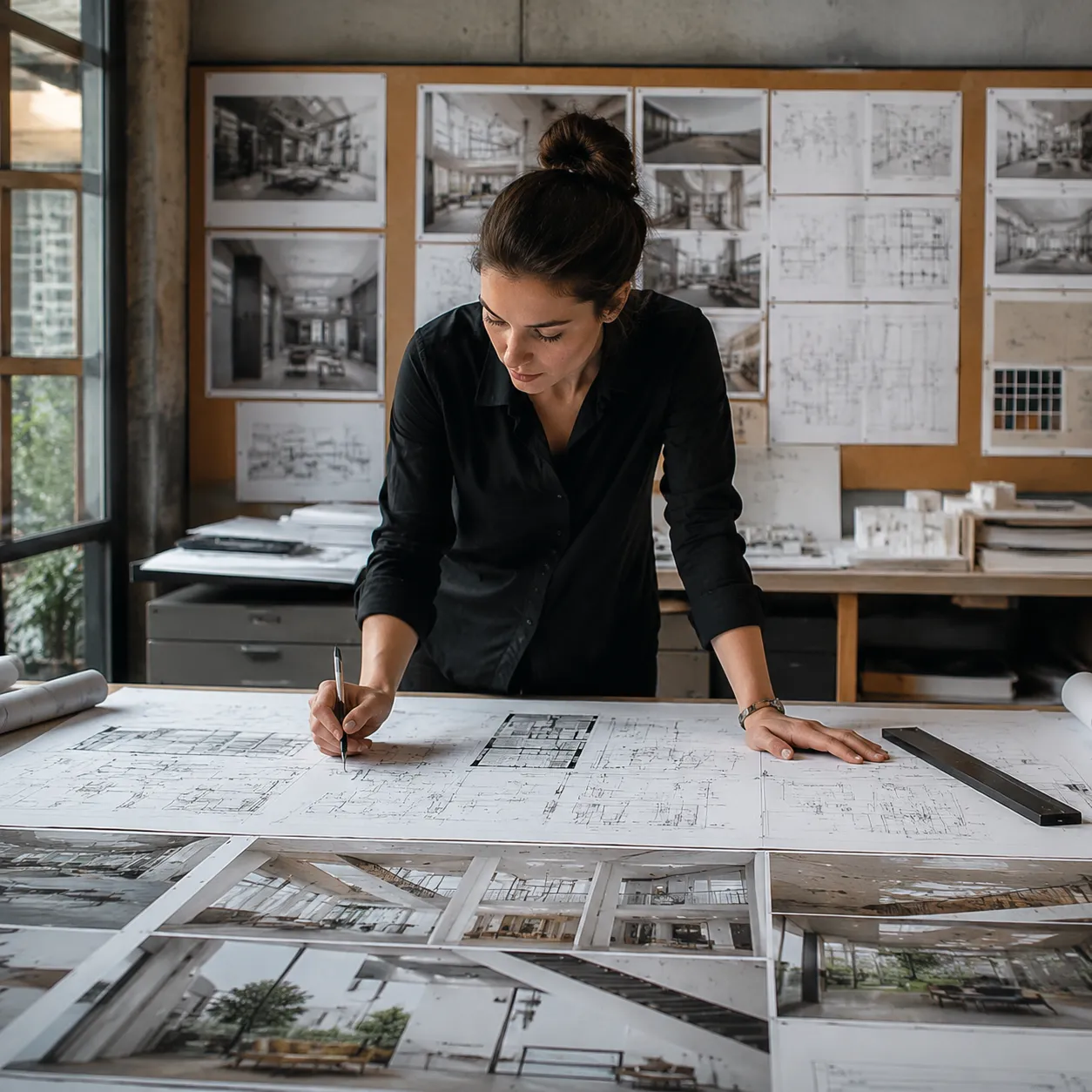
For Architects & Designers
Architects and interior designers use our AI perspective changer to generate multiple viewpoints from a single render – showing clients the bird's-eye layout, feature wall details, and corner angles without commissioning expensive re-renders. One image becomes a complete multi-angle presentation.

For Real Estate Professionals
Real estate agents and developers use our AI perspective changer to create varied, compelling listing visuals from a single AI render. Different camera angles highlight different selling points – the open-plan layout from above, the ceiling height from below, the natural light from a corner angle.
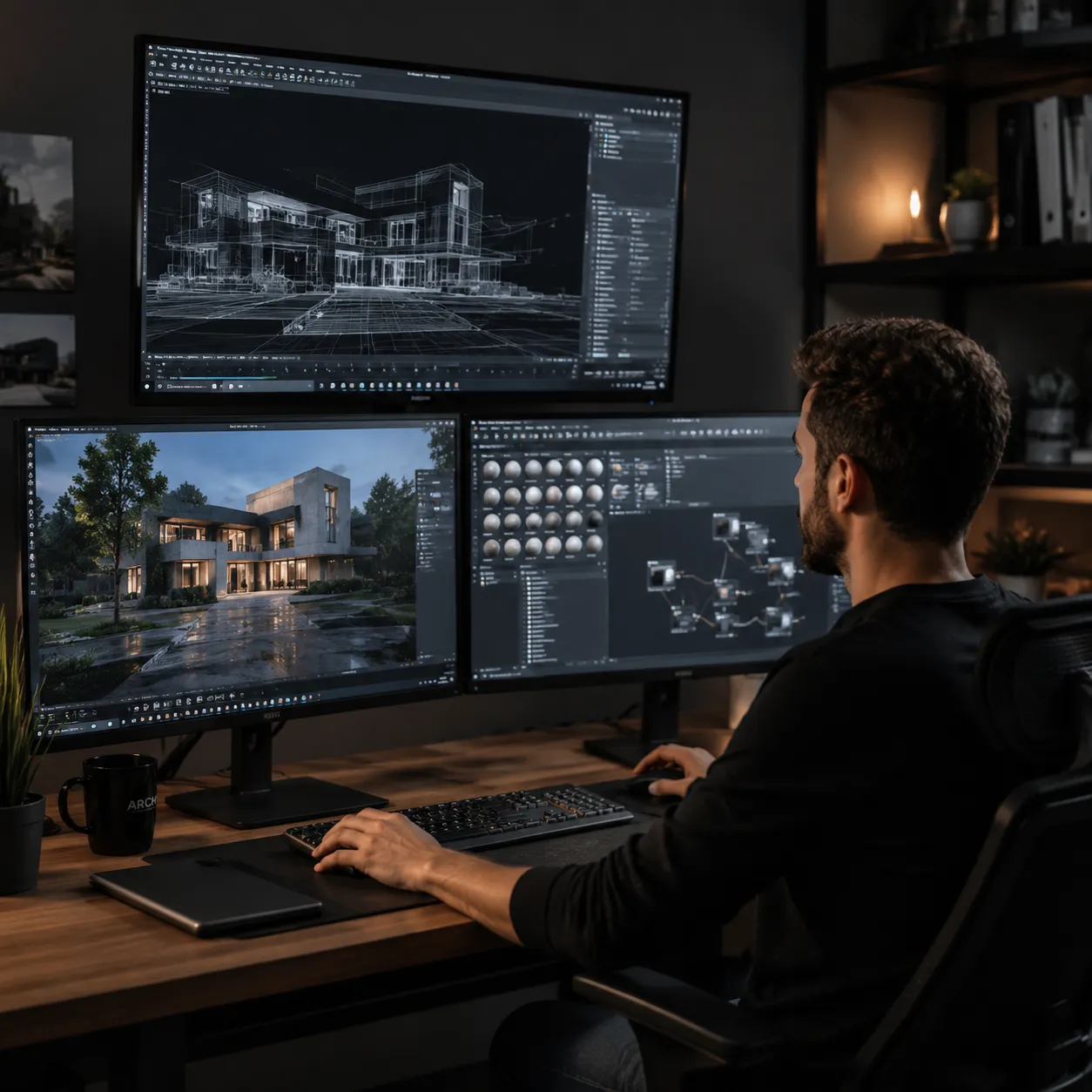
For Visualization & CGI Teams
3D visualization and CGI studios use our AI perspective changer as a rapid prototyping tool – quickly exploring different camera angles before committing to full re-renders. It accelerates client feedback rounds by providing angle variations in seconds rather than hours.
Frequently Asked Questions About AI Perspective Changer

Create Multi-Angle Views from Any Render
Architects, designers, and real estate professionals use our AI perspective changer to create compelling multi-angle presentations – without re-rendering entire scenes.
✨ Bird's-eye views · Corner angles · Zoom details · Free plan