


From Rough Sketches to Polished Floor Plans
See how our sketch to floor plan AI transforms messy hand-drawn layouts into clean, accurate architectural blueprints. Every sketch gets the professional treatment.
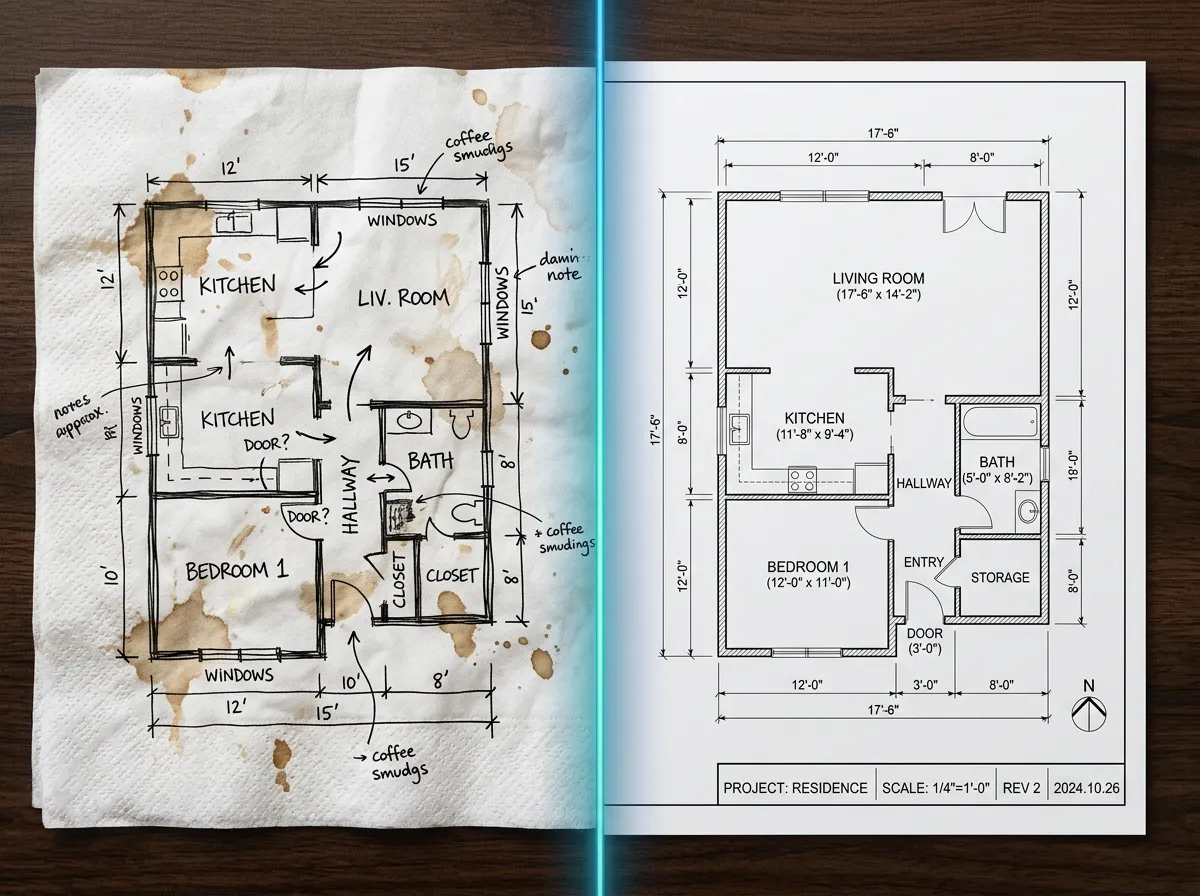
Napkin Sketch to Apartment Plan
A quick napkin sketch of a one-bedroom apartment converted into a fully dimensioned floor plan by our sketch to floor plan AI.
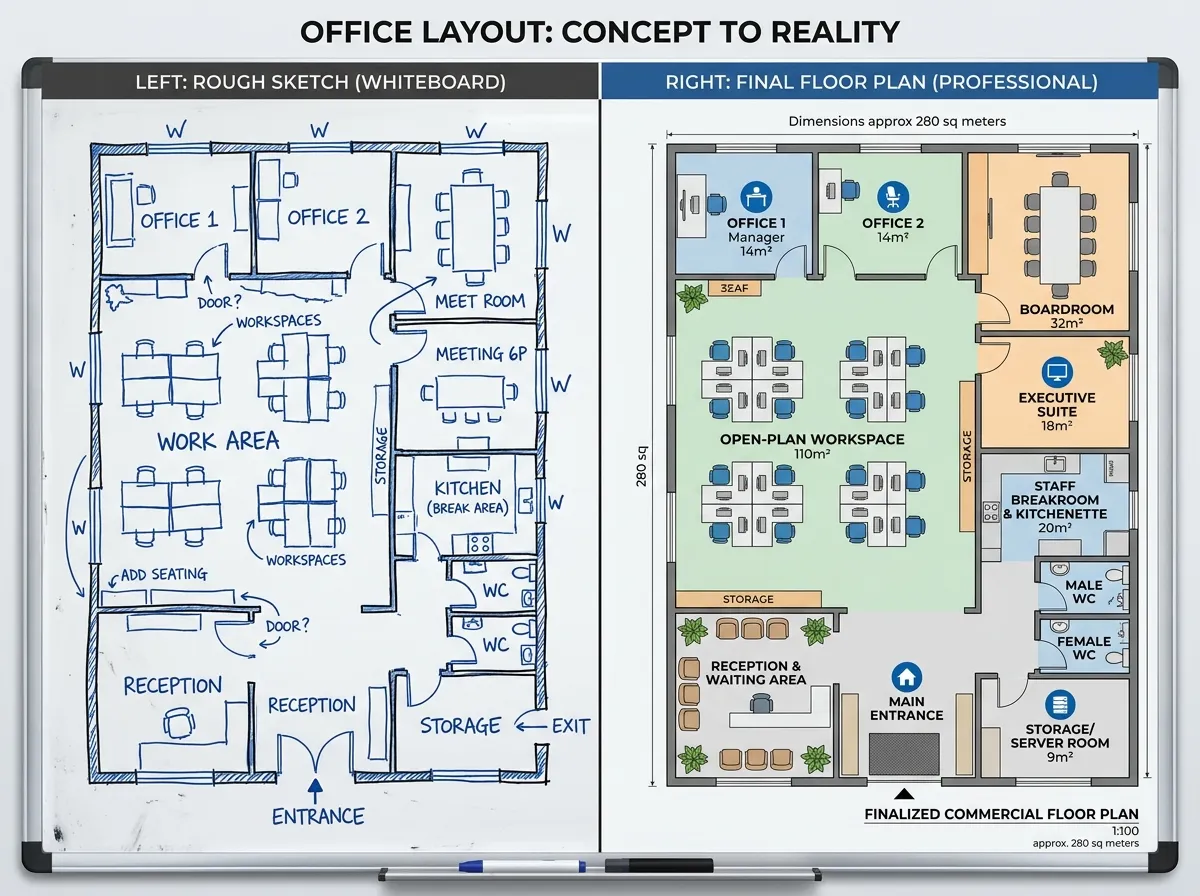
Whiteboard Layout to Office Blueprint
A rough whiteboard drawing of an office layout transformed into a clean commercial floor plan with labeled zones and accurate proportions.
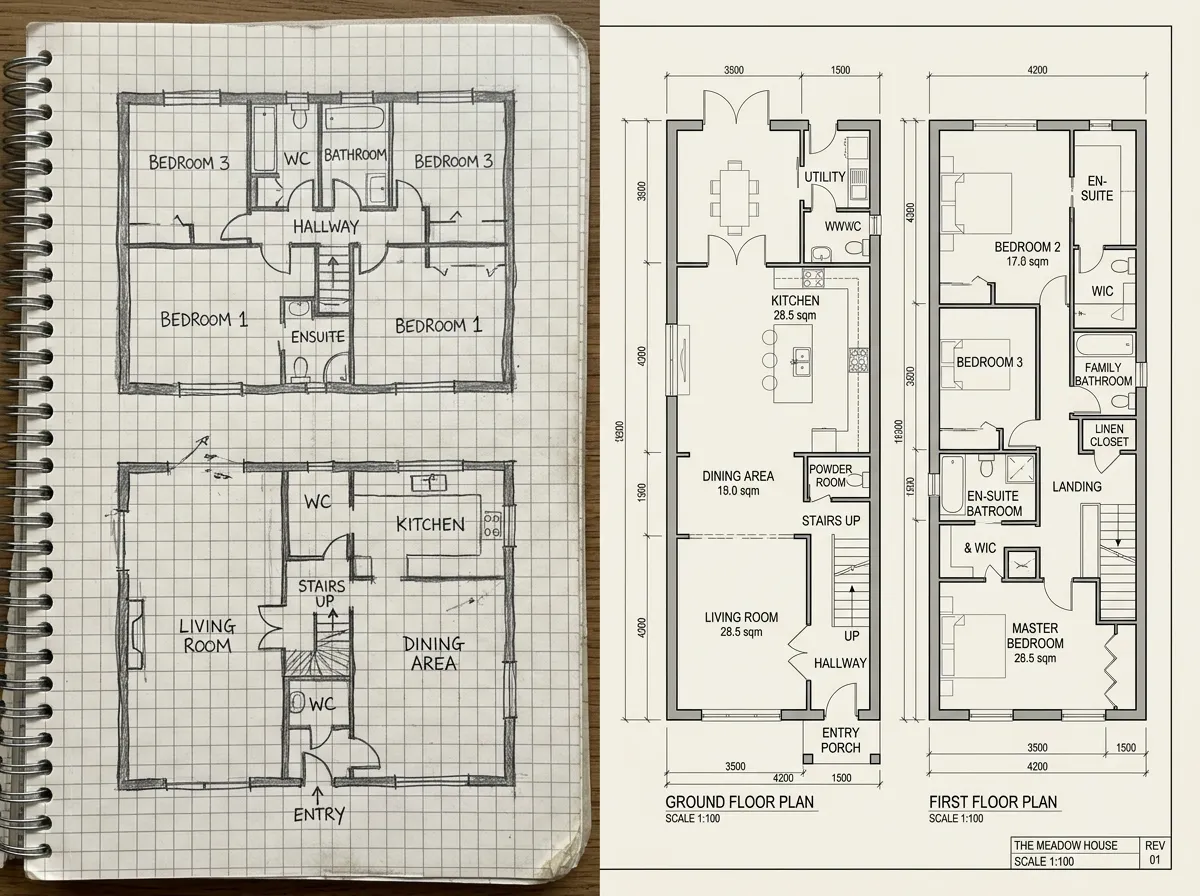
Notebook Doodle to House Plan
A casual notebook doodle of a two-story home layout became a precise architectural floor plan with room labels and doorway indicators.
How to Convert a Sketch to Floor Plan with AI
Turn any hand-drawn layout into a professional blueprint in three easy steps. Our sketch to floor plan AI understands rough lines and converts them into precise architectural drawings.
Upload or Draw Your Sketch
Photograph your hand-drawn sketch or draw directly in our online canvas. The sketch to floor plan AI accepts photos of paper sketches, whiteboard drawings, tablet doodles, and more.
AI Interprets & Standardizes
The AI recognizes walls, rooms, doors, and windows from your rough lines. It straightens edges, calculates proportions, and generates a clean, standardized floor plan from your sketch.
Refine & Download
Review the AI-generated floor plan, adjust dimensions, add labels, and export as PNG, PDF, SVG, or DXF. Your sketch to floor plan AI conversion is complete and ready for use.
Why Our Sketch to Floor Plan AI is the Best Conversion Tool
Intelligent line recognition, automatic scaling, and instant cleanup. Our sketch to floor plan AI bridges the gap between creative ideation and professional documentation.
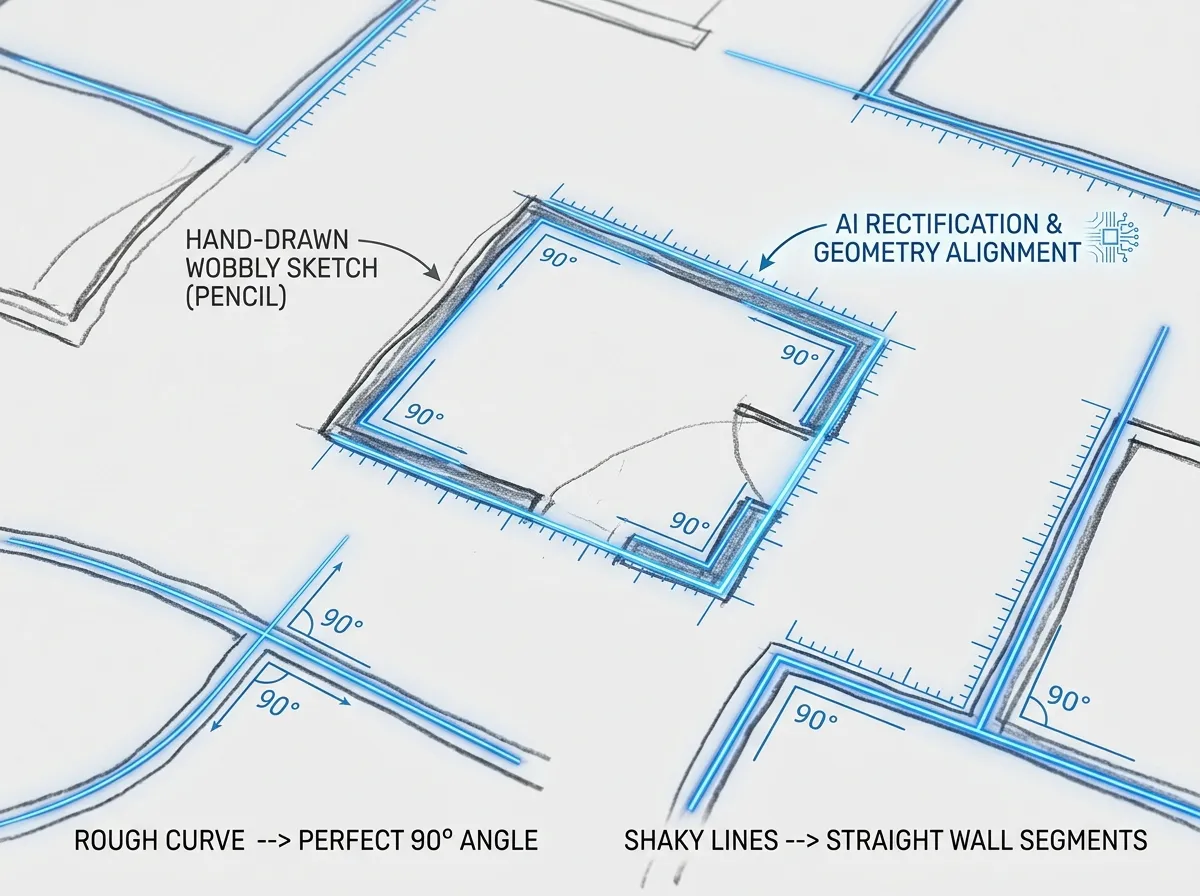
Intelligent Handwriting & Line Recognition
Our sketch to floor plan AI uses deep learning to interpret even the roughest hand-drawn lines. Wobbly walls become straight, approximate angles snap to 90 degrees, and messy overlaps resolve into clean architectural geometry. No ruler required.
Try Sketch Recognition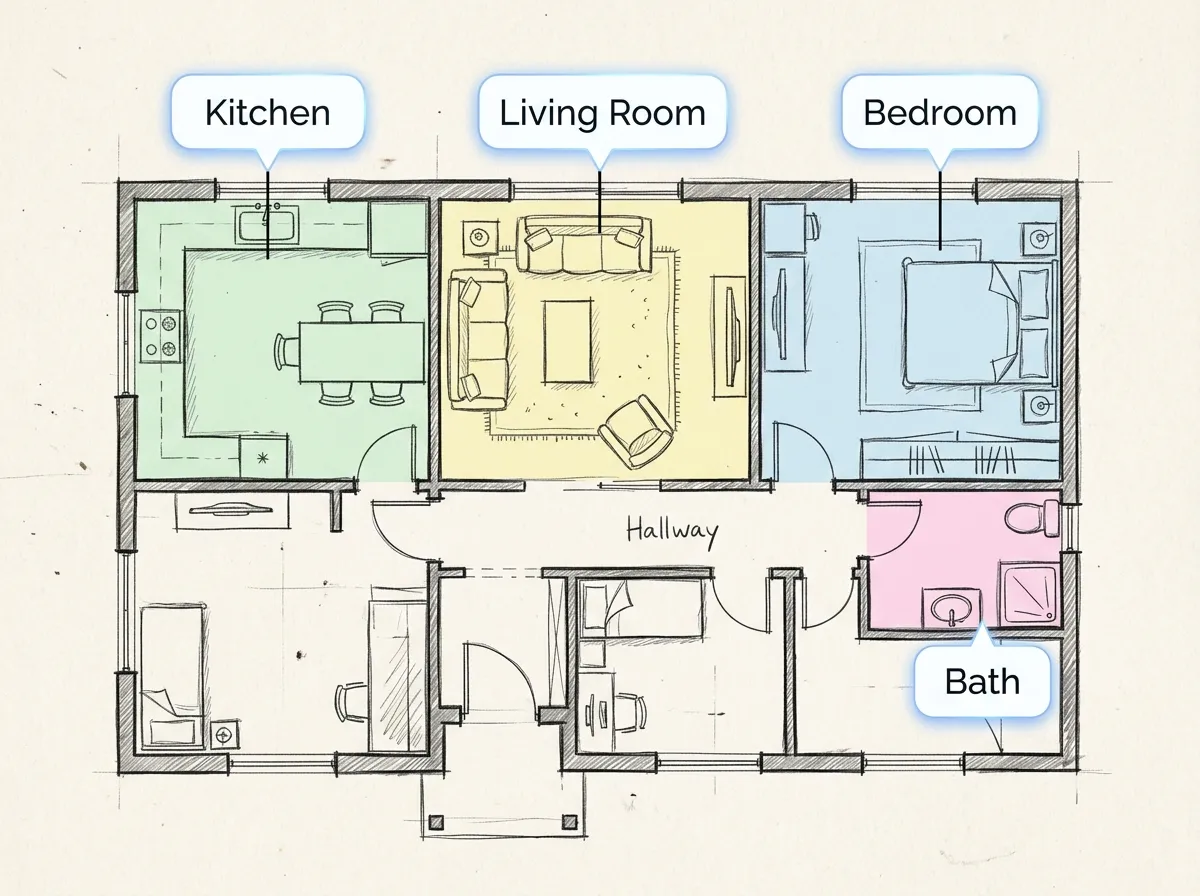
Automatic Room Detection & Labeling
The sketch to floor plan AI doesn't just straighten lines — it understands what rooms you've drawn. It detects enclosed spaces, suggests room types based on size and position, and automatically adds labels like 'Kitchen', 'Bedroom', or 'Bathroom' to your floor plan.
See Auto-Labeling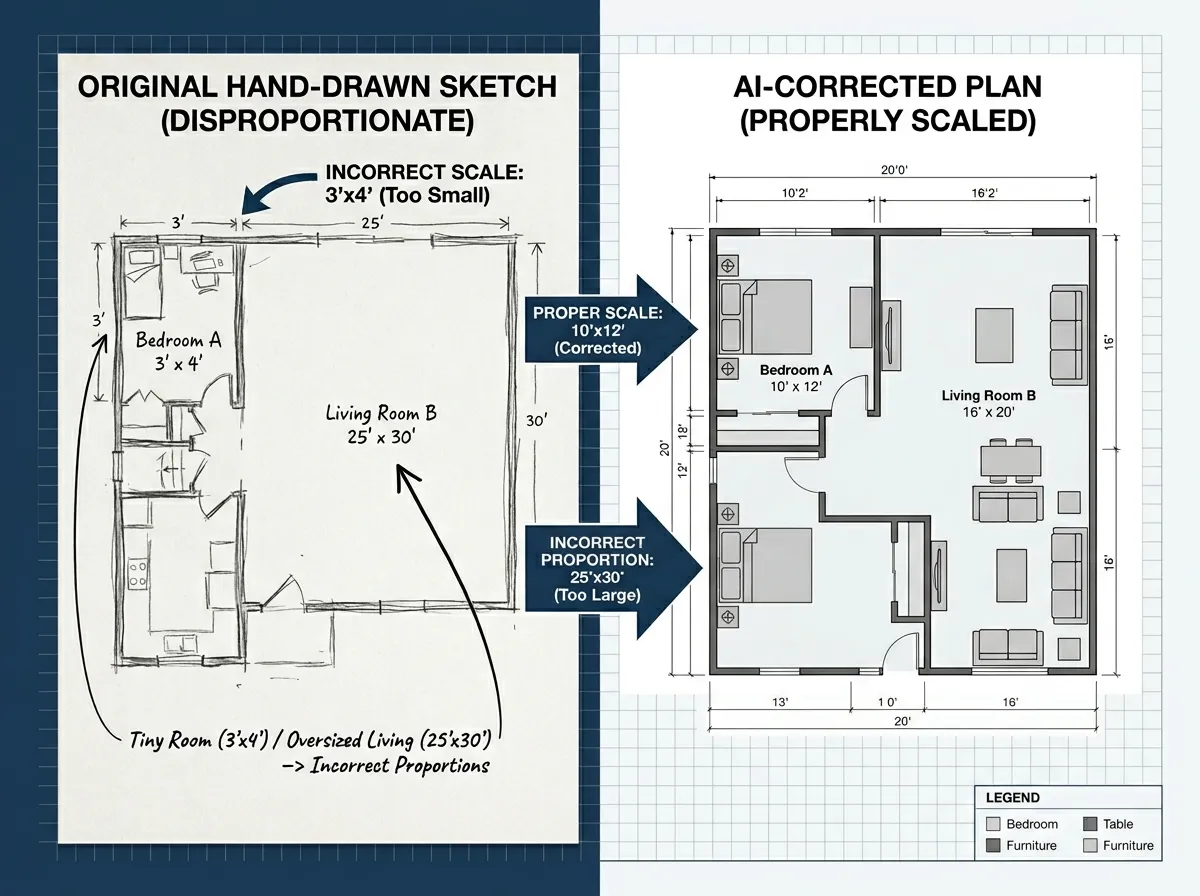
Proportion & Scale Correction
Hand-drawn sketches rarely have correct proportions. Our sketch to floor plan AI analyzes spatial relationships and intelligently adjusts room sizes to realistic dimensions. Provide one known measurement and the AI scales the entire floor plan accurately.
Try Scale Correction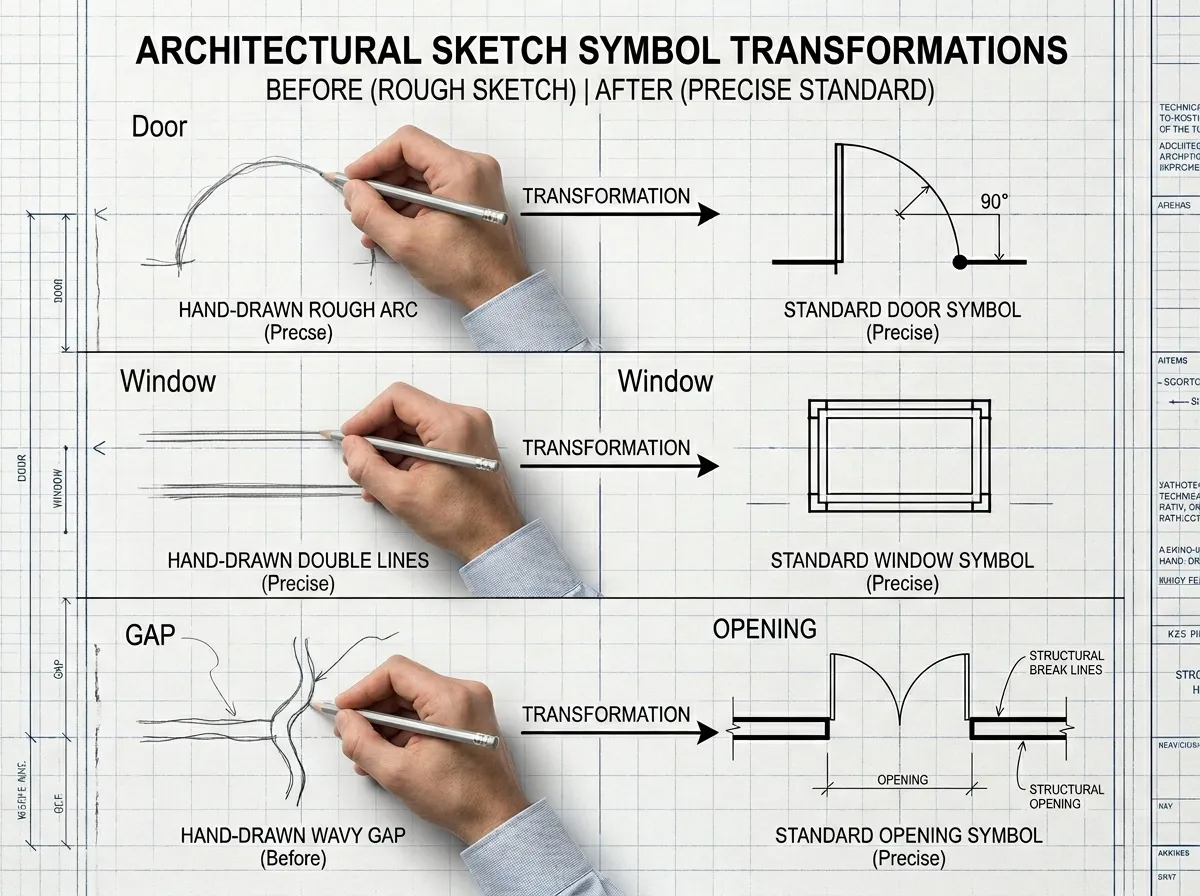
Door, Window & Opening Detection
Common sketch symbols for doors (arcs), windows (double lines), and openings (gaps) are automatically recognized by our sketch to floor plan AI. They're converted into standard architectural symbols on the generated floor plan — saving you from manual annotation.
See Symbol Detection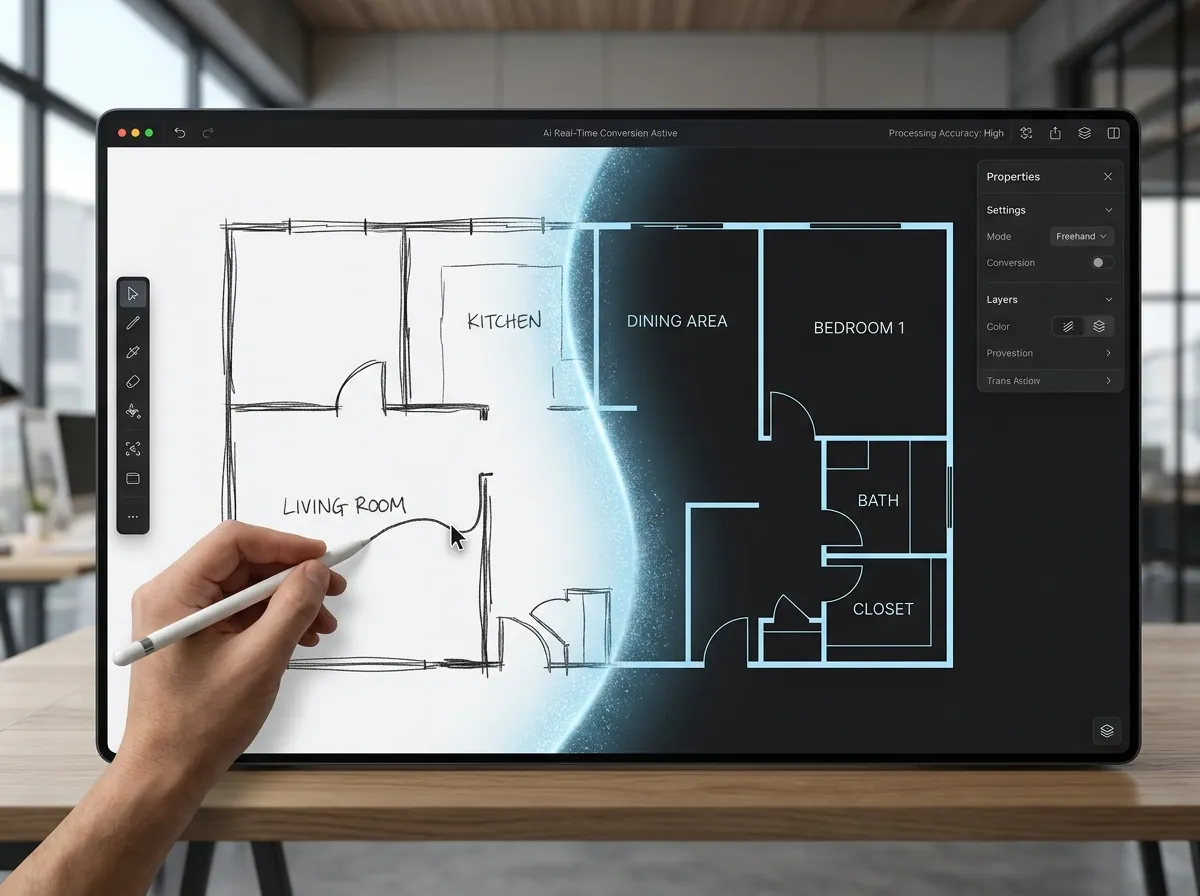
Built-in Sketch Canvas for On-Screen Drawing
Don't have paper? Use our built-in digital sketch canvas to draw floor plans directly on screen with your mouse, trackpad, or stylus. The sketch to floor plan AI processes your digital drawing just like a photographed paper sketch — with the same precision.
Start Drawing OnlineWho Uses Sketch to Floor Plan AI
Architects brainstorming concepts, homeowners dreaming up renovations, students completing assignments — our sketch to floor plan AI turns creative thinking into professional plans.
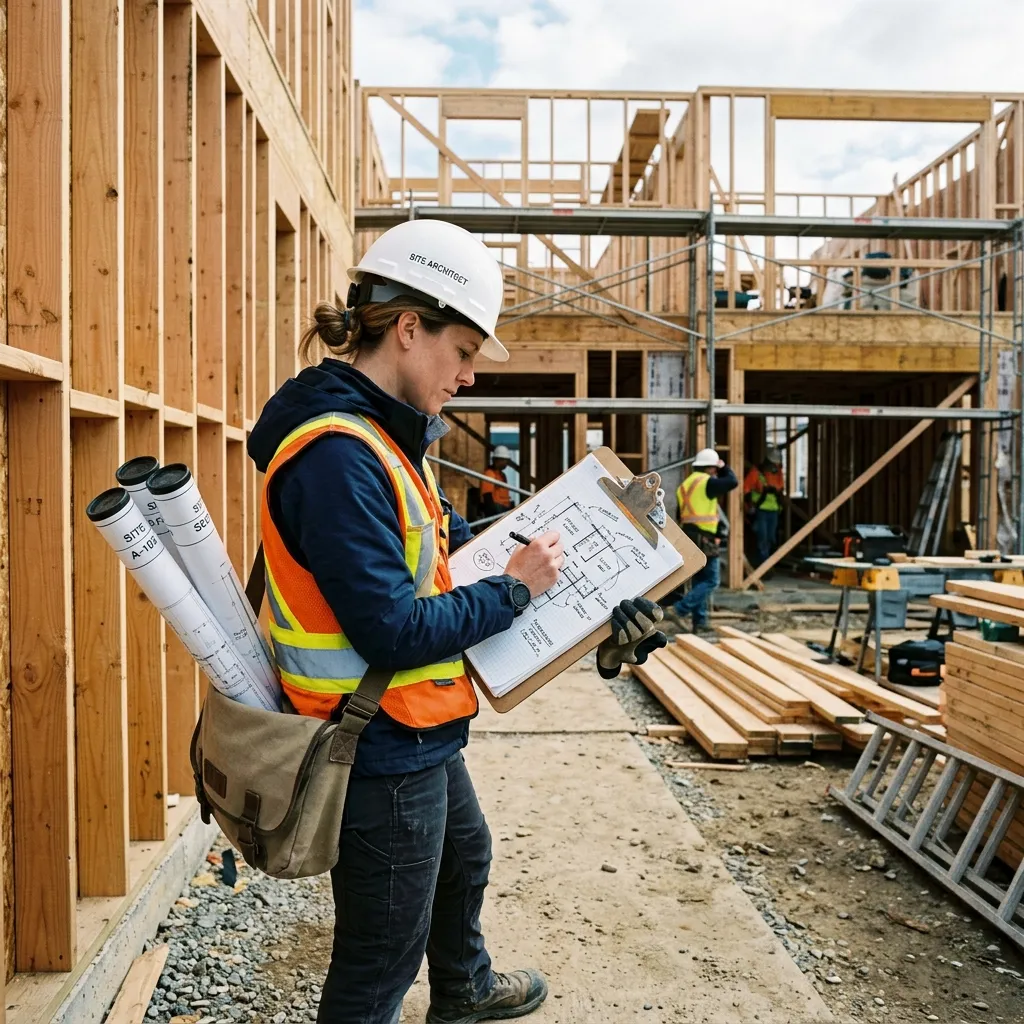
For Architects & Designers
Capture early-stage design concepts without opening CAD software. Sketch ideas by hand during site visits or meetings, then let our sketch to floor plan AI convert them into clean digital plans ready for client presentations.
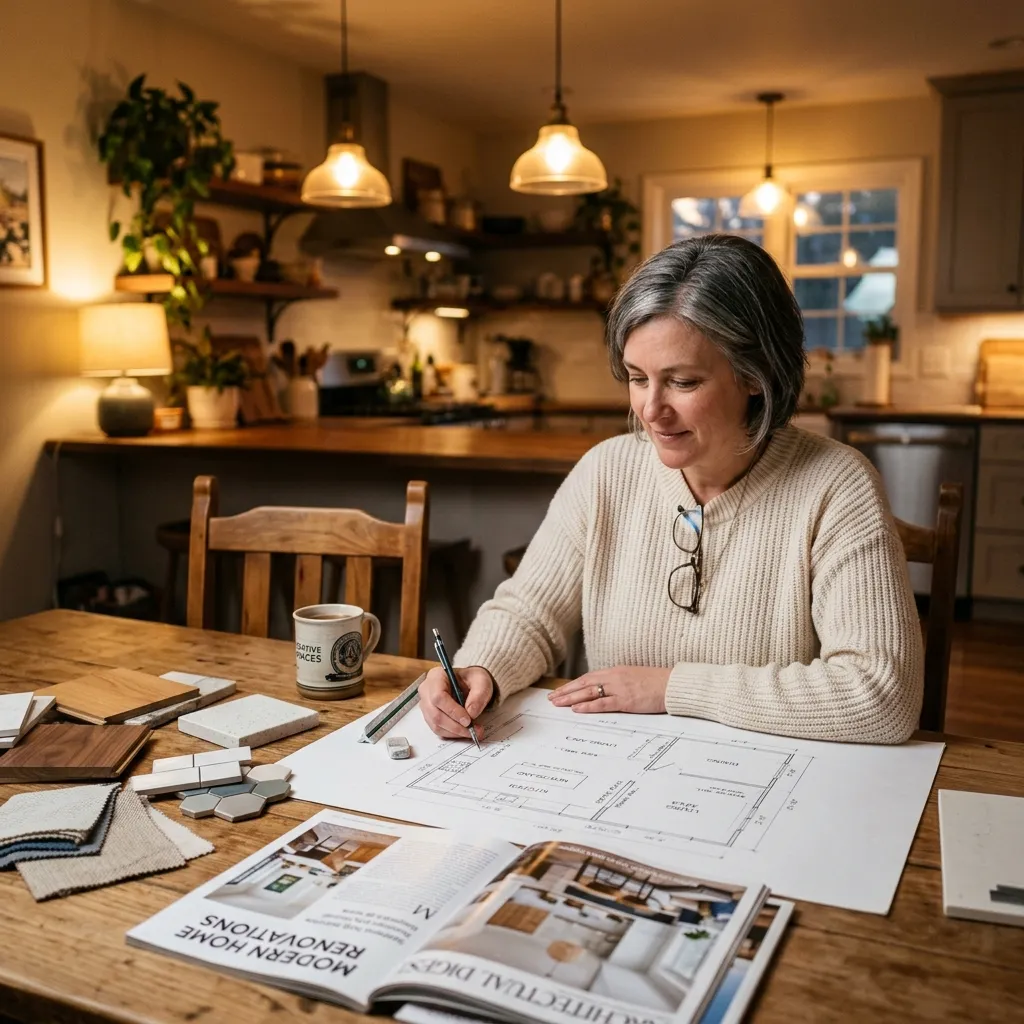
For Homeowners Planning Renovations
Got a renovation idea in your head? Sketch it out on paper and upload it. The sketch to floor plan AI converts your vision into a proper floor plan you can share with contractors and builders for accurate quotes.
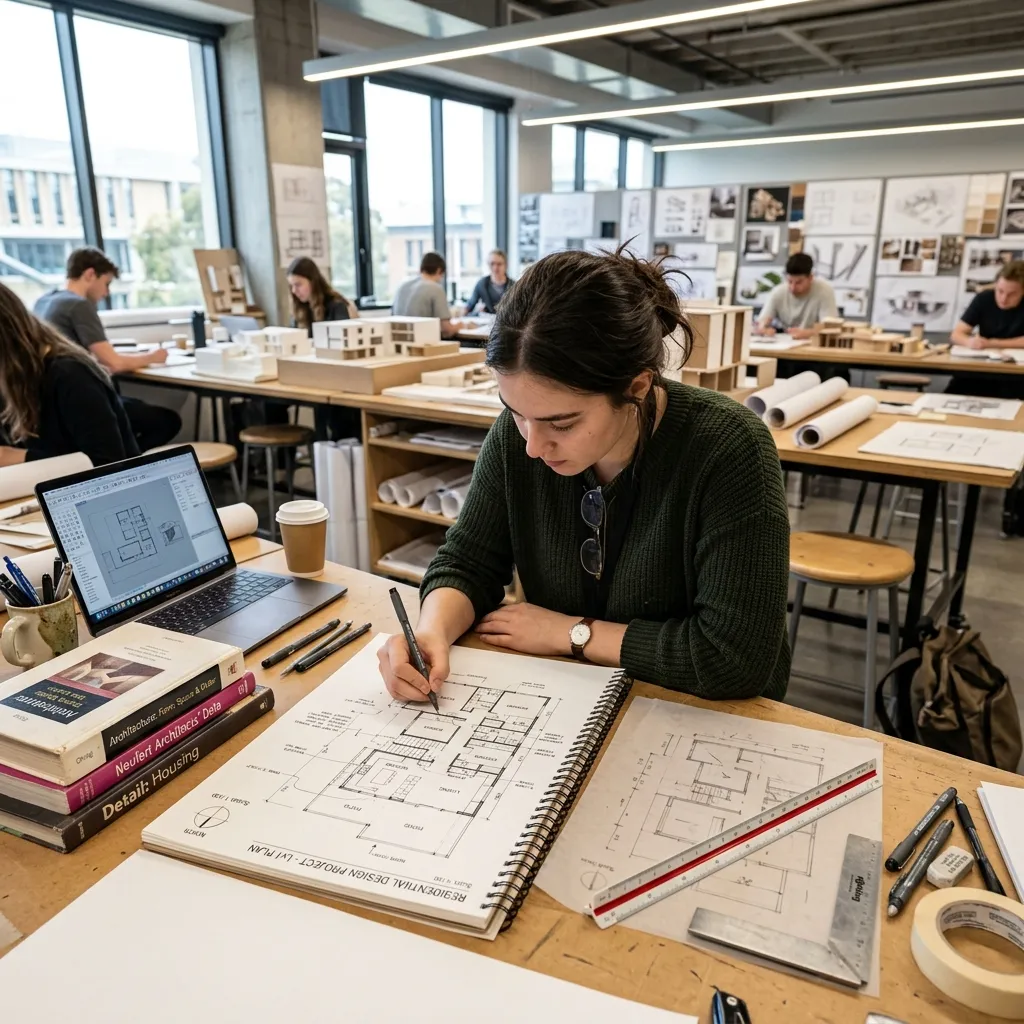
For Architecture Students
Speed up studio projects by sketching floor plan concepts by hand and converting them digitally with AI. The sketch to floor plan AI helps students iterate faster and spend more time on design thinking.
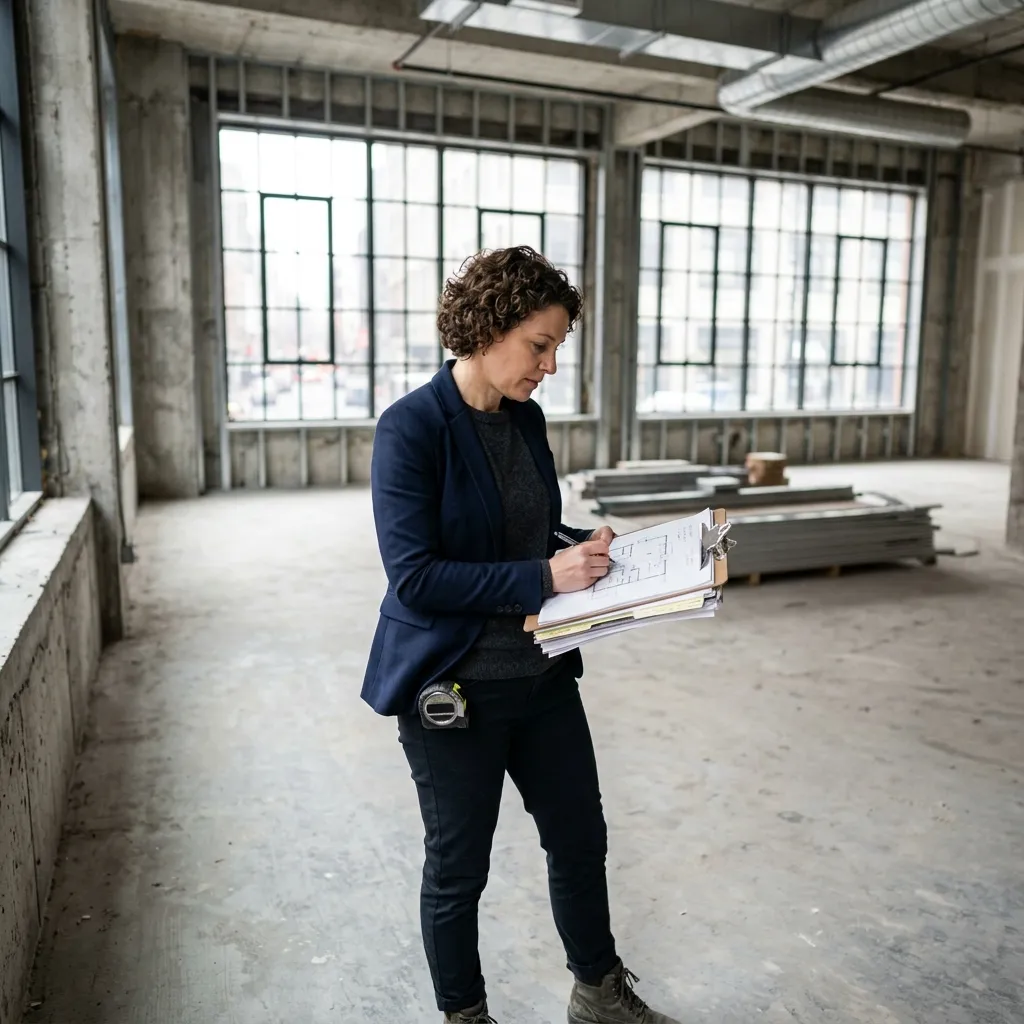
For Real Estate Developers
During site visits and feasibility studies, quickly sketch potential layouts and convert them into professional floor plans. Our sketch to floor plan AI helps developers evaluate space options before committing to detailed CAD work.
Frequently Asked Questions About Sketch to Floor Plan AI

Turn Your Sketch into a Floor Plan Now
Grab a pen, draw your idea, and let AI do the rest. Thousands of architects, students, and homeowners trust our sketch to floor plan AI every day.
✨ No credit card required. Works with any drawing.