
AI Real Estate Photo Editing for Listing Photos
Paint over the bins, cords or dated carpet and say what to change, or relight the whole shot as blue-sky day or twilight. Walls, windows and the camera angle stay where they are.
Select an area, then describe what should change there.
Paint over the object or area you want to change.
Quicker output for previews and iteration.
Local File
Upload from device
My Workspace
Select from gallery
Listing Photos Fixed with AI
Six shots that were almost ready to publish. Each fix was made on the original photo with AI, not on a new render.


How to Edit Real Estate Photos with AI
One photo, three steps. Upload it, or press Edit on any room, exterior, landscape or staging image you made on ArchyBase.
Upload the Listing Photo
Add an interior or exterior photo straight from the shoot, or open one from your workspace.
Choose Edit, Remove, Enhance or Scene
Paint the area for an Edit or a Remove, tick the Enhance fixes you need, or pick a Scene preset to relight the whole frame. Or switch to the Click tab and set as many as three pins.
Generate and Download
Each run costs 10 credits on the Fast or Pro tier. Save the photo, or use Continue editing to fix the next thing on the result.
Real Estate Photo Editing AI That Keeps the Room Real
Five tools for the fixes listing photos need most. The layout, structure and camera angle of your shot are preserved.
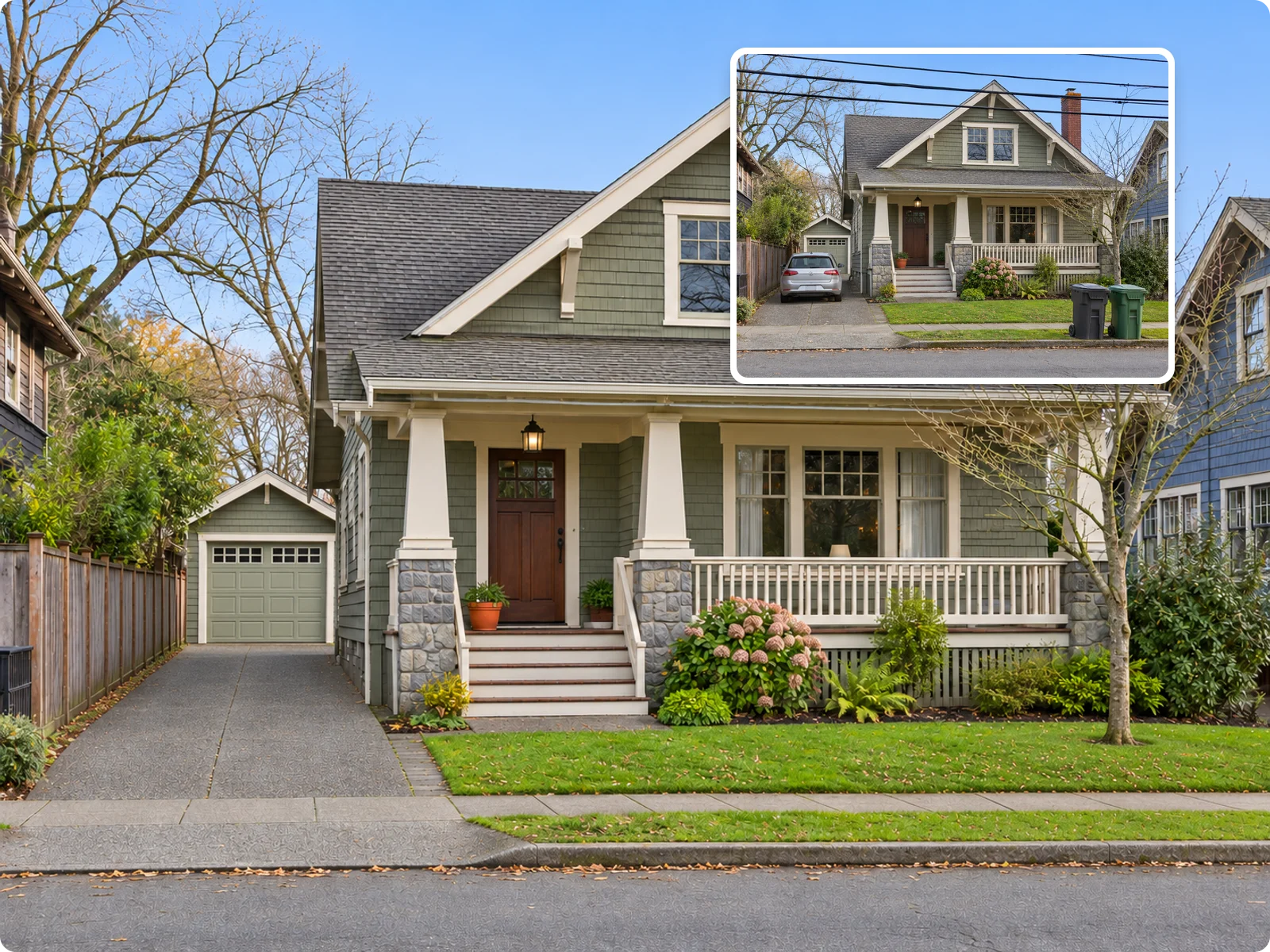
Remove What Buyers Shouldn't See
Paint over clutter, cords, cars, trash bins, family photos or power lines and they disappear. The floor, wall, lawn or sky behind them is continued so the shot still looks like a photo.
Remove Objects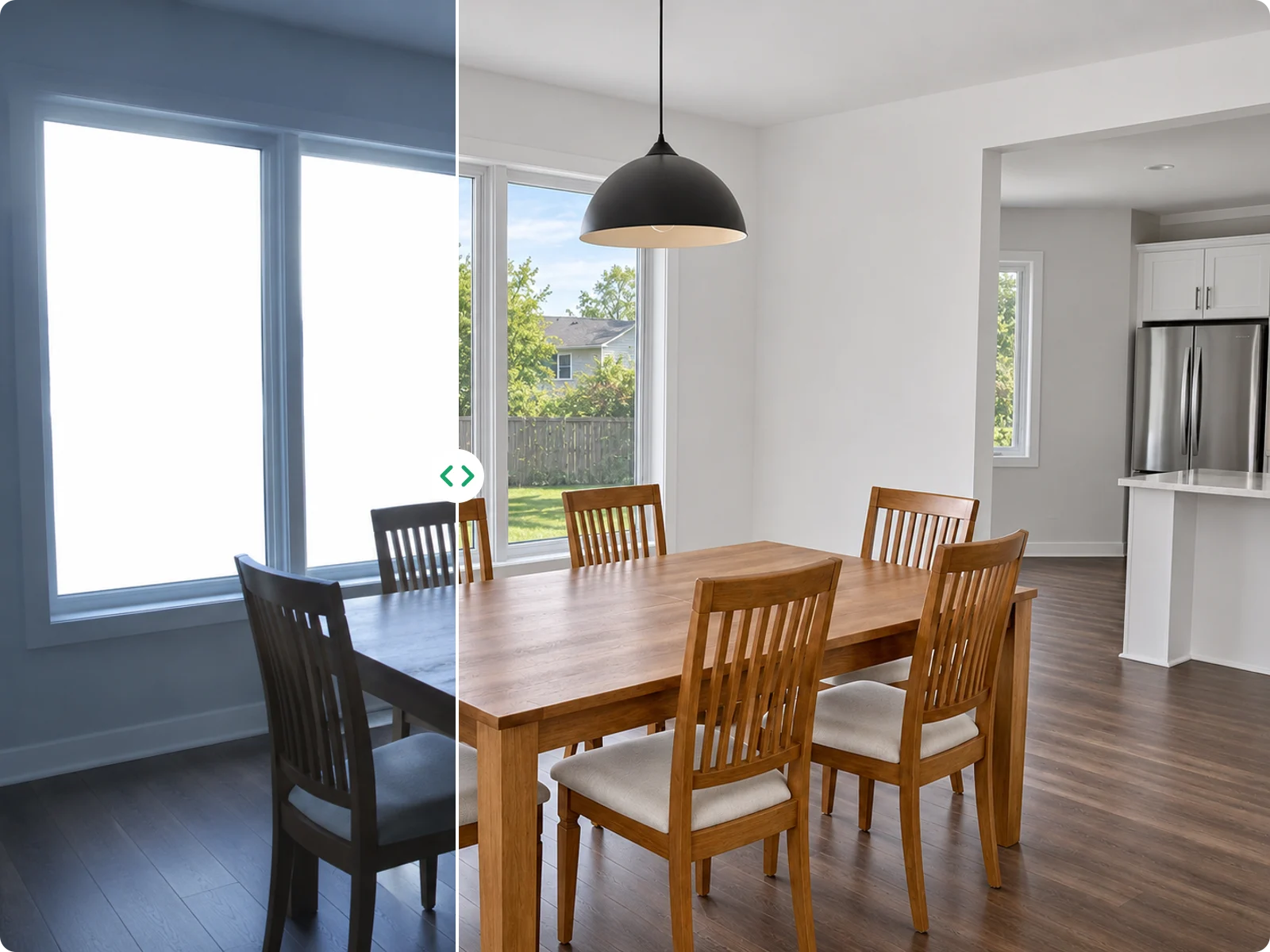
One-Click Enhance for Light, Color and Sky
Select one or several fixes at once: brighten and balance exposure in an HDR-style look, correct white balance, declutter the room, green up the lawn, or replace a grey sky with blue.
Enhance a Photo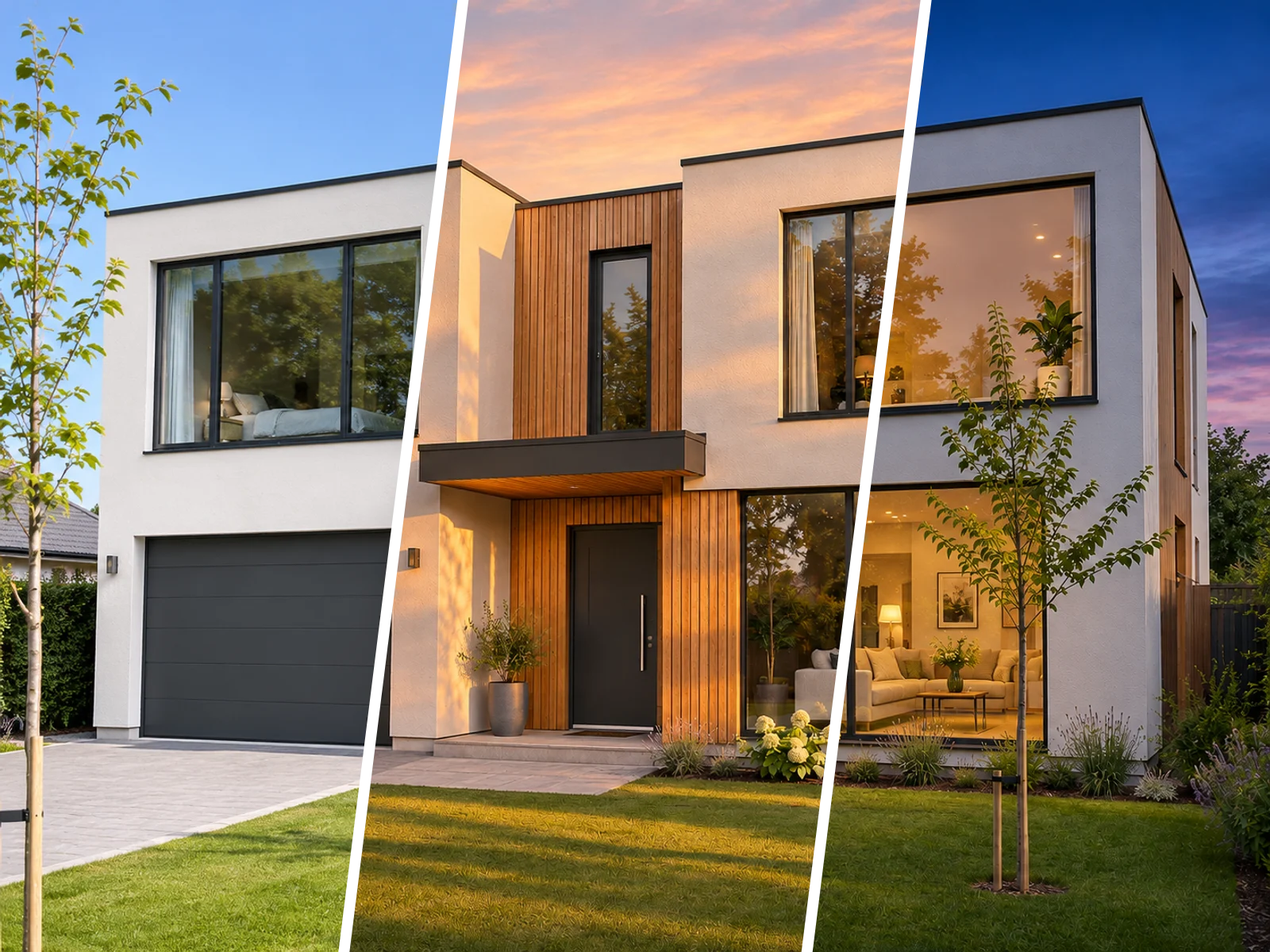
Relight the Shot with Scene Presets
Choose Blue sky day, Golden hour, Twilight, Bright airy daylight, Warm evening or Lush summer, each with a preview. Use Twilight for a day-to-dusk hero image without a second shoot.
Try a Scene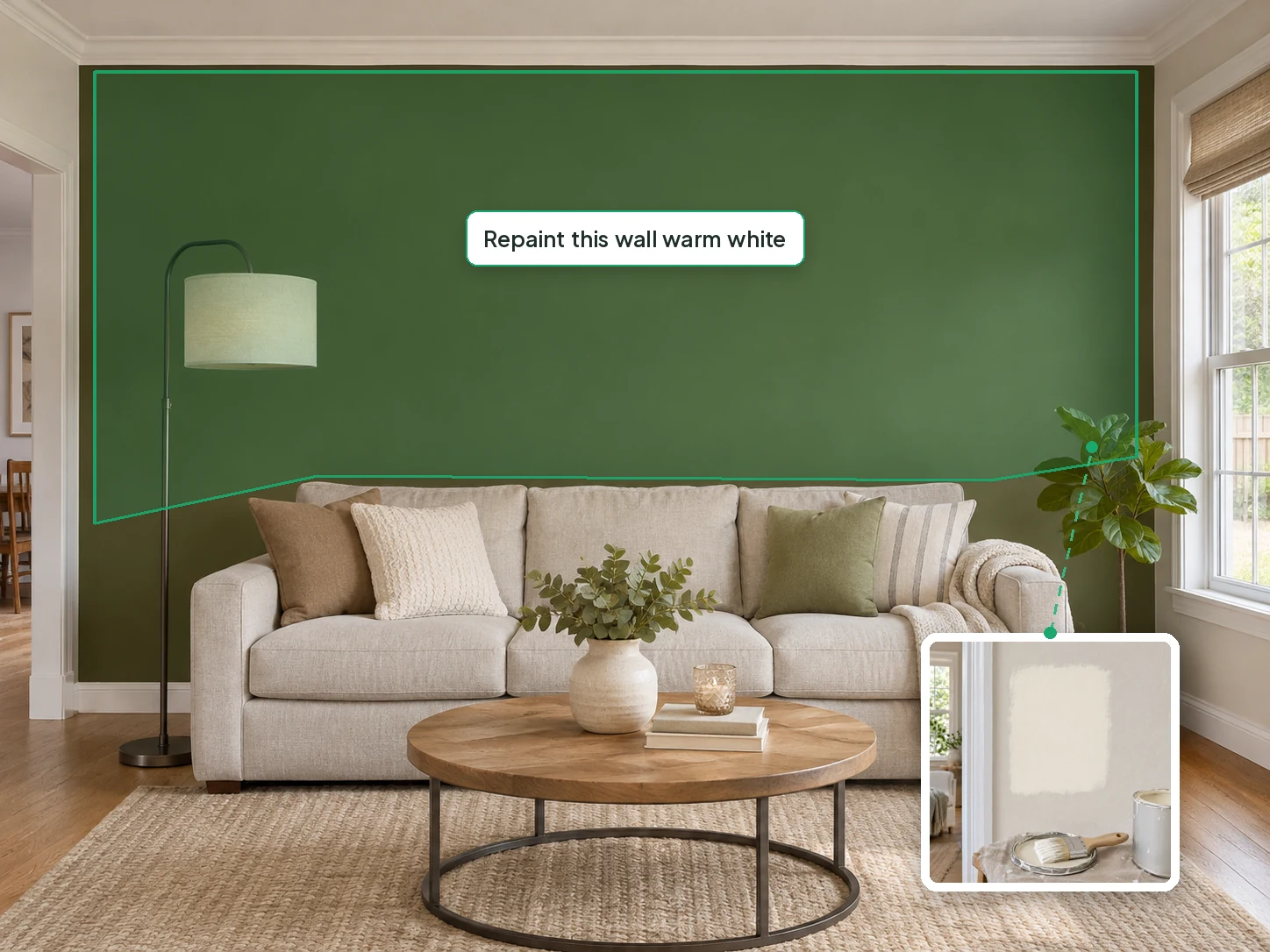
Swap a Finish or a Piece of Furniture
Paint the sofa, wall or floor and describe the change, like "repaint this wall warm white". Add a reference image for an exact color or material, or let the wand button write the instruction.
Make an Edit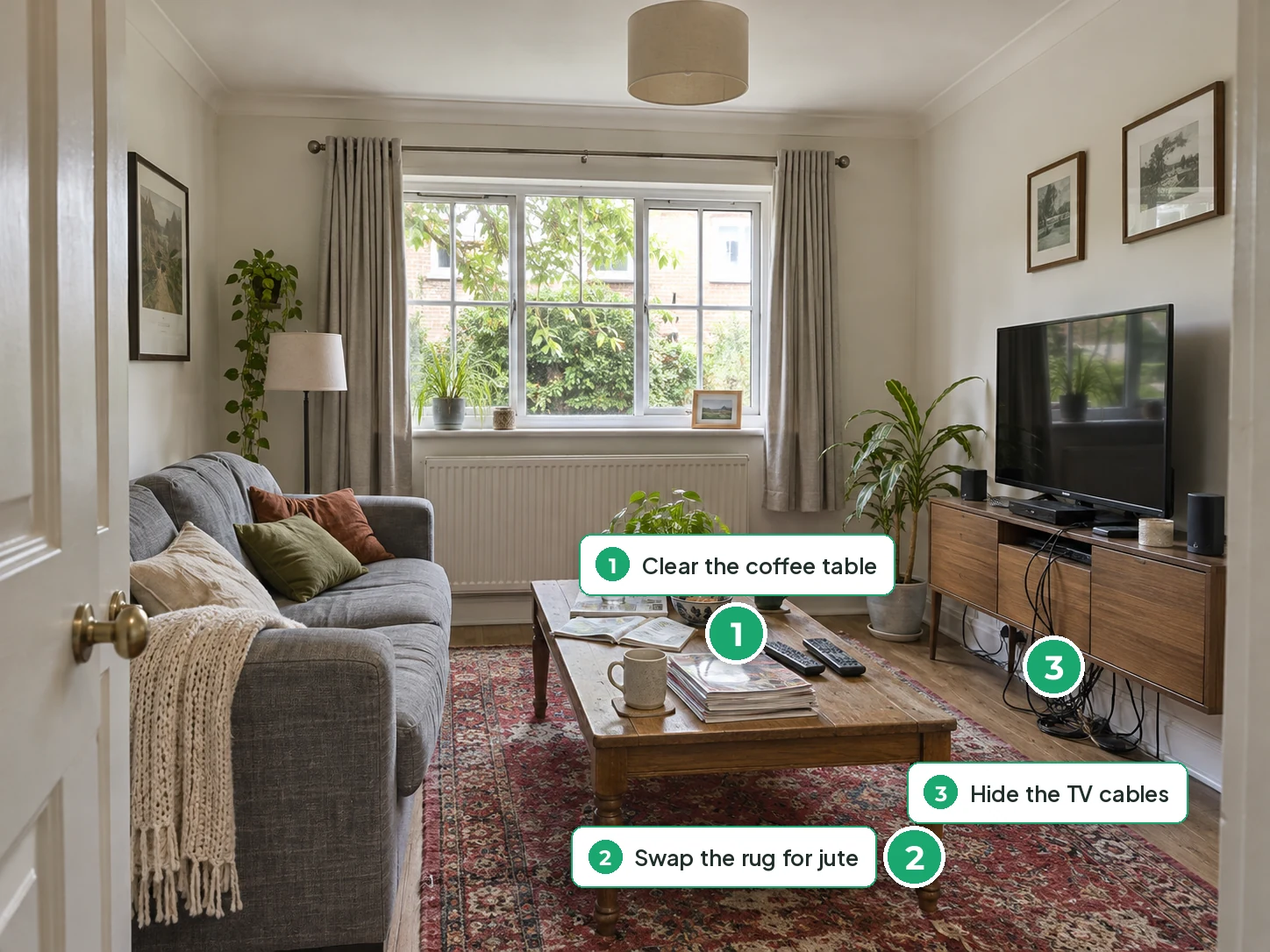
Pin Three Fixes, Then Keep Going
Mark as many as three spots with numbered pins, write what each should become, and fix them together. Then use Continue editing to chain the next change on the new result.
Use PinsWho Uses AI Photo Editing for Real Estate
People who already have the photos and need one or two of them fixed before the listing goes live.
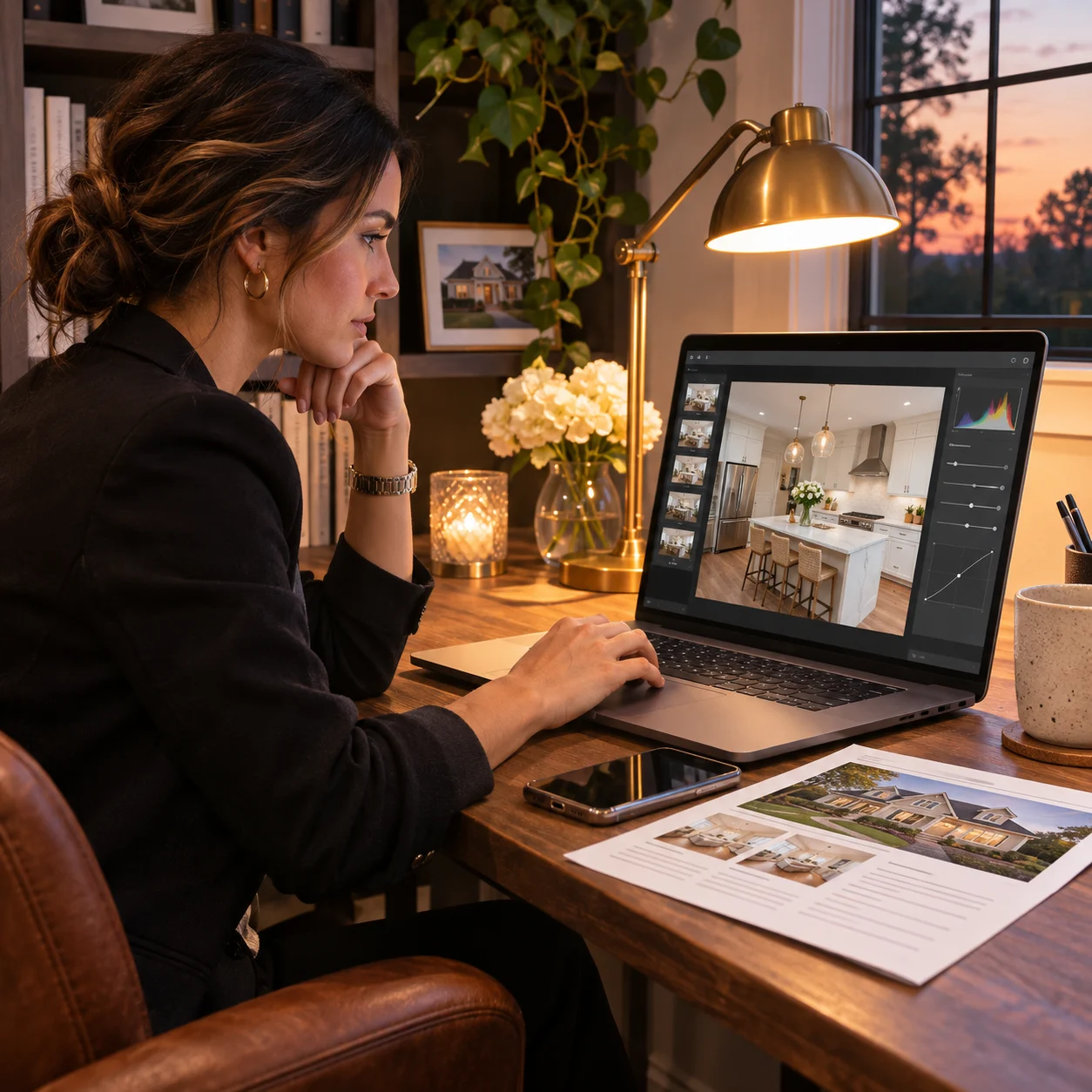
Listing Agents
Fix the shot that's holding the listing back, like a grey sky or a cluttered kitchen, the night before it goes live, without waiting on a reshoot.
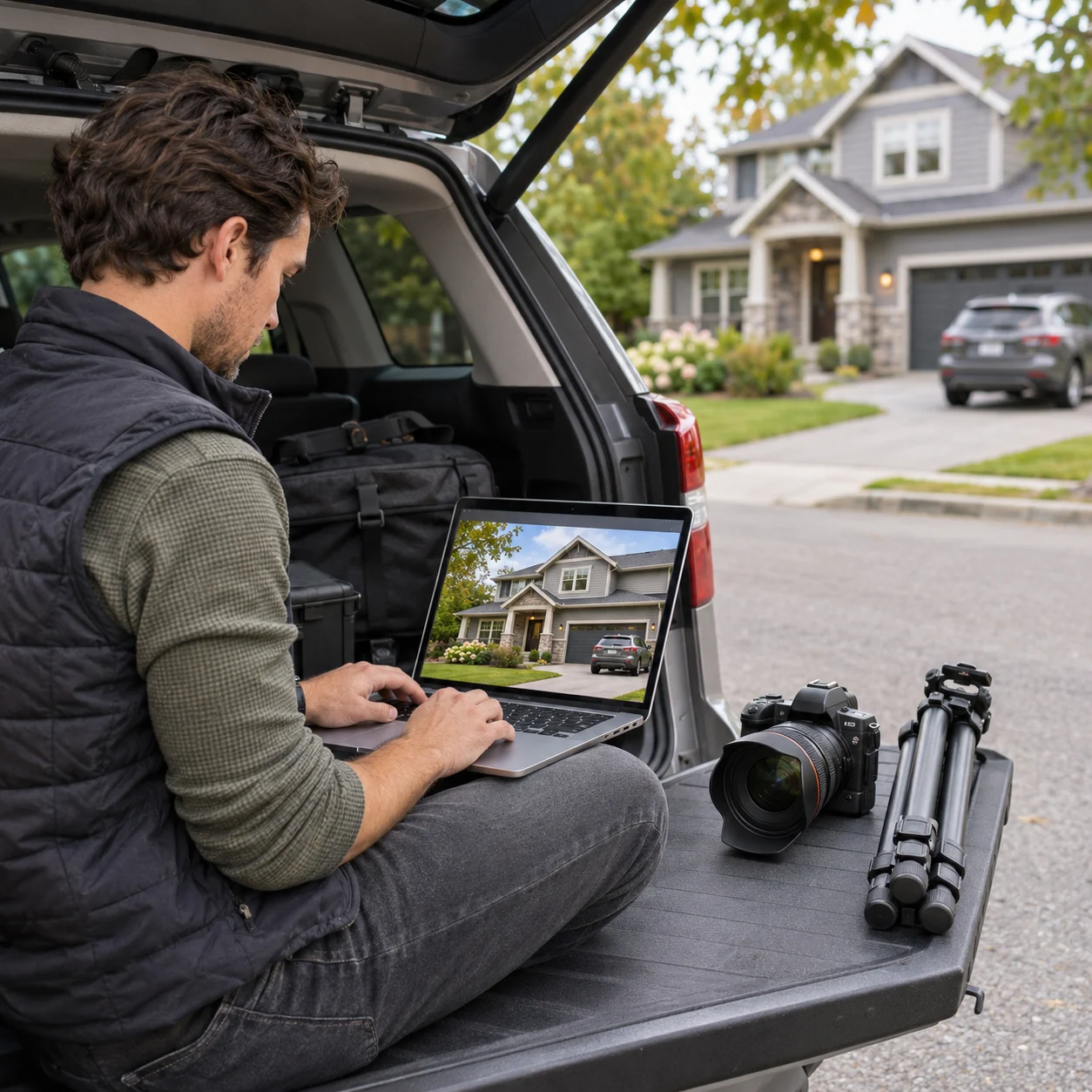
Real Estate Photographers
Use AI real estate photography editing for the frames that need more than a preset: a car in the driveway, a bin by the porch, or a day-to-dusk hero shot.

Property Marketers and Developers
Give show homes and finished units a golden-hour or bright daylight look for brochures and ads, then render the next phase in the same account.

Homeowners Selling Their Home
Clear personal photos and everyday clutter from your own phone shots before they go on a sale-by-owner listing or to your agent.
Real Estate Photo Editing Questions

Fix the Photo, Not the Whole Shoot
Upload the listing photo that needs work, paint what's wrong or pick a scene, and download the fixed version. It runs in the browser, so there is no AI photo editing app to install.
✨ Free credits on sign-up · Remove, enhance, relight or edit · Interior and exterior