


Landscape Renders From Real Archybase Workspaces
Four yards, four different starting points already sitting in a workspace — an exterior render, a grading wireframe, a hand sketch, and a phone photo — all finished by the same landscape rendering engine.
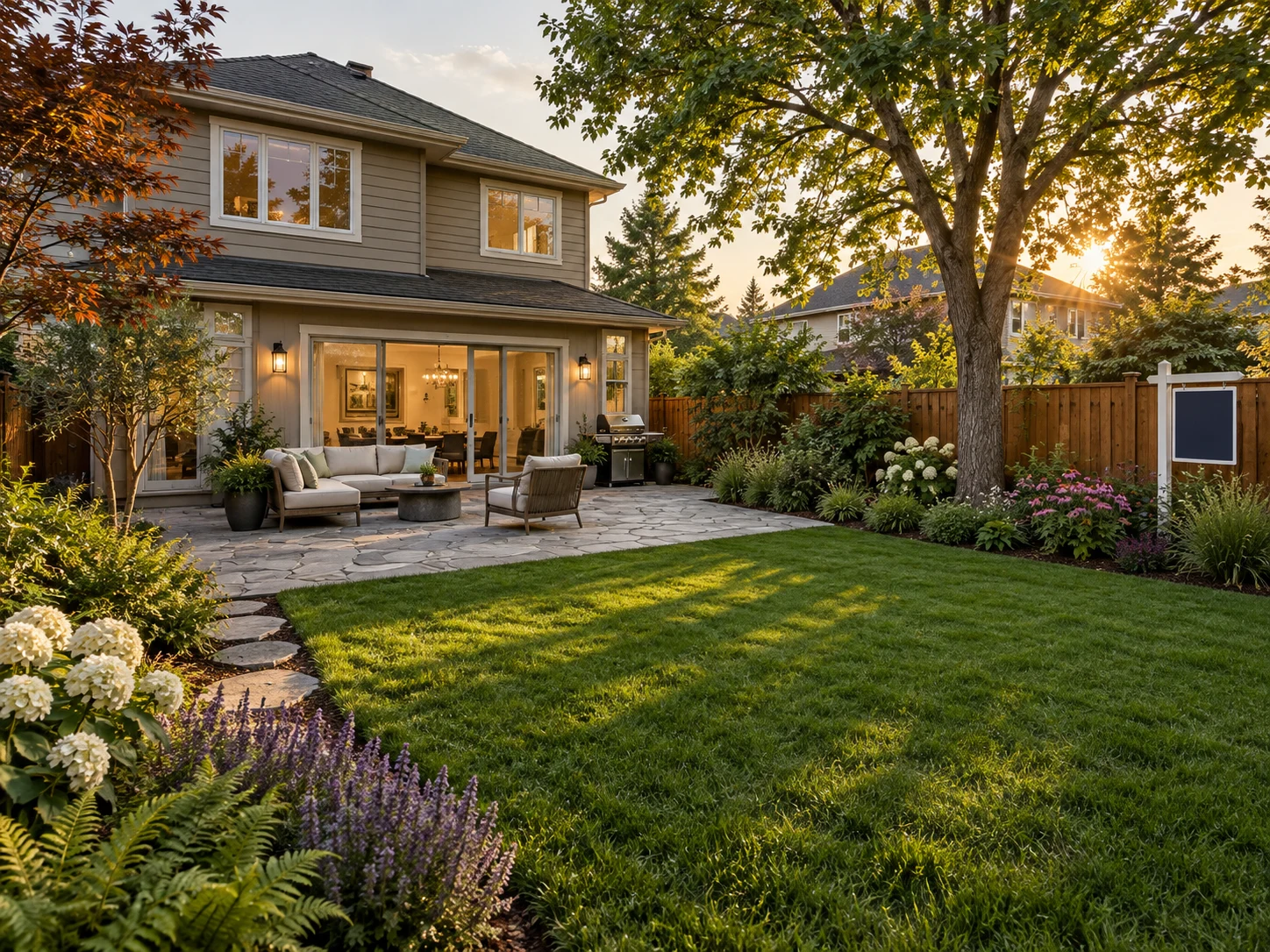
Listing Package: Backyard From a Workspace Exterior Render
An agent picks the exterior render already in the workspace and turns the yard behind it into a lush backyard render — same patio, same bed shapes, new planting and paving.
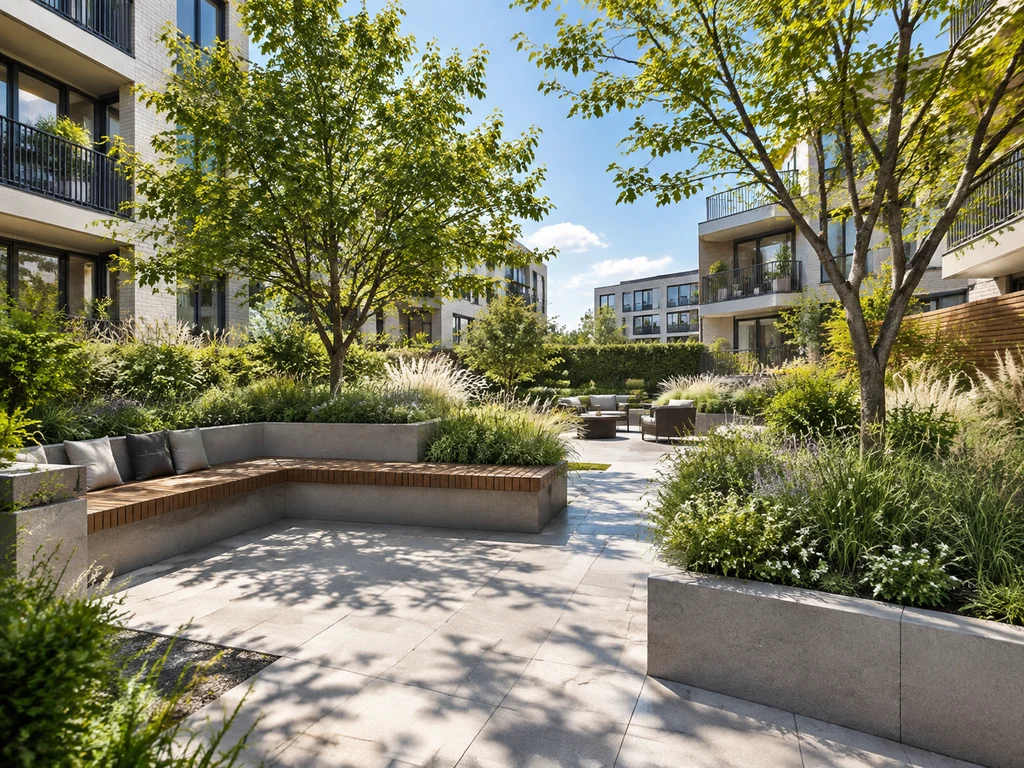
Development Pitch: Courtyard From a Grading Plan
A developer's grading wireframe with contour lines renders into a finished shared courtyard for the investor deck, without redrawing a single line.
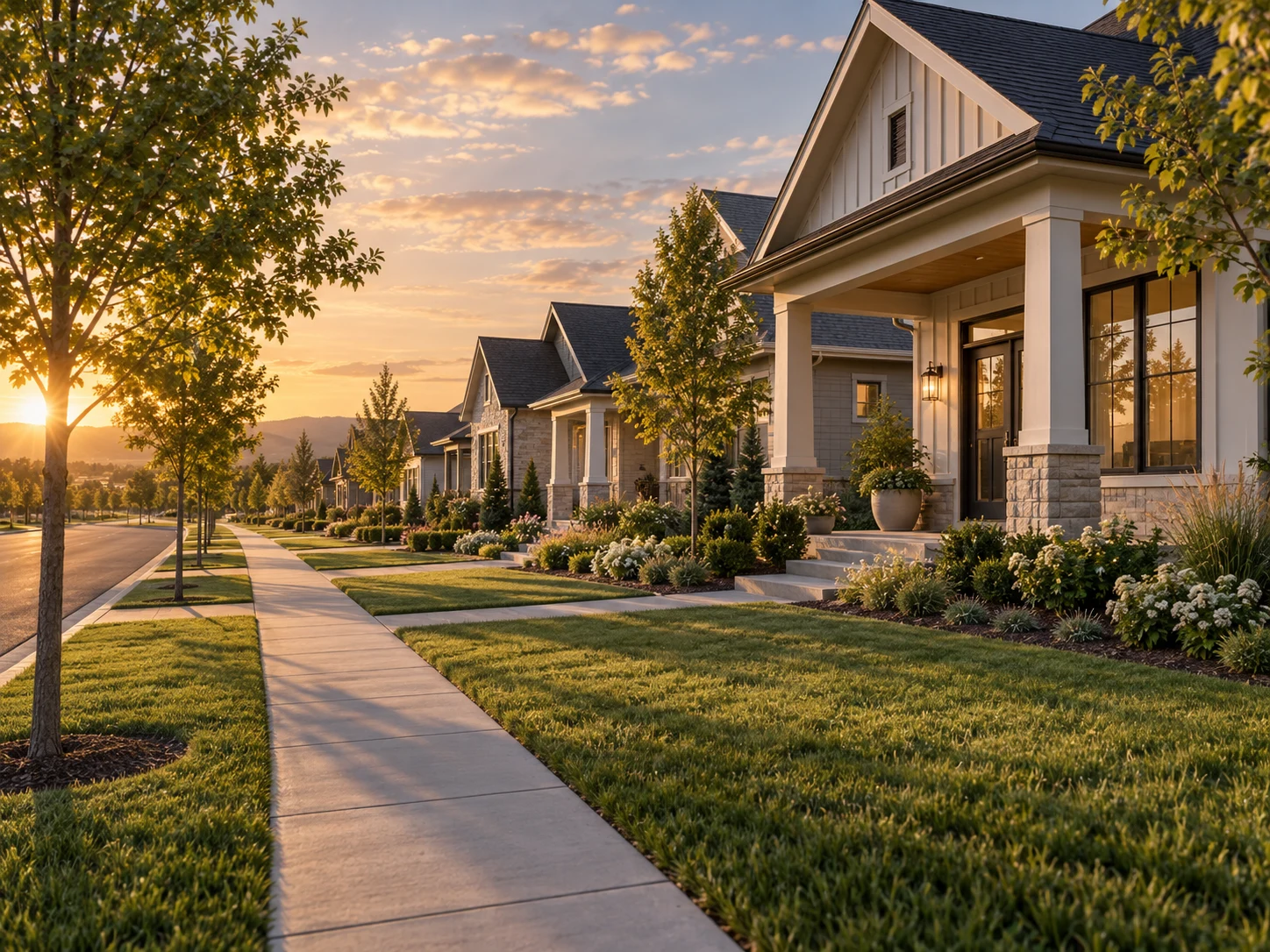
Pre-Sale Community: Front Yards Before Ground Is Broken
A row of front yards from an unbuilt community becomes a marketing-ready landscape render months before the sod is laid, without commissioning a separate studio.
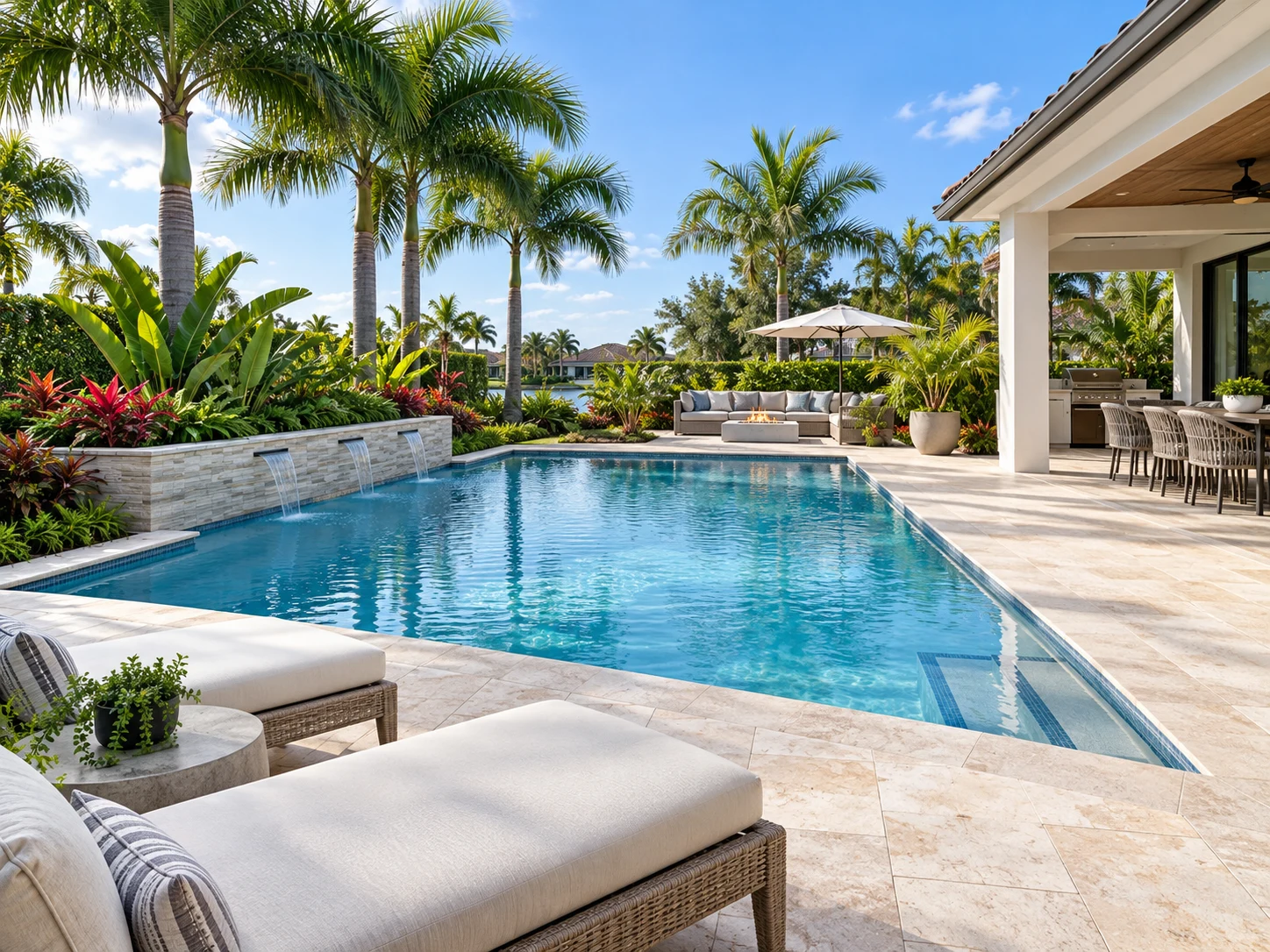
Renovation Listing: Pool Area From an Existing Photo
A phone photo of a dated pool deck becomes an updated landscape render for the listing — fresh pavers and planting, same layout as the original yard.
How to Render a Landscape Around a Building You Already Made
Three steps, and nothing has to leave the workspace it started in — no exporting a plan to a separate rendering app and re-explaining the site.
Pick an Exterior Render or Plan — or Upload One
Choose an exterior render, a floor plan, or any photo already saved to this project's workspace, or upload a fresh sketch, grading plan, or yard photo.
Set Planting, Hardscape & Time of Day
Choose a planting palette, paving material, and a time of day — golden hour, overcast, or dusk. The layout and camera angle stay exactly as planned; only the planting and light change.
Download the Landscape Render, Then Keep Going
The finished landscape render saves back into the same workspace, ready alongside the interior and exterior renders for the same building.
Why Render Landscapes Inside Archybase
Built for projects that don't stop at the building — the exterior, the floor plan, and the grounds around them all sit in one workspace.
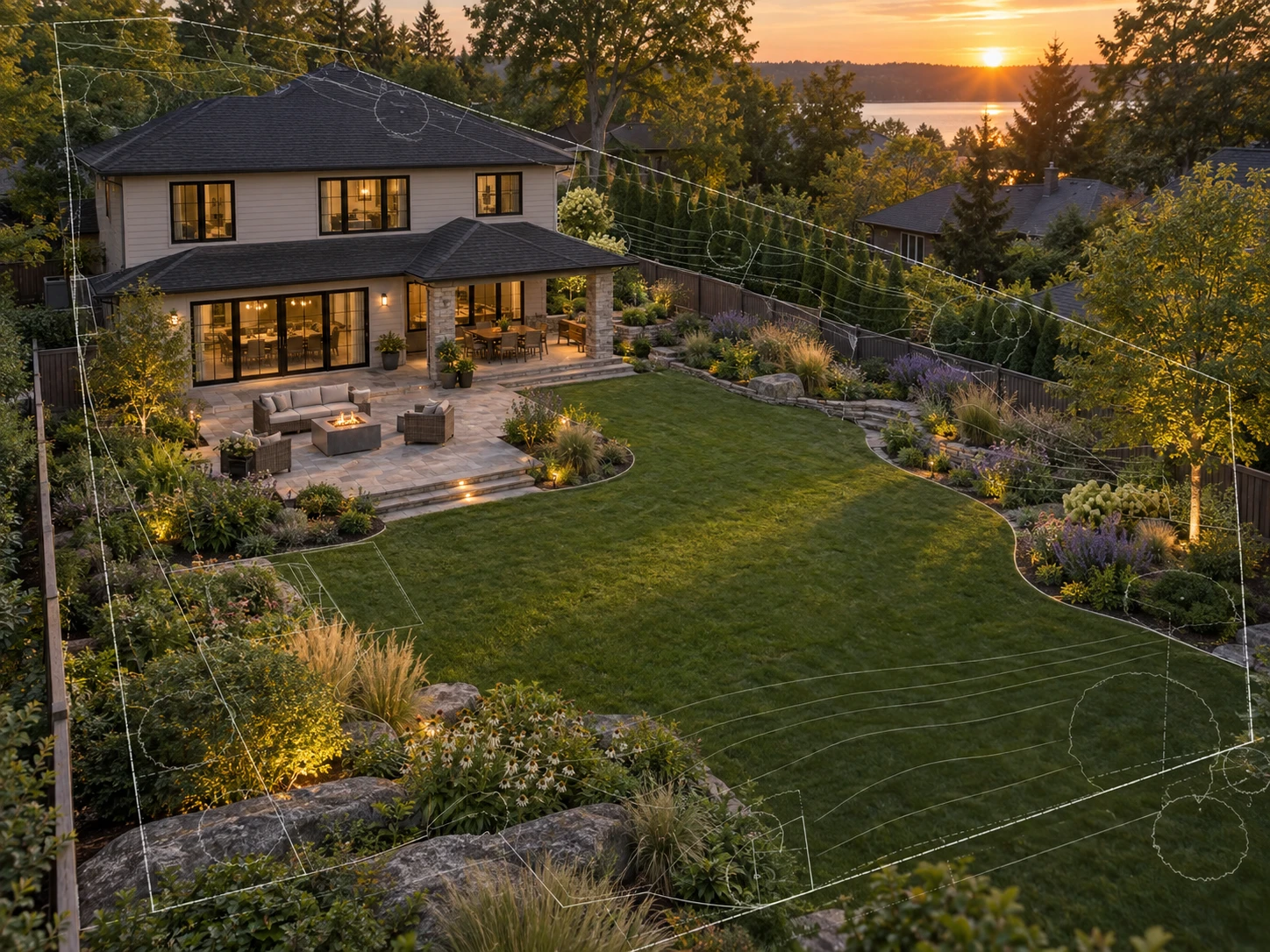
Renders Start From a Building You Already Made
Pull in an exterior render or a floor plan you generated earlier in this project instead of exporting and re-uploading it — our landscape rendering engine adds planting and light, not a new layout.
See How It Works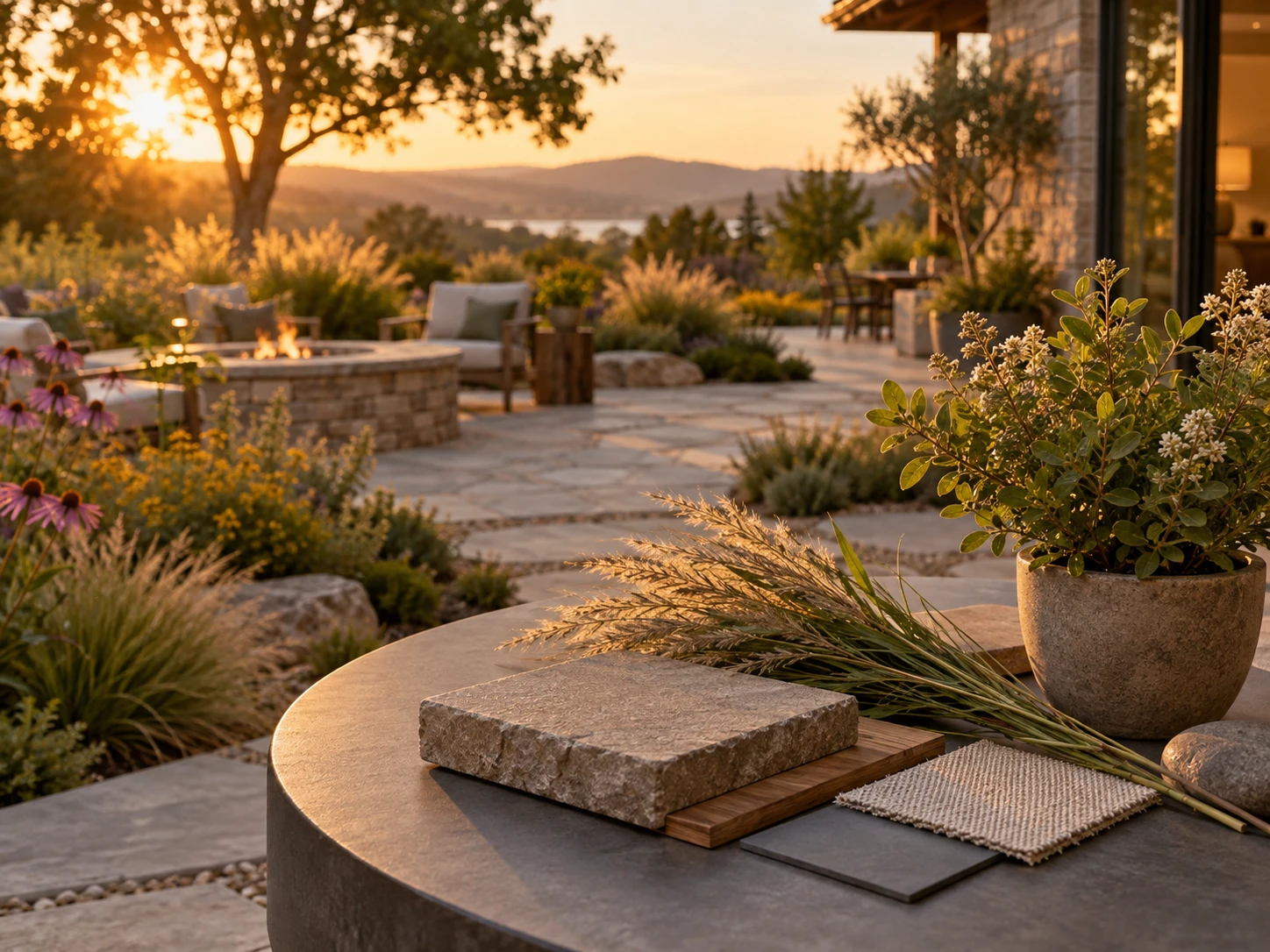
Planting & Hardscape Control
Choose native planting, paving material, and a time of day before generating the landscape render. Plant rendering detailed enough to read as real species, not generic green blobs.
Browse Styles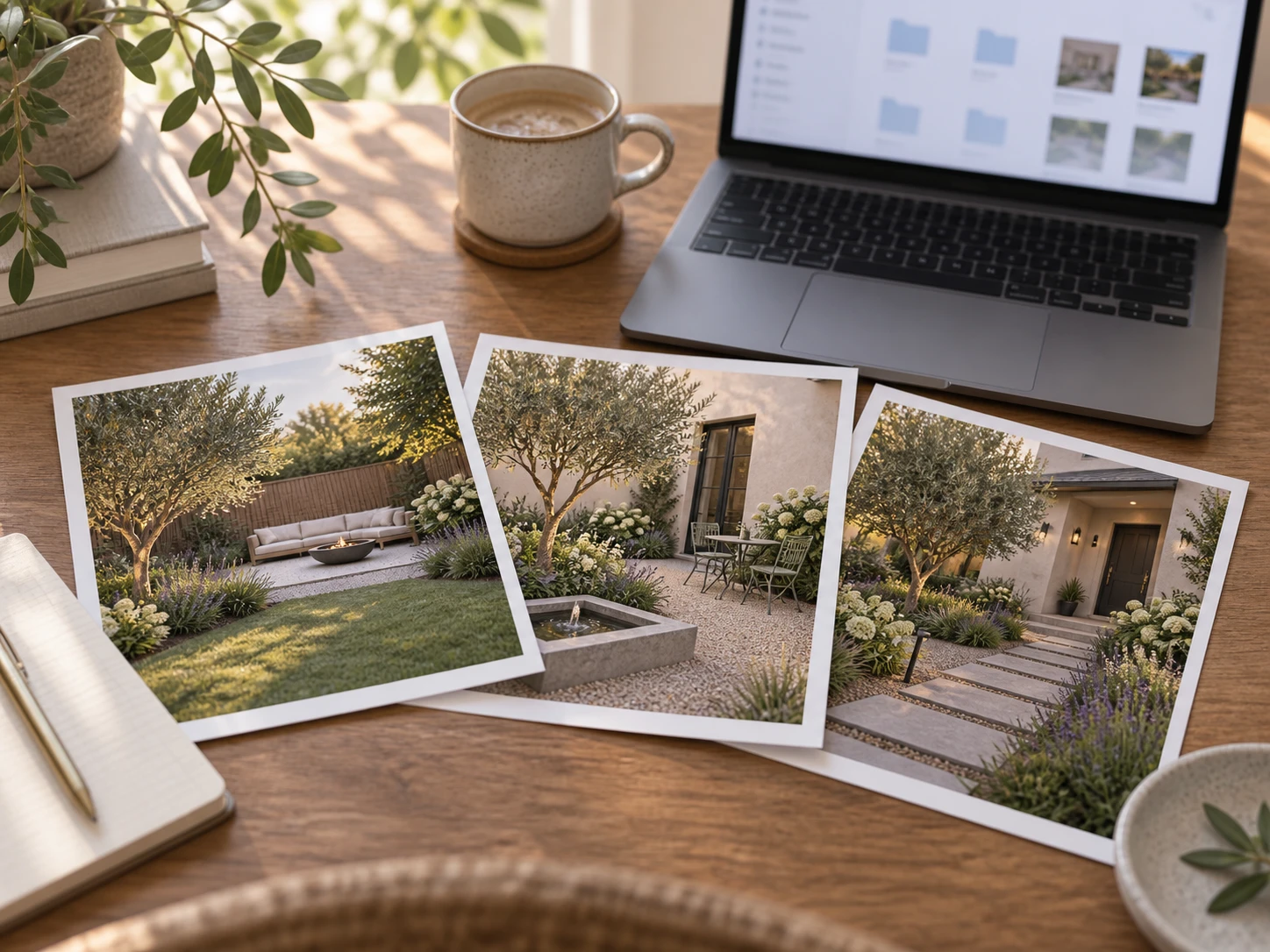
One Workspace, Every Outdoor Space
Render the backyard, then the courtyard, then the front yard from the same project without opening a new account for each — every render stays filed under the same workspace.
Render Another Space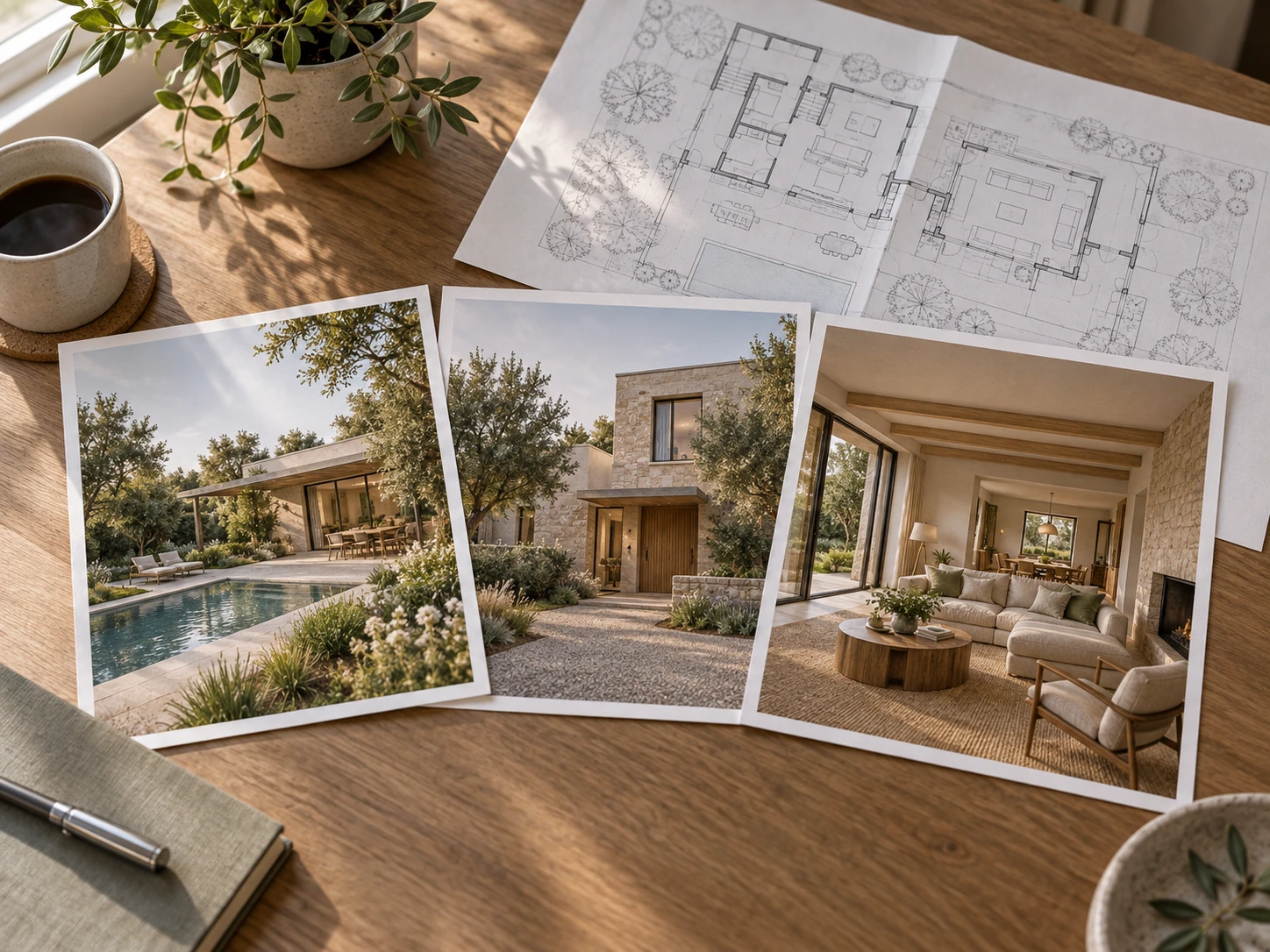
Landscape, Interior, and Exterior Share One Workspace
The same workspace that holds this landscape render can also hold the interior render and the exterior render for the same building — no separate site, no separate login.
See the Full Workflow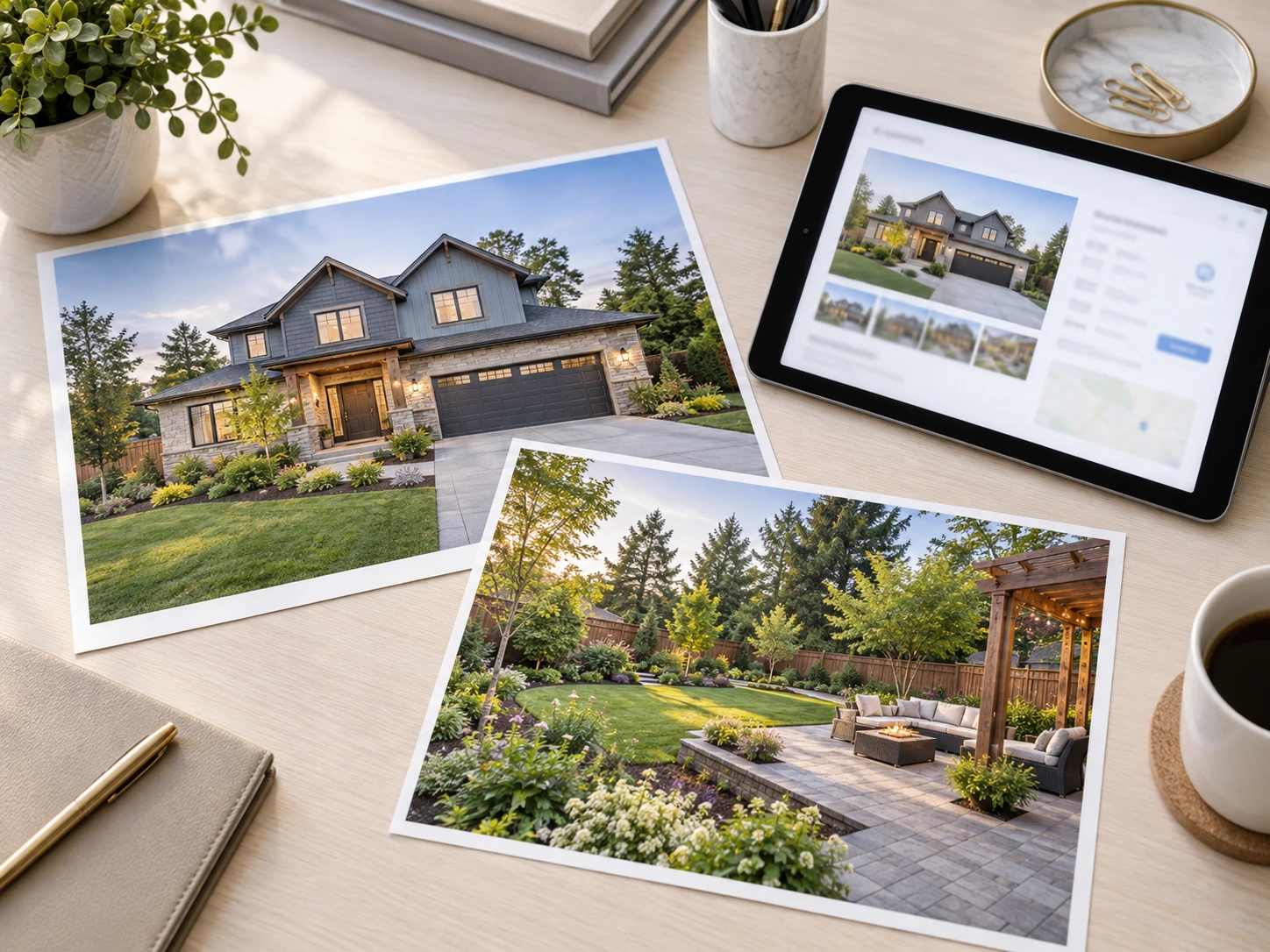
Built for Listings, Pitches & Community Marketing
Landscape rendering for real estate teams, small developers, and studios who need a finished yard image next to the exterior render they already made, not a separate deliverable from a separate vendor.
Start a Listing PackageWho Renders Landscapes in Archybase
Teams whose projects don't end at the building — a listing, a pitch, or a pre-sale community needs the grounds to match it.

For Listing Teams Closing Out a Property
Turn the exterior render already sitting in the workspace into a landscape render for the same property, without commissioning a separate rendering service for every yard.
For Developers Finishing a Full Site
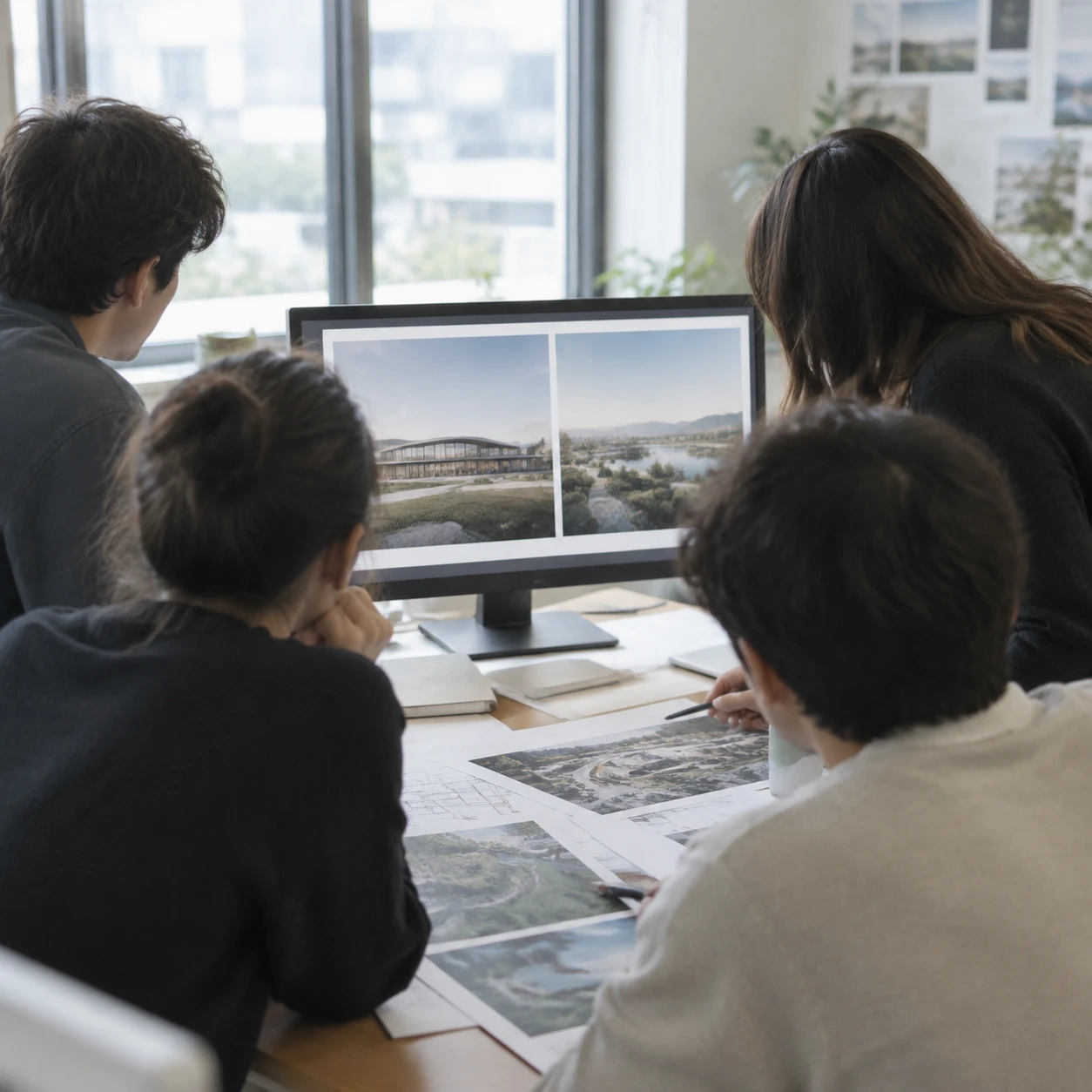
Move from floor plan to exterior render to landscape render for the same community without switching platforms between design phases.
For Landscape & Design Studios Building Client Pitches
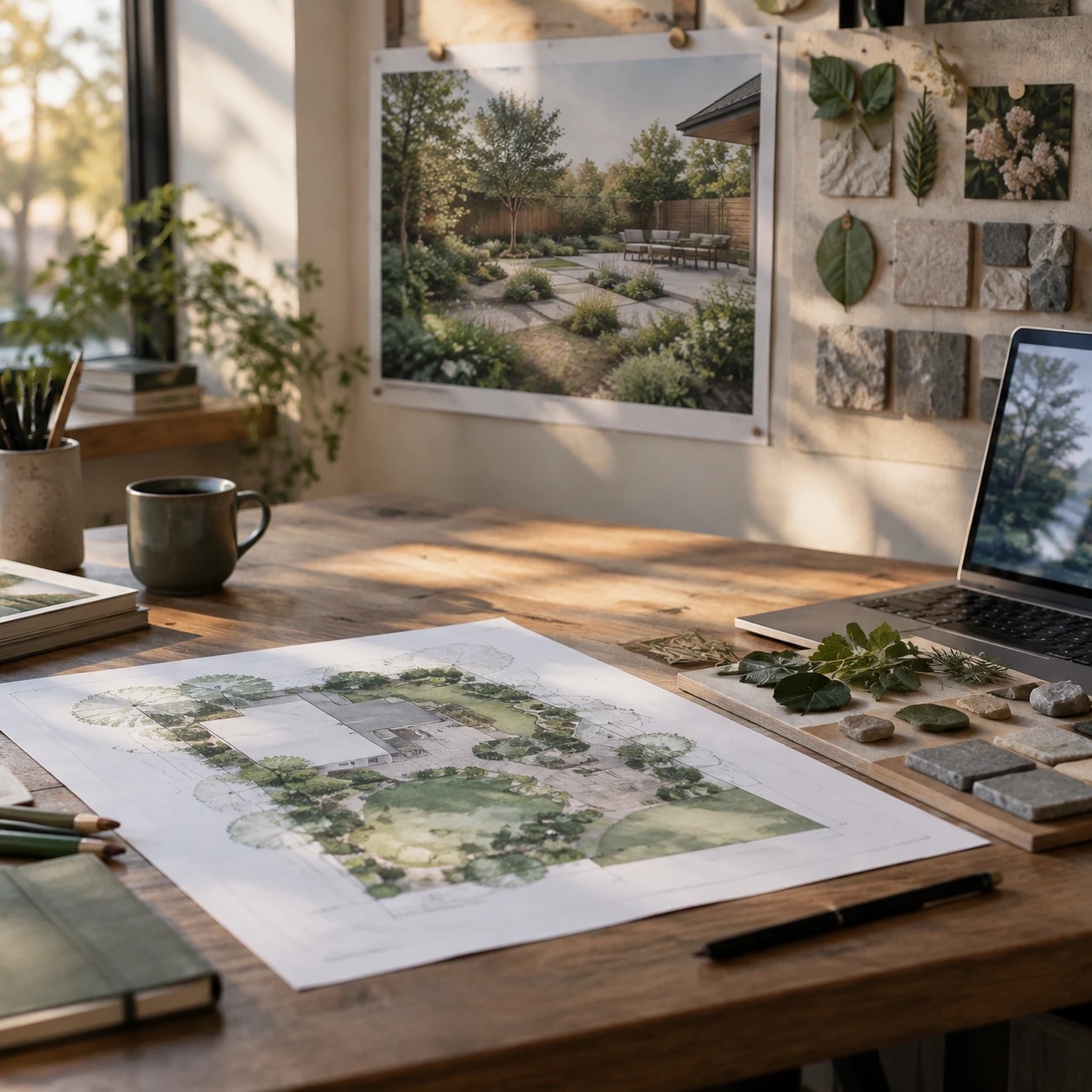
Show a floor plan, a landscape render, and a planting board in the same pitch deck, all pulled from the same workspace instead of stitched together from different tools.

For Site Photographers & Drafters
Offer floor plan digitization and a landscape render as one package for clients who'd otherwise have to hire two different vendors.
Landscape Rendering Questions, Answered

Render the Next Outdoor Space in Your Project
Pick up an exterior render or floor plan already in your workspace, or upload a fresh sketch, plan, or photo — the render lands right back in the same project.
✨ Free credits to start · Same workspace, every step · Works from your own site plan